shadcn.io is an independent project built on shadcn/ui
Home and Dashboard, then Settings and Profile, then Help and Logout. The sections have no headings. Thin rules are the only split, and a search that misses says No page found.
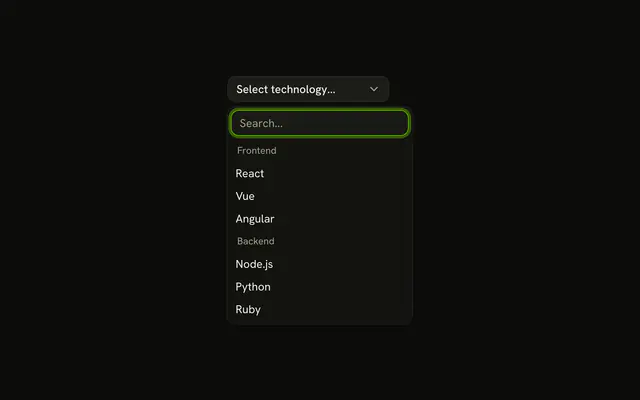
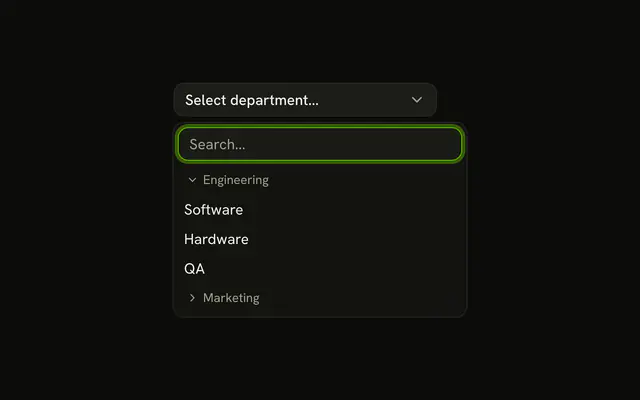
Use it for a short list with an obvious break, such as navigation. Named groups need a heading, which a Select group can carry too. In Svelte, Ark UI draws the rules. It does not name the sections.
Installation
Anatomy

Usage
<Combobox collection={collection} onInputValueChange={handleInputValueChange} onValueChange={handleValueChange} positioning={{ getAnchorElement: () => triggerRef }} selectionBehavior="clear" value={value}><ComboboxTrigger class={cn(
          buttonVariants({ variant: "outline" }),
          "w-[200px] justify-between"
        )} bind:ref={triggerRef}>{#if selected}{selected.label}{:else}{"Select page..."}{/if}</ComboboxTrigger><ComboboxContent><ComboboxInput class="w-full" placeholder="Search..." showTrigger={false} /><ComboboxEmpty>No page found.</ComboboxEmpty><ComboboxList>{#each groups as [group, items], index (group)}<ComboboxGroup aria-label={group}>{#each items as item (item.value)}<ComboboxItem item={item}>{item.label}</ComboboxItem>{/each}</ComboboxGroup>{#if index < groups.length - 1}<ComboboxSeparator />{:else}{/if}{/each}</ComboboxList></ComboboxContent></Combobox>
FAQ
How are the sections built?
Each section is a ComboboxGroup and a ComboboxSeparator sits between two groups.
The items carry a group field and groupBy in useListCollection splits them, so collection.group() returns the sections in order.
Why don't the groups show a heading?
The original layout has none, so the groups only get an aria-label (Primary, Secondary, Other) that screen readers announce. Add a group label when the sections need a name on screen, as in Multiple Groups with Labels.
What happens to the separators during a search?
A group with no matches is hidden. Separators are drawn only between the groups that are left.
API Reference
Combobox
Sets collection={collection}, onInputValueChange={handleInputValueChange}, onValueChange={handleValueChange}, positioning, getAnchorElement and cn. The rest is on the Combobox page.