shadcn.io is an independent project built on shadcn/ui
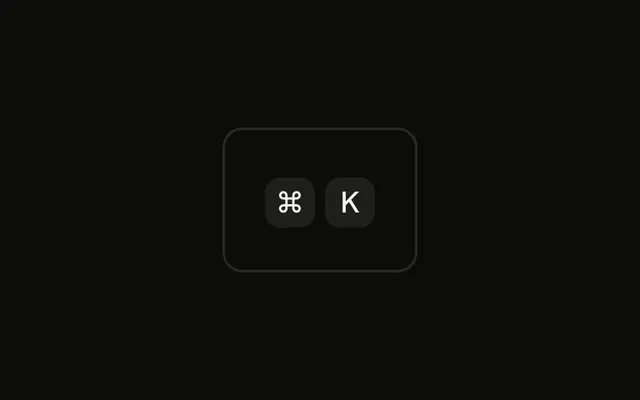
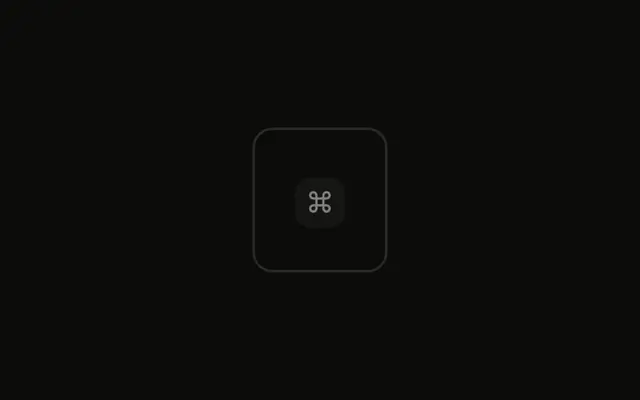
The ⌘ cap has a 2 pixel ring and an offset. K does not. The cap is not in the tab order, and it ignores the pointer.
Draw the ring on the control that can be focused, such as a Button. The cap is only a label. In Svelte, Ark UI does not put these caps in the tab order.
Installation
Anatomy

Usage
<div class="rounded-md border bg-background p-4"><KbdGroup><Kbd class="ring-2 ring-ring ring-offset-2 ring-offset-background">⌘</Kbd><Kbd>K</Kbd></KbdGroup></div>FAQ
When do key caps need a focus state?
Only when the shortcut sits inside something focusable, such as a button or a menu item, and then the ring belongs on that control, not on the cap. Drawing it on the cap, as here, is for illustrations that explain focus.
What are the requirements for a focus indicator?
WCAG asks for a visible focus indicator on every focusable control, with enough contrast against its surroundings (3 to 1). A 2-pixel ring in the ring color with an offset, as here, meets that on the default themes.
How do focus and active states differ?
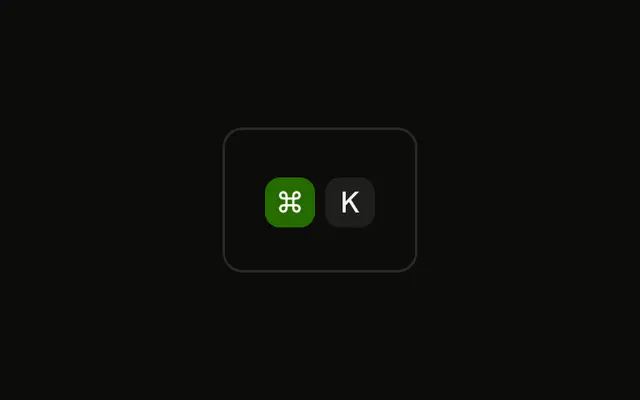
Focus says which control will receive the keyboard; active says which key is held. The Focus State example draws a ring around the cap, the Active State example fills it with color, and a real interface can show both at once.
Should focus always be visible or only when using the keyboard?
Only for keyboard focus: use focus-visible: classes on the control so a mouse click doesn't leave a ring behind. The components do this already.
API Reference
Kbd
No extra props in this demo. The rest is on the Kbd page.