shadcn.io is an independent project built on shadcn/ui
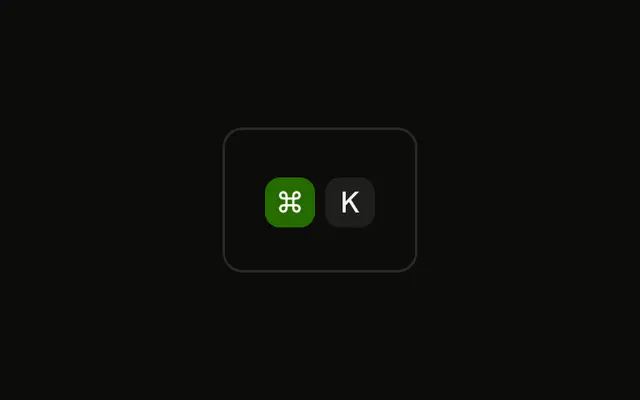
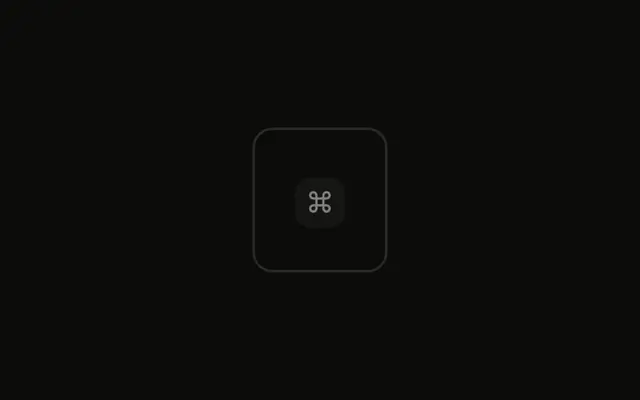
The ⌘ cap is nudged down. K is not. It is a picture of a press, not a key event, and the caps still ignore the pointer.
Use the offset in a keyboard diagram or one step of a lesson. A control that really toggles is a Toggle. In Svelte, Ark UI does not receive the key.
Installation
Anatomy

Usage
<div class="rounded-md border bg-background p-4"><KbdGroup><Kbd class="translate-y-0.5">⌘</Kbd><Kbd>K</Kbd></KbdGroup></div>FAQ
When should keys show a pressed-down effect?
In shortcut trainers and on-screen keyboards that react to the keys the user presses, and in step-by-step tutorials that show which key to hold. In static documentation, leave every key flat.
How does translate-y create the pressed effect?
translate-y-0.5 moves the cap down by two pixels without affecting the layout around it, so the next key doesn't shift. The Kbd has no shadow, so there's nothing to remove; if you add a shadow to your caps, drop it on the pressed one to make it look flush.
How long should the pressed state last?
As long as the key is held. In an interactive demo, add the class on keydown and remove it on keyup; in a static illustration it stays on.
Can several keys look pressed at once?
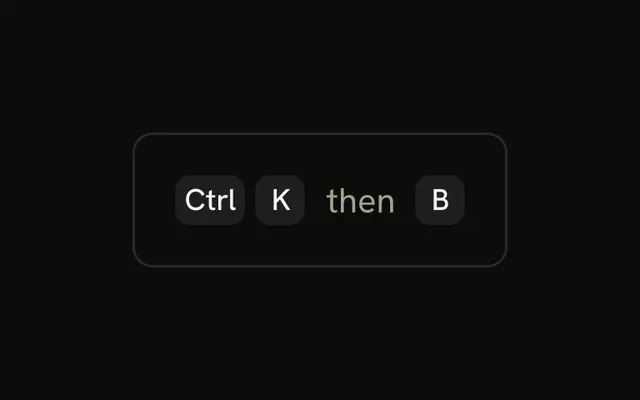
Yes, that's how a chord works: ⌘ goes down, then K. Put the class on each key that's held, and the caps that aren't stay up.
API Reference
Kbd
No extra props in this demo. The rest is on the Kbd page.