shadcn.io is an independent project built on shadcn/ui
Advanced Settings sits on one line with a secondary badge that reads Beta.
Mark a label as beta, new or paid when the word should look like a badge. A Tooltip can explain the badge if Beta is not enough. Ark UI in Svelte does not make the badge the label's name.
Installation
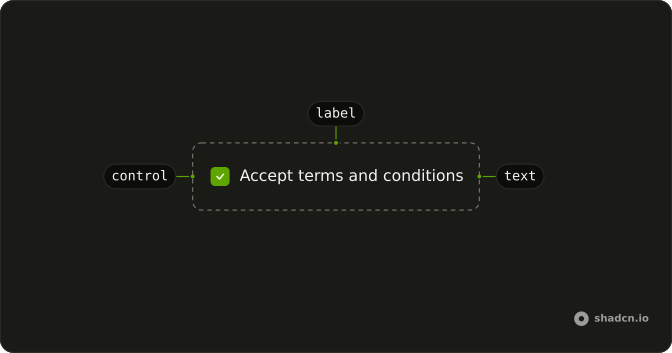
Anatomy
Usage
<Label>Advanced Settings<Badge variant="secondary">Beta</Badge></Label>FAQ
How is the Beta badge attached?
It is a child of Label, after the text Advanced Settings. Badge uses variant="secondary" and the text Beta.
What spaces the badge from the caption?
Label is a flex row with gap-2. The demo adds no margin of its own, so the badge sits on the same line as the text.
Which badge variant is this?
secondary. That is the only badge in the file. Omit variant when the status should use the default badge.
Does the badge block the setting?
No. The file is the label and the badge. It does not render an input, and it does not check a plan.
API Reference
Label
No extra props in this demo. The rest is on the Label page.
Badge
Sets variant="secondary". The rest is on the Badge page.