shadcn.io is an independent project built on shadcn/ui
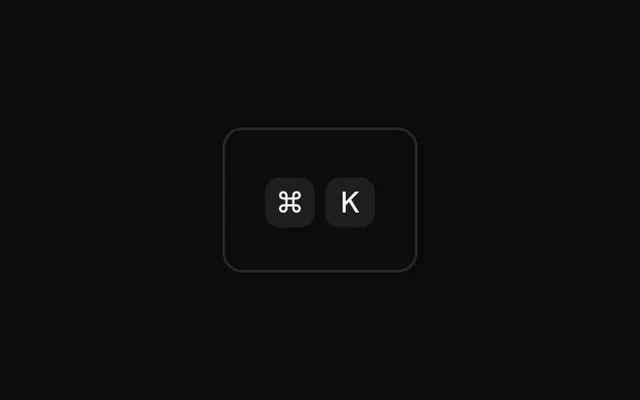
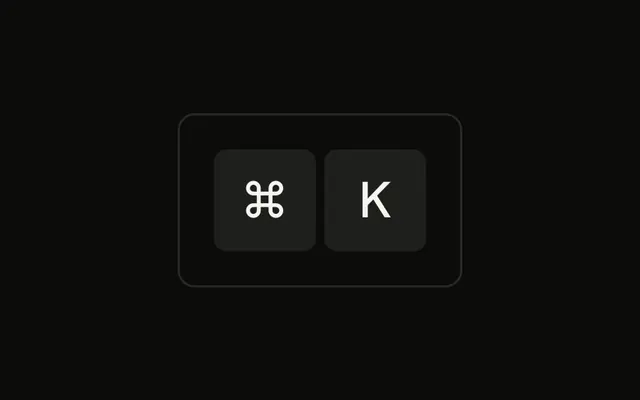
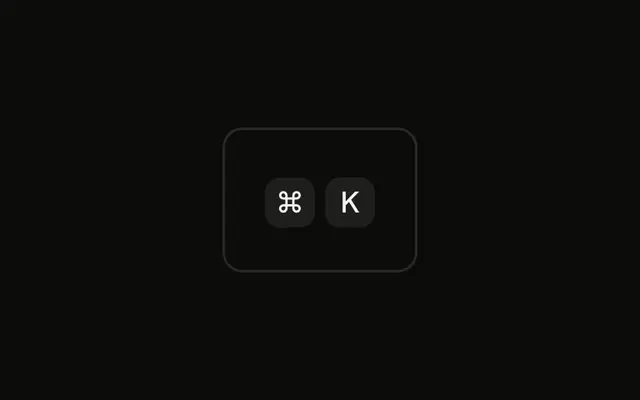
Both keys in the ⌘K group are 32 pixels tall, with base type and a little horizontal padding. The chord is a label. It does not listen for keys.
Use large caps in onboarding or a shortcut legend. In a toolbar, the default size beside a Button is enough. In Svelte, Ark UI does not fire ⌘K.
Installation
Anatomy

Usage
<div class="rounded-md border bg-background p-4"><KbdGroup><Kbd class="h-8 min-w-8 px-2 text-base">⌘</Kbd><Kbd class="h-8 min-w-8 px-2 text-base">K</Kbd></KbdGroup></div>FAQ
When should I use large key caps?
When the shortcut is the content rather than a hint beside it: a callout that teaches a shortcut, an onboarding screen, a cheat sheet, a slide. Next to a menu item or a button, the default size fits better.
What dimensions work for large key caps?
This example uses a 32-pixel height and minimum width with base-size text and a little more padding. Keep the height and minimum width equal so single characters stay square, and scale the text with them.
How do I use large key caps for visual hierarchy?
Use one large shortcut as the focal point and keep the rest of the page's shortcuts at the default size. Several large shortcuts compete with each other and the headings.
Are large key caps more accessible?
They're easier to read for people with low vision and from a distance. They don't change what screen readers hear, which is the text inside each cap.
API Reference
Kbd
No extra props in this demo. The rest is on the Kbd page.