shadcn.io is an independent project built on shadcn/ui
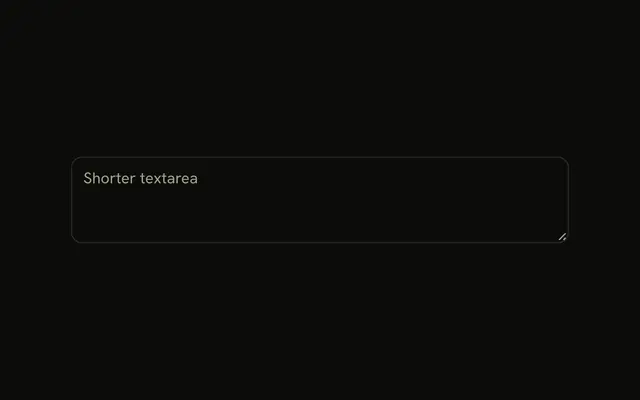
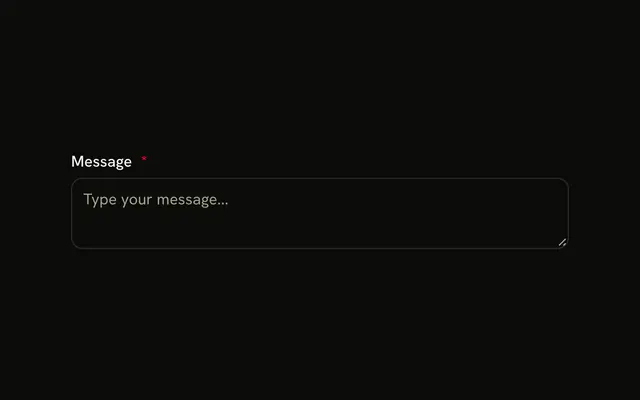
The textarea shows This content cannot be edited. It can be focused, selected, and copied. It cannot be changed. Its accessible name is Message.
Use it for a generated summary or terms people must read and copy. Disable the field instead when it should leave the tab order. One line belongs in an Input. In Svelte, Ark UI does not stop the text from being selected.
Installation
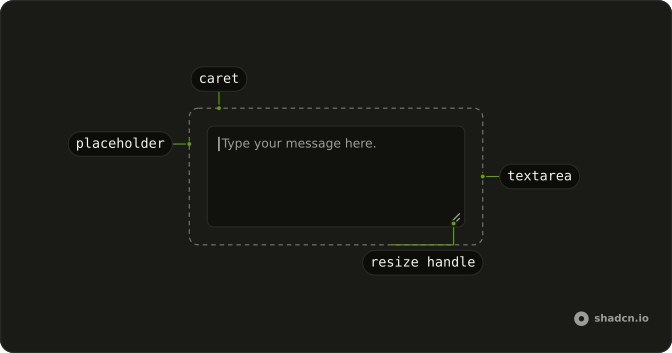
Anatomy
Usage
<Textarea aria-label="Message" class="max-w-md bg-background" defaultValue="This content cannot be edited" placeholder="This textarea is read-only" readonly />FAQ
Can users still select and copy text from read-only textareas?
Yes. Selecting, copying and scrolling work as in any Textarea; only typing, pasting and cutting are blocked. That makes it a good fit for values people copy elsewhere, such as a key or a generated snippet.
Can read-only textareas receive keyboard focus?
Yes. It stays in the tab order and shows the Textarea's focus ring, so keyboard users can reach it and screen readers can read it line by line. That's the main reason to prefer it over disabled for content people need to read.
Are read-only values included in form submissions?
Yes, unlike disabled ones: a read-only Textarea with a name submits its value. Browsers skip constraint validation such as required on read-only fields, so check the value elsewhere if it matters.
How do I visually distinguish read-only from editable textareas?
By default it looks exactly like an editable Textarea. Add a class such as read-only:bg-muted to set it apart, and keep enough contrast that the text stays easy to read.
API Reference
Textarea
Sets aria-label="Message", defaultValue="This content cannot be edited", placeholder="This textarea is read-only" and readonly. The rest is on the Textarea page.