shadcn.io is an independent project built on shadcn/ui
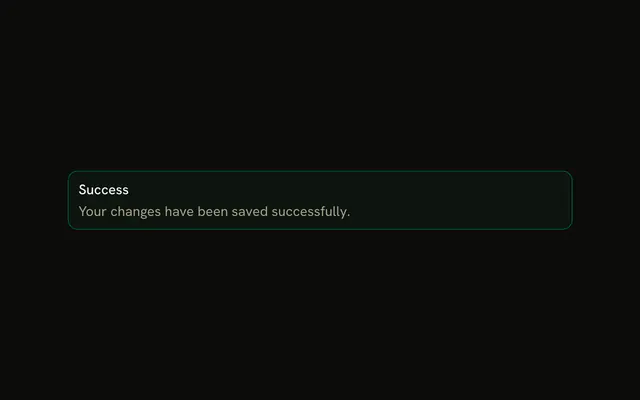
The title Success and the sentence that the changes were saved. No icon, no buttons, and no colored border.
Use it for a general update that needs one sentence and no urgency. A status that should fade fits Sonner. In Vue, Ark UI leaves this on the page.
Installation
Anatomy

Usage
<Alert class="max-w-lg">
  <AlertTitle>Success</AlertTitle>
  <AlertDescription>Your changes have been saved successfully.</AlertDescription>
</Alert>
FAQ
When do standard alerts need descriptions?
When the title tells the reader something happened but not what it means for them. One sentence on what changed or what to do next is usually enough; if the title already says it, leave the description out.
How long should standard alert descriptions be?
One or two sentences. AlertDescription wraps as needed, but a long paragraph turns a notice into an article; link to the details instead.
Should I use standard or info alerts for general announcements?
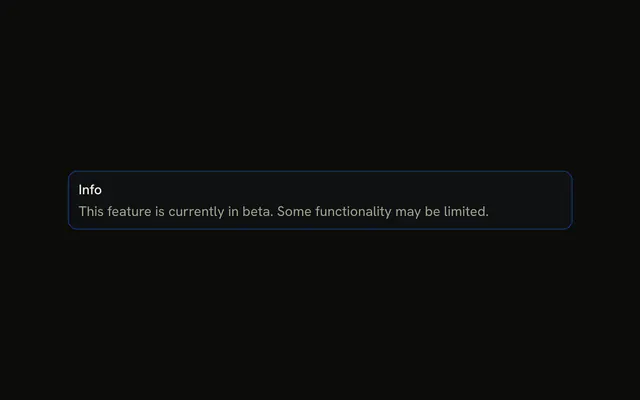
Info when you want the announcement to stand out with its blue tint, standard when it should sit quietly in the page. If the page already has colored alerts, the default variant keeps this one from competing.
Should standard alerts with descriptions be dismissible?
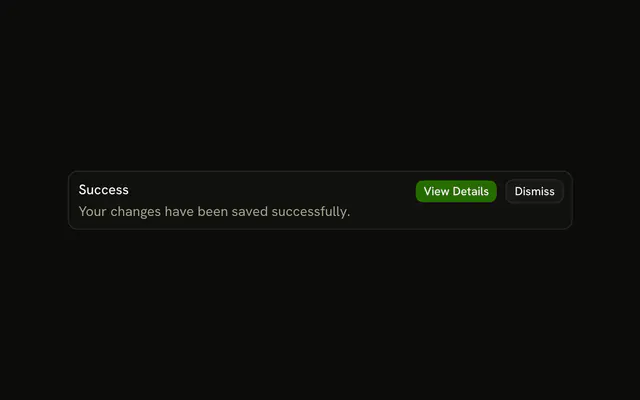
If the information is only useful once, yes. The Alert has no built-in dismiss: keep its visibility in your own state and put a button in AlertAction that hides it.
API Reference
Alert
No extra props in this demo. The rest is on the Alert page.