shadcn.io is an independent project built on shadcn/ui
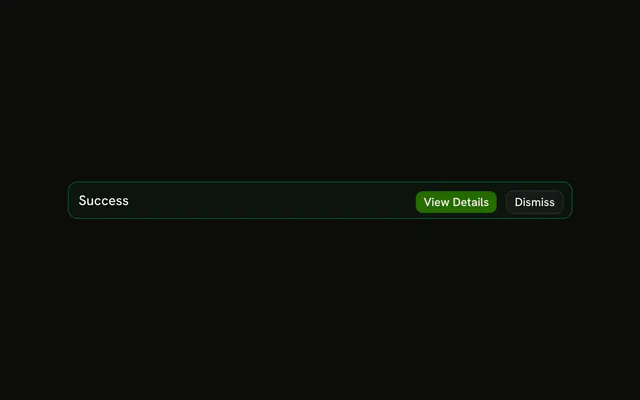
The title Success and the sentence that the changes were saved, on a success-tinted alert. No icon and no buttons.
Keep it on the page when the save should still be visible later. A note that can vanish is a Toast. In Vue, Ark UI does not remove it on a timer.
Installation
Anatomy

Usage
<Alert class="max-w-lg" variant="success">
  <AlertTitle>Success</AlertTitle>
  <AlertDescription>Your changes have been saved successfully.</AlertDescription>
</Alert>
FAQ
What does this success alert contain?
AlertTitle with the text Success, and AlertDescription with "Your changes have been saved successfully." The root is variant="success" and className="max-w-lg".
Is there an icon or a button?
No. Add an svg before AlertTitle for the icon column, or an AlertAction when the reader should open the result or dismiss the alert.
Why isn't the description green?
The success variant tints the alert's background and border and colors the icon, but keeps the text in the theme's foreground and muted colors. Green body text is harder to read, and the tint already says it's good news.
How do the title and description line up?
Alert is a grid with a small gap. AlertTitle is font-medium and AlertDescription follows it, wrapping inside max-w-lg.
Should success alerts with descriptions auto-hide?
An Alert never hides itself; it stays until your code removes it. If the confirmation should vanish after a few seconds, use a toast such as Sonner instead.
API Reference
Alert
Sets variant="success". The rest is on the Alert page.