shadcn.io is an independent project built on shadcn/ui
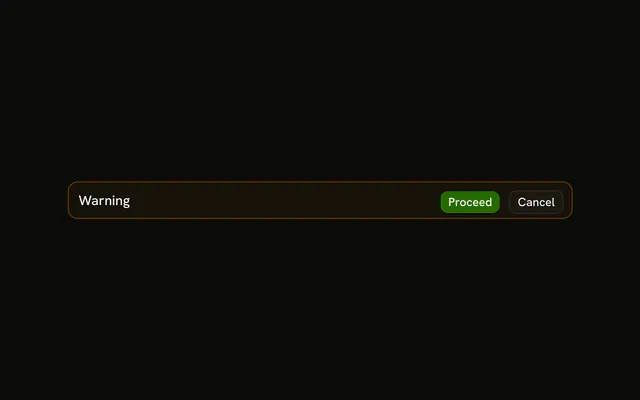
Only the title Warning, on a warning-tinted alert. No icon, no description, and no button.
Use it when the title already says what to watch, such as Unsaved changes. A blocking confirm is an Alert Dialog. In Vue, Ark UI does not dismiss this.
Installation
Anatomy

Usage
<Alert class="max-w-lg" variant="warning"><AlertTitle>Warning</AlertTitle></Alert>FAQ
When should I use title-only warning alerts?
When the title says what to watch out for and what to do is obvious: Storage almost full, Unsaved changes. If the reader would ask what happens if they ignore it, add an AlertDescription.
When should I use warning instead of error alerts?
A warning is about something that may go wrong; an error is about something that already did. An expiring plan or a nearly full disk is a warning; a failed payment is an error and uses variant="destructive".
Where does the amber styling come from?
From variant="warning": a faint tint of the theme's --warning color on the background, a stronger border, and the same color on any icon. The title keeps the regular text color, since amber text is hard to read on a light background.
Where should warning alerts appear on the page?
Before the thing it warns about: above a form whose submission is risky, at the top of a usage page for a quota. A warning after the action is too late to help.
API Reference
Alert
Sets variant="warning". The rest is on the Alert page.