shadcn.io is an independent project built on shadcn/ui
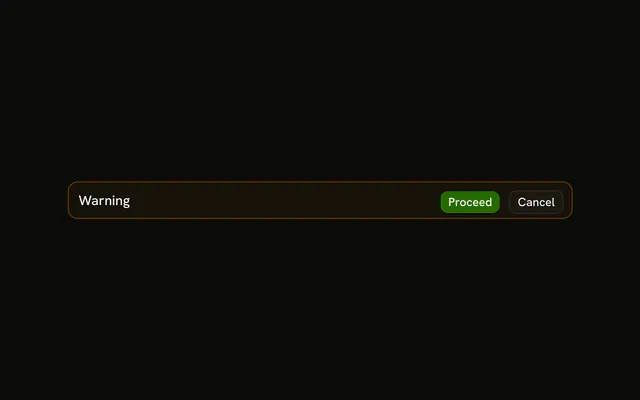
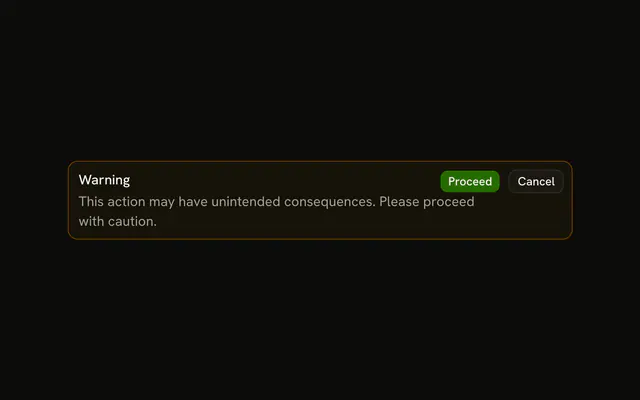
The title Warning and a sentence to proceed with caution. No icon and no buttons. The warning tint is on the frame, not the text.
Leave it up while the risk is still there, such as a quota that is nearly full. It should not fade the way a Sonner toast does. In Vue, Ark UI does not hide it on its own.
Installation
Anatomy

Usage
<Alert class="max-w-lg" variant="warning">
  <AlertTitle>Warning</AlertTitle>
  <AlertDescription>
    This action may have unintended consequences. Please proceed with caution.
  </AlertDescription>
</Alert>
FAQ
What does this warning alert contain?
AlertTitle with the text Warning, and AlertDescription with "This action may have unintended consequences. Please proceed with caution." The root is variant="warning" and className="max-w-lg".
Is there an icon or a button?
No. Put TriangleAlertIcon first if you want the icon column, or Proceed and Cancel in AlertAction if the reader should choose.
Why isn't the description amber?
The warning variant tints the alert's background and border and colors the icon, but keeps the text in the theme's foreground and muted colors. Amber text would be hard to read, and the tint already marks the alert as a warning.
How do the title and description line up?
Alert is a grid with a small gap. AlertTitle is font-medium and AlertDescription follows it, wrapping inside max-w-lg.
API Reference
Alert
Sets variant="warning". The rest is on the Alert page.