shadcn.io is an independent project built on shadcn/ui
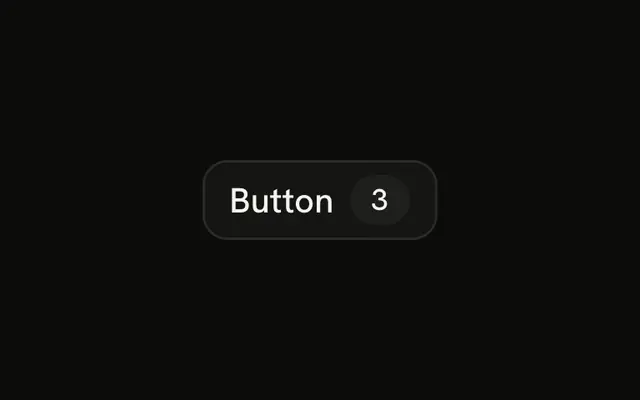
The default button, with a badge showing how many. The demo hard-codes 3. In a real list, that number comes from the selection.
Use it for Checkout or Delete selected, so people see the size of the action before they press. If there is nothing to count, use a plain Button. In Vue, Ark UI just renders the badge you put inside.
Installation
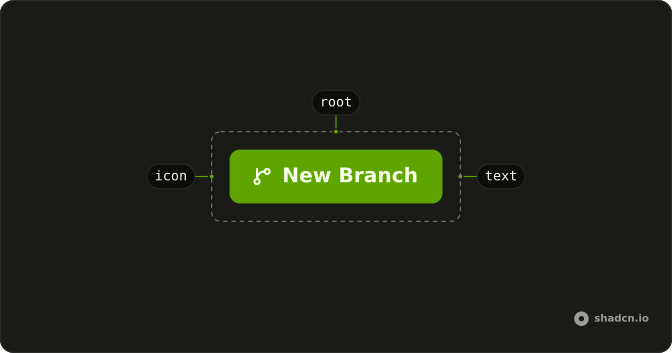
Anatomy
Usage
<Button>
  Button<Badge class="bg-primary-foreground/20 text-primary-foreground" :pill="true">3</Badge>
</Button>
FAQ
Is the 3 a live count?
No. The Badge children are the characters 3. Nothing in the demo reads a selection or updates the number. Pass your count as the badge's children.
How is the badge colored on the primary button?
The button is the default variant, primary fill and primary text. pill rounds the badge, and bg-primary-foreground/20 with text-primary-foreground keeps the number readable on that fill.
Should I disable it when the count is 0?
When a delete with nothing selected shouldn't run, pass disabled yourself. The demo always shows 3 and stays enabled. Hide the button only when that action isn't part of the screen.
How do I show singular and plural?
The badge is only the number. Put the noun on the button, such as Delete, or write the whole phrase as the button's children. This demo doesn't pick a plural form for you.
API Reference
Button
No extra props in this demo. The rest is on the Button page.
Badge
Sets pill. The rest is on the Badge page.