shadcn.io is an independent project built on shadcn/ui
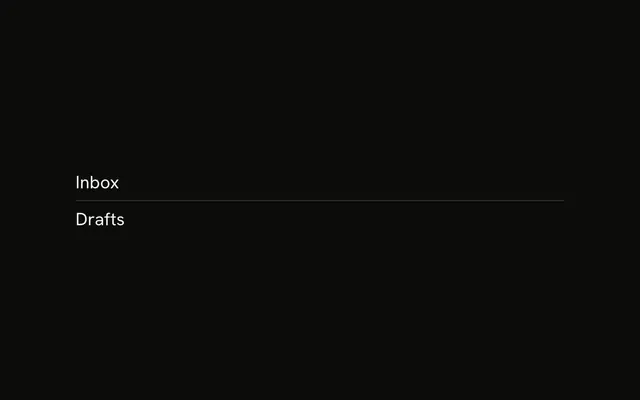
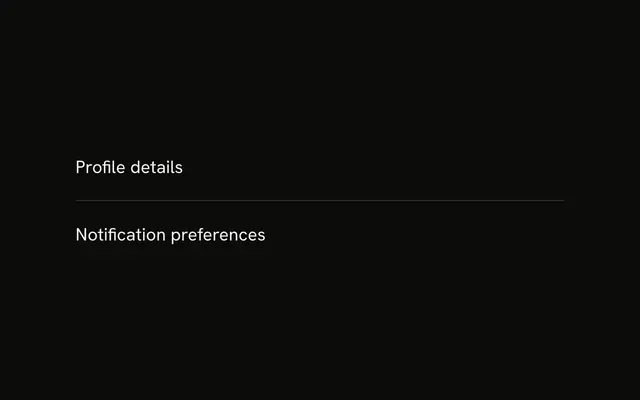
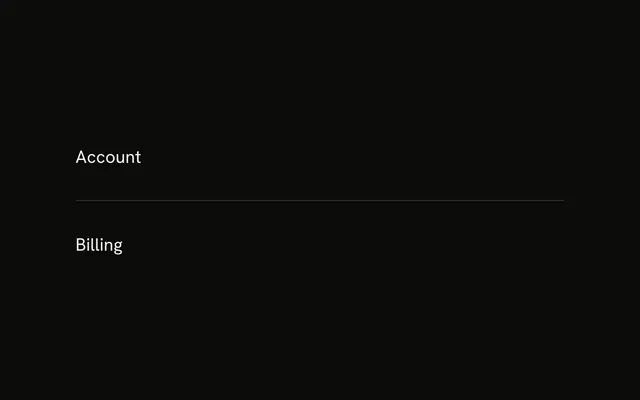
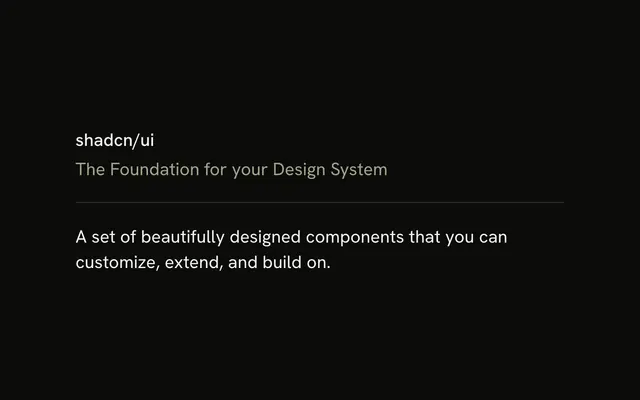
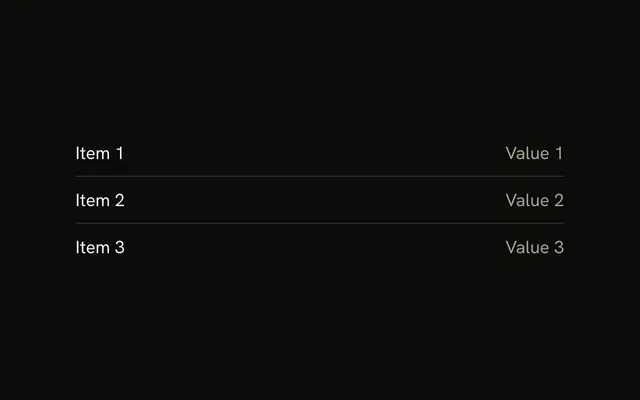
Section 1 sits above a horizontal line, and Section 2 sits below it. The line is inset from both sides, so it is shorter than the text.
Inset the line when a full-bleed rule feels too strong for a nested block. A full-width line, or a Card edge, is clearer at the page boundary. In Vue, Ark UI does not label the line.
Installation
Anatomy
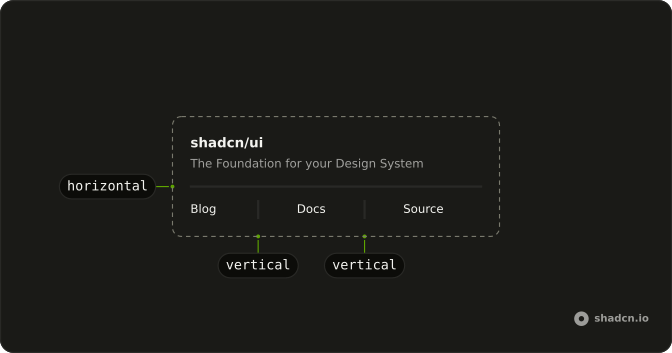
Usage
<div class="flex w-full max-w-sm flex-col gap-4">
  <p class="text-sm">Section 1</p>
  <Separator class="mx-8 data-horizontal:w-auto" />
  <p class="text-sm">Section 2</p>
</div>
FAQ
When should I use an inset separator?
Inside padded cards, list items and sidebars, where a full-bleed line feels heavier than the content. Full width is better for page-level section breaks.
How much horizontal inset?
Match the container's padding: a card with p-6 takes mx-6, or pad the parent and leave the line at full width. mx-8 is a 32 pixel inset for wider panels.
Why does the width need an override?
The Separator is full width by default. Full width plus mx-8 overflows its parent by 64 pixels, so the example sets the width back to auto and the line fits between the margins.
Use the component's orientation variant, data-horizontal:w-auto, so it replaces the default width.
Should the line align with the text?
Usually. If the content has px-6, inset the line by the same amount so both edges share one vertical axis.
API Reference
Separator
No extra props in this demo. The rest is on the Separator page.