shadcn.io is an independent project built on shadcn/ui
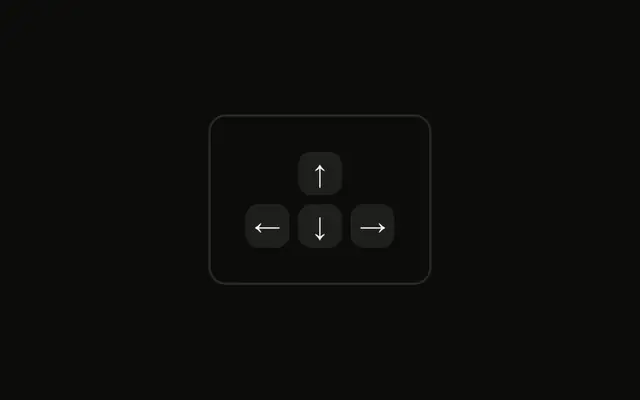
Four caps in one group use arrow icons. Each icon is hidden from assistive tech and followed by a hidden name, such as Up arrow. The keys are not listened for.
Use icons when the font's arrow glyphs are unreliable. Repeat the name on a Button if the control is real. In Vue, Ark UI does not move focus from these caps.
Installation
Anatomy

Usage
<div class="rounded-md border bg-background p-4">
  <KbdGroup>
    <Kbd><ArrowUpIcon aria-hidden="true" /><span class="sr-only">Up arrow</span></Kbd>
    <Kbd>
      <ArrowDownIcon aria-hidden="true" />
      <span class="sr-only">Down arrow</span>
    </Kbd>
    <Kbd>
      <ArrowLeftIcon aria-hidden="true" />
      <span class="sr-only">Left arrow</span>
    </Kbd>
    <Kbd>
      <ArrowRightIcon aria-hidden="true" />
      <span class="sr-only">Right arrow</span>
    </Kbd>
  </KbdGroup>
</div>
FAQ
Why icons instead of text labels?
An arrow says which way faster than the words Up or Left and needs no translation. Icons also keep a consistent stroke and size, where arrow characters vary from font to font.
How are the icon-only keys made accessible?
Each icon has aria-hidden so screen readers skip it, and a visually hidden span with the key's name, like Left arrow, gives them the text instead. Sighted users see only the icon.
Should the arrows be in a row or a keyboard layout?
A row, as here, fits inline hints like Use the arrows to move. For a controls panel, the inverted T of the Arrow Keys Cross Pattern example reads more like the keyboard.
API Reference
Kbd
No extra props in this demo. The rest is on the Kbd page.