shadcn.io is an independent project built on shadcn/ui
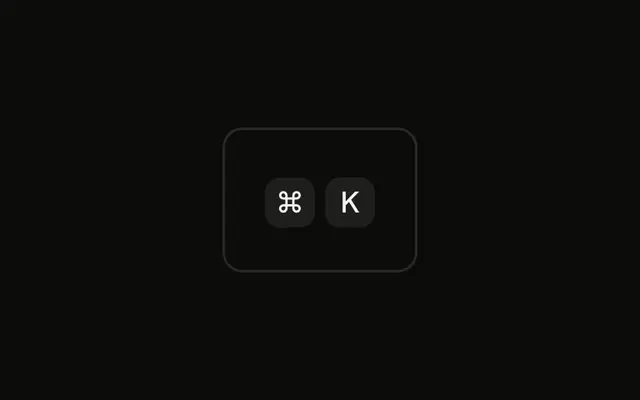
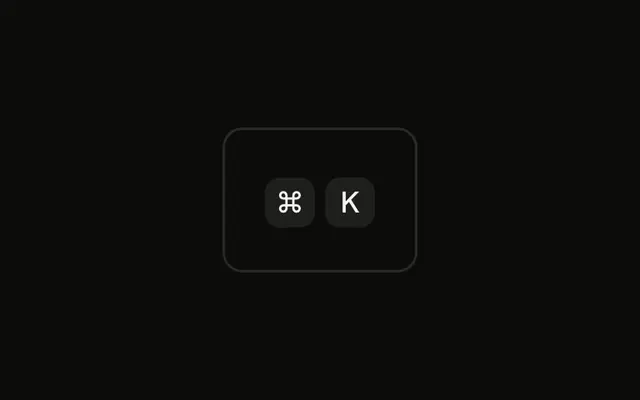
The first cap shows the Command icon, hidden from assistive tech, plus the hidden word Command. K is a text cap beside it. No listener is attached.
Use the icon when the cloverleaf is clearer than the word Cmd. Write the label in text if you need both platforms. A Button can hold the pair. In Vue, Ark UI does not press the key.
Installation
Anatomy

Usage
<div class="rounded-md border bg-background p-4">
  <KbdGroup>
    <Kbd><CommandIcon aria-hidden="true" /><span class="sr-only">Command</span></Kbd>
    <Kbd>K</Kbd>
  </KbdGroup>
</div>
FAQ
Should I show the Command icon or the word Cmd?
The symbol is what's printed on the key and in macOS menus, so Mac users recognize it fastest. The word helps people who are new to Mac; docs for beginners can use it.
How do I document a shortcut for Mac and Windows?
Show each person their own keys: ⌘K on Mac, Ctrl K elsewhere, as the Platform-Aware Shortcut example does. In static docs, list both.
Is the icon accessible without a text label?
Not on its own, which is why the icon is hidden with aria-hidden and a visually hidden span says Command. Screen readers read Command K; sighted users see the cloverleaf and K.
Why does the Mac have a Command key?
The Macintosh gave app shortcuts their own key, separate from Control, and marked it with the cloverleaf, a sign used for places of interest. It has been on every Mac keyboard since.
API Reference
Kbd
No extra props in this demo. The rest is on the Kbd page.