shadcn.io is an independent project built on shadcn/ui
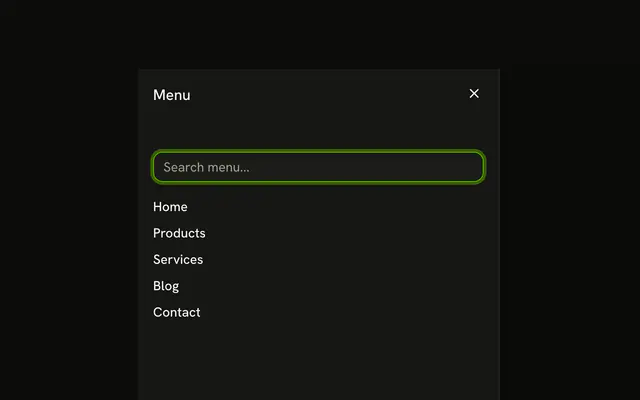
The trigger says Menu, and so does the sheet title. Under it, Home, Products, About, and Contact are stacked.
Use it as the navigation on a small screen. On a wide page, keep those links in a Navigation Menu. In Vue, Ark UI does not mark the current page.
Installation
Anatomy

Usage
<Sheet>
  <SheetTrigger :asChild="true"><Button variant="outline">Menu</Button></SheetTrigger>
  <SheetContent side="left">
    <SheetHeader><SheetTitle>Menu</SheetTitle></SheetHeader>
    <nav class="flex flex-col gap-4 p-4">
      <a
        v-for="link in LINKS"
        class="font-medium text-sm hover:underline"
        href="#"
        :key="link"
      >
        {{ link }}
      </a>
    </nav>
  </SheetContent>
</Sheet>
FAQ
Which links does the menu have?
Home, Products, About and Contact, as a elements in a nav, mapped from a static list. Swap href="#" for your routes, or use your router's link.
Why does the menu open from the left?
side="left" on SheetContent slides the panel in from the left, where people look for a menu. It fills the height and caps its width from the sm breakpoint.
Does the sheet close when a link is clicked?
Links in a sheet don't close it. When a link changes the page, close the sheet in its click handler, or let your router's navigation unmount it. To close it from code, control the open state:
Pass open to Sheet and listen to @open-change, which receives details.open.
How do I show it only on small screens?
Hide the trigger from the md breakpoint up, with md:hidden, and show your full navigation there instead.
API Reference
Sheet
Sets asChild and side="left". The rest is on the Sheet page.
Button
Sets variant="outline". The rest is on the Button page.