shadcn.io is an independent project built on shadcn/ui
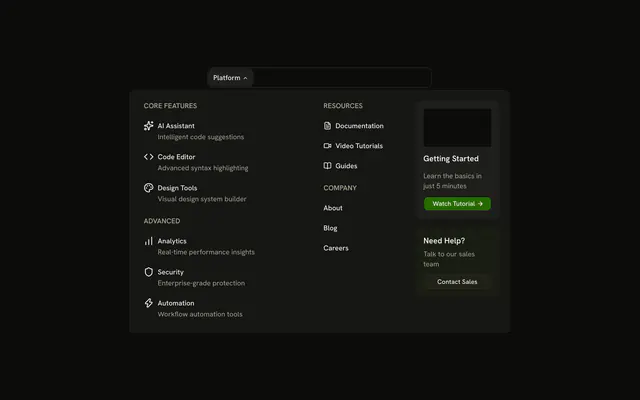
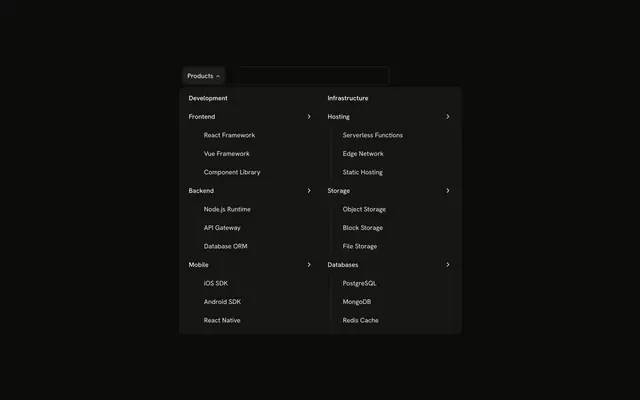
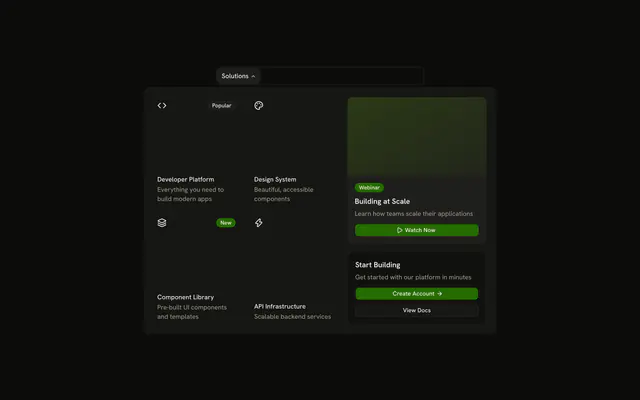
The bar shows Products. The panel has Web, Mobile, and Infrastructure tabs, three links on each, and a line that says Need help choosing?
Use tabs when one panel would be too tall for every product. Put the same tabs on the page with Tabs if the catalog is the page. In Vue, Ark UI closes the open panel when you press Escape.
Installation
Anatomy
Usage
<div class="w-full max-w-md rounded-md border bg-background p-px">
  <NavigationMenu>
    <NavigationMenuList>
      <NavigationMenuItem>
        <NavigationMenuTrigger>Products</NavigationMenuTrigger>
        <NavigationMenuContent>
          <div class="flex w-[700px] max-w-full flex-col gap-6 p-4">
            <Tabs defaultValue="web">
              <TabsList class="w-full">
                <TabsTrigger v-for="tab in tabs" :key="tab.value" :value="tab.value">
                  {{ tab.label }}
                </TabsTrigger>
              </TabsList>
              <TabsContent v-for="tab in tabs" :key="tab.value" :value="tab.value">
                <div class="grid grid-cols-3 gap-4">
                  <NavigationMenuLink
                    v-for="item in tab.items"
                    :asChild="true"
                    class="items-start gap-2"
                    :key="item.title"
                  >
                    <a href="#">
                      <component :is="item.icon" aria-hidden="true" class="mt-0.5 size-5" />
                      <div class="flex flex-col gap-0.5">
                        <span class="font-medium">{{ item.title }}</span>
                        <span class="text-muted-foreground">
                          {{ item.description }}
                        </span>
                      </div>
                    </a>
                  </NavigationMenuLink>
<!-- The rest of the file is under Installation. -->
FAQ
How are the tabs set up?
The tabs are uncontrolled and start on Web.
defaultValue is web, and each TabsTrigger and TabsContent has the tab's value.
Where do the tabs come from?
A list at the top of the file, each tab a label, a value and its three products, mapped to one trigger and one panel each.
How do the links use my router?
Each link is your router's link rendered through NavigationMenuLink, so it keeps the menu's styles and focus handling.
NavigationMenuLink takes as-child, and the demo puts an anchor inside. Put RouterLink or NuxtLink there instead.
API Reference
Navigation Menu
Sets v-for="item in tab.items", asChild and key="item.title". The rest is on the Navigation Menu page.
Tabs
Sets defaultValue="web", v-for="tab in tabs", key="tab.value" and value="tab.value". The rest is on the Tabs page.