shadcn.io is an independent project built on shadcn/ui
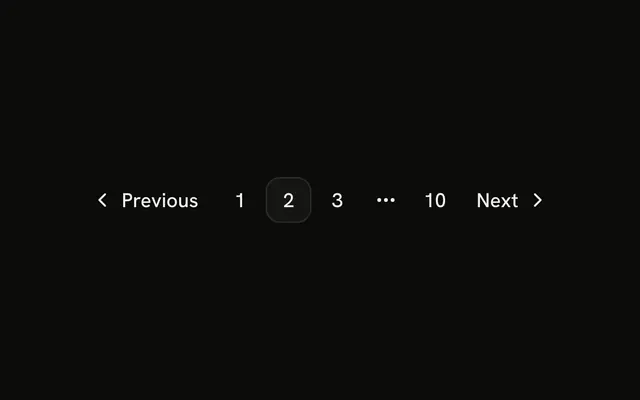
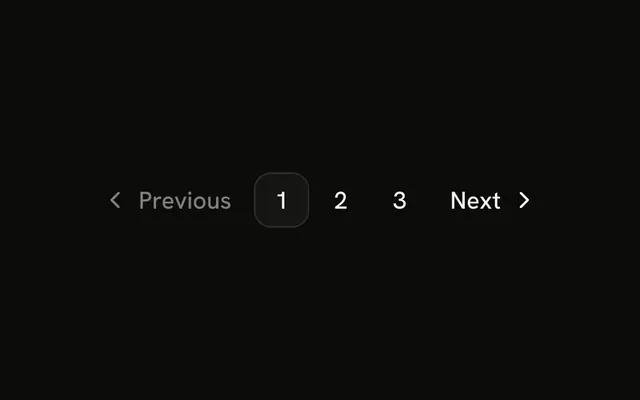
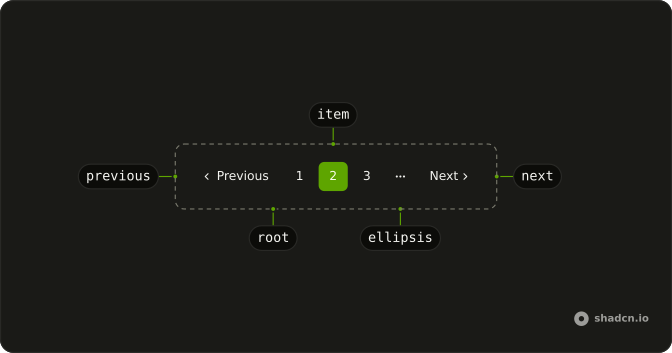
The row is Previous, pages 1, 2, and 3, and Next. Page 2 is current. There is no ellipsis and no first or last control. Every href is #.
It is the common pattern for a short list: step one page, or jump to a number. For a feed with no total, drop the numbers. A single Button is enough when there is only a next page. In Vue, Ark UI follows the href you set.
Installation
Anatomy
Usage
<Pagination>
  <PaginationContent>
    <PaginationItem><PaginationPrevious href="#" /></PaginationItem>
    <PaginationItem><PaginationLink href="#">1</PaginationLink></PaginationItem>
    <PaginationItem>
      <PaginationLink href="#" :isActive="true">2</PaginationLink>
    </PaginationItem>
    <PaginationItem><PaginationLink href="#">3</PaginationLink></PaginationItem>
    <PaginationItem><PaginationNext href="#" /></PaginationItem>
  </PaginationContent>
</Pagination>
FAQ
How are the arrows and the numbers arranged?
PaginationPrevious, then PaginationLinks for 1, 2 and 3, then PaginationNext. Page 2 has isActive. Each control is in its own PaginationItem.
How is page 2 marked current?
isActive uses the outline variant and sets aria-current="page". Pages 1 and 3 stay ghost. Move isActive to the current link.
How do I give every control a real URL?
Every href is #. Set it on PaginationPrevious, each PaginationLink, and PaginationNext. The nav is labeled "pagination".
How do I change the Previous and Next words?
Pass text. The defaults are "Previous" and "Next". The accessible names are "Go to previous page" and "Go to next page". The word uses hidden sm:block, and the chevron is aria-hidden.
API Reference
Pagination
Sets href="#" and isActive. The rest is on the Pagination page.