shadcn.io is an independent project built on shadcn/ui
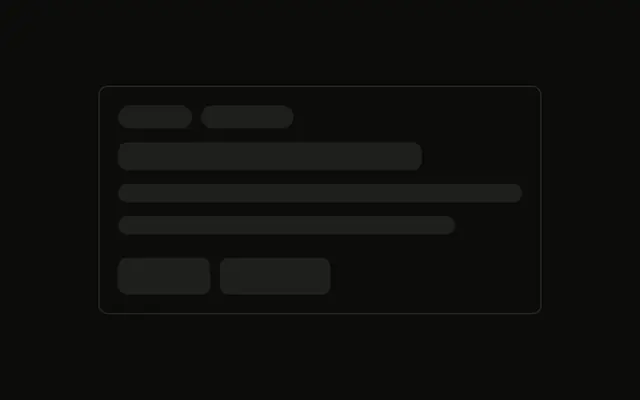
Three bordered items each hold a title, two lines of text, and two pill tags.
Use it for job posts or articles that show an excerpt and tags. An empty result belongs in Empty, not a fake row. In Vue, Ark UI does not supply the titles.
Installation
Anatomy
Usage
<div class="flex w-full max-w-md flex-col gap-4">
  <div
    v-for="item in ITEMS"
    class="flex flex-col gap-2 rounded-md border p-4"
    :key="item"
  >
    <Skeleton class="h-5 w-3/4" />
    <Skeleton class="h-4 w-full" />
    <Skeleton class="h-4 w-5/6" />
    <div class="mt-2 flex items-center gap-2">
      <Skeleton class="h-6 w-16 rounded-full" />
      <Skeleton class="h-6 w-20 rounded-full" />
    </div>
  </div>
</div>
FAQ
How many items are in the list?
Three. ITEMS maps them into a max-w-md column with gap-4. Each item is flex flex-col gap-2 rounded-md border p-4.
What text does an item reserve?
An h-5 w-3/4 title, then h-4 w-full and h-4 w-5/6. The shorter second line reads as the end of the excerpt.
How are the tags drawn?
mt-2 flex items-center gap-2 holds h-6 w-16 rounded-full and h-6 w-20 rounded-full. rounded-full replaces the style's default radius.
Where does the item border come from?
rounded-md border p-4 is on the item div. The bars inside take bg-muted and animate-pulse from Skeleton.
API Reference
Skeleton
No extra props in this demo. The rest is on the Skeleton page.