shadcn.io is an independent project built on shadcn/ui
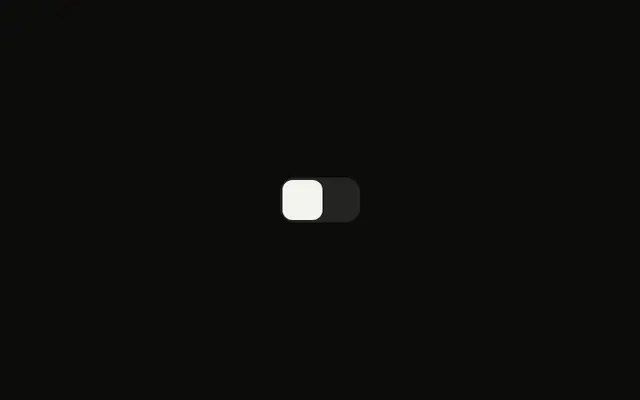
A square switch starts on, next to the label Enable notifications. The label and the switch are tied, so clicking the words toggles it.
Use a visible label for almost every setting. The square corners are only the shape. If the choice waits for a form submit, use a Checkbox. In Vue, Ark UI reads the label with the switch.
Installation
Anatomy
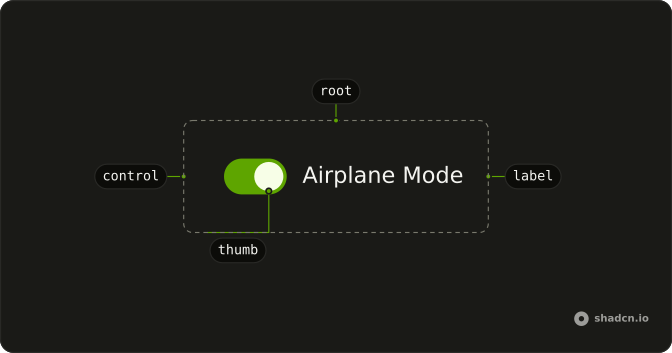
Usage
<Field class="w-fit" orientation="horizontal">
  <Switch class="rounded-sm **:data-[slot=switch-thumb]:rounded" :defaultChecked="true" />
  <FieldLabel>Enable notifications</FieldLabel>
</Field>
FAQ
How are the corners squared off?
The Switch sets rounded-sm for the track and **:data-[slot=switch-thumb]:rounded for the thumb. The thumb is the part with data-slot="switch-thumb", so the selector reaches it on every library.
Why does the text toggle the switch?
The Switch and a FieldLabel sit in a horizontal Field with w-fit.
The Field links the label to the switch, so this file sets no ids.
How do I control this switch in Vue?
The switch starts on through its default prop, which only sets the starting state; after that it keeps its own state. To control it, keep the on or off state in your own state and pass it back.
The prop is defaultChecked.
Bind it with v-model:checked, or listen to @checked-change, which receives details.checked.
How do I make this switch smaller?
Set size="sm". The default size is default. For a different track or thumb, edit those classes in the Switch file in your ui folder.
API Reference
Field
Sets orientation="horizontal". The rest is on the Field page.
Switch
Sets defaultChecked. The rest is on the Switch page.