shadcn.io is an independent project built on shadcn/ui
An outlined row shows the title Auto-save, the description Automatically save your work as you type, and a switch that starts on.
Use the shared row when a settings list should match other rows in the app. A one-off card is the heavier layout. A form that saves later can use a Checkbox. In Vue, Ark UI does not auto-save anything. The switch only toggles.
Installation
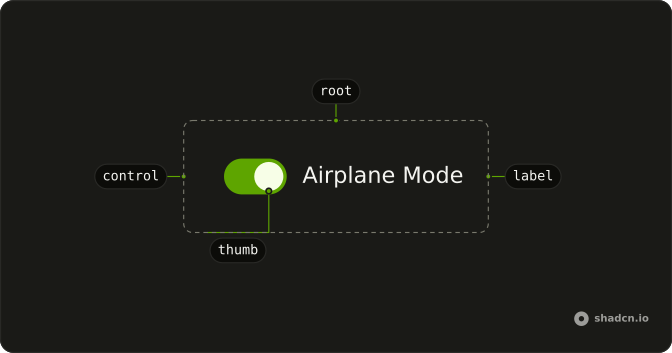
Anatomy
Usage
<Item class="bg-background" variant="outline">
  <ItemContent>
    <ItemTitle>Auto-save</ItemTitle>
    <ItemDescription>Automatically save your work as you type</ItemDescription>
  </ItemContent>
  <ItemActions><Switch aria-label="Auto-save" :defaultChecked="true" /></ItemActions>
</Item>
FAQ
Which Item parts wrap the copy?
Item sets variant="outline" and bg-background. ItemContent holds ItemTitle (Auto-save) and ItemDescription, and ItemActions holds the Switch.
Does the title toggle the switch?
No. ItemTitle is text, not a label, so the switch has aria-label (Auto-save). When clicking the title should toggle it, use a Field with a FieldLabel as in Switch with Description.
How do I control this switch in Vue?
The switch starts on through its default prop, which only sets the starting state; after that it keeps its own state. To control it, keep the on or off state in your own state and pass it back.
The prop is defaultChecked.
Bind it with v-model:checked, or listen to @checked-change, which receives details.checked.
Does this switch submit with a form?
Give it a name. When on, it submits its value, which defaults to on. When off, it submits nothing.
API Reference
Item
Sets variant="outline". The rest is on the Item page.
Switch
Sets aria-label="Auto-save" and defaultChecked. The rest is on the Switch page.