shadcn.io is an independent project built on shadcn/ui
A switch starts on, followed by the word On. The word is plain text. It still says On after the switch is turned off. Its accessible name is Notifications.
Use the fixed word only for a read-mostly setting, or render it from the state so it stays honest. The state-label example swaps the words. A form choice can be a Checkbox. In Vue, Ark UI does not update that On text.
Installation
Anatomy
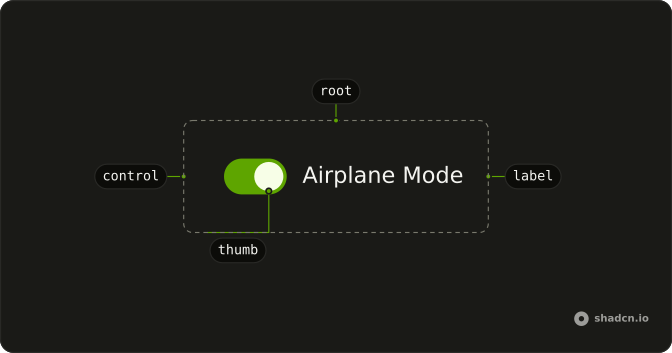
Usage
<div class="flex items-center gap-2">
  <Switch aria-label="Notifications" :defaultChecked="true" />
  <span class="font-medium text-sm">On</span>
</div>
FAQ
Does the On text change when the switch turns off?
No. The span always reads On, with font-medium text-sm, in a flex items-center gap-2 row. The switch starts on through its default prop. See Switch with State Labels for words that follow the state.
How do I control this switch in Vue?
To change that word with the switch, keep the on or off state in your own state, render the word from it, and pass the state back to the Switch.
Bind it with v-model:checked, or listen to @checked-change, which receives details.checked.
What do screen readers call this switch?
It has no visible label, so the demo passes aria-label (Notifications). Change it to the setting the switch controls, or use a visible FieldLabel instead.
How do I add a visible label to this switch?
Put the Switch in a horizontal Field next to a FieldLabel. Clicking the label toggles the switch, and screen readers read the label with it.
The Field links the label to the switch for you.
API Reference
Switch
Sets aria-label="Notifications" and defaultChecked. The rest is on the Switch page.