Base36 decoder.
Paste Base36 and read the text it holds as you type. Either case, spaces ignored; everything runs in your browser.
Base36 decoder.
Need the UI around it? With Pro, your AI agent builds the form, the result card and the rest of the page from a prompt.
Get ProHow it works
3 steps, no account. It runs in your browser and nothing is uploaded.
Paste the Base36
Paste the Base36, with or without its spaces and line breaks; the text appears as you type.
Read the status
The status line says how many characters became how many bytes, and whether they are UTF-8 text.
Copy or download
Copy the text or download it; for bytes that aren't text, use Base36 to file.
Related tools
More encoders and decoders. Every one free, in the browser.
Pricing
Build it with Pro
The tool is free. Pro adds 6,000+ blocks, premium templates and the MCP server, so your AI editor builds the product around it.
4.9/5 out of 5 · 150+ reviewsfrom 150+ founders and developers.
- Secure checkout via Stripe
- Code lives in your repo
- Keep what you've shipped if you cancel
- License terms
Questions and answers
Before you trust the result: what to know about the format, the limits, your data and the tools next to it.
Base36 writes a number with the ten digits and the 26 letters, 0 to 9 then a to z, the same in either case. It is the biggest alphabet that is both alphanumeric and case-insensitive, which is why JavaScript's `toString(36)` and so many short ids use it. The tool treats the input bytes as one big number and writes that.
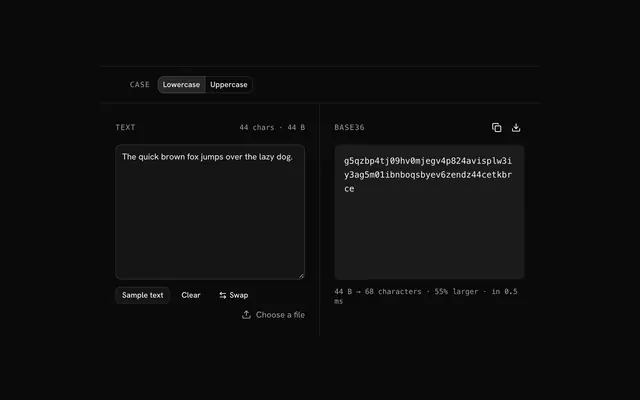
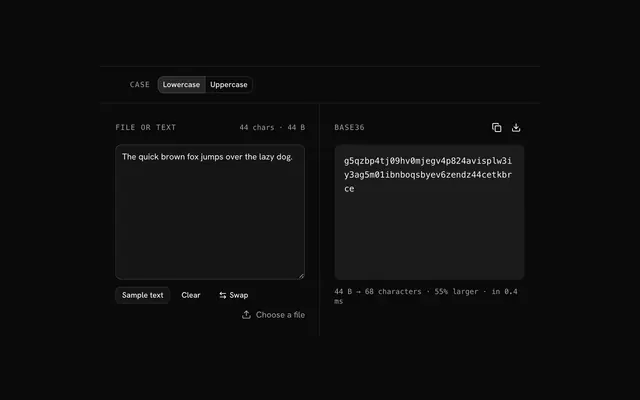
The bytes are read as one integer, big end first, and that integer is written in base 36 by repeated division. Each character carries about 5.17 bits, so the output is about 55% larger than the input. Leading zero bytes are kept as leading 0 characters. There is no padding.
URL shorteners, Reddit's post and comment ids, tracking and licence codes, database keys shown to people, and any place a counter has to become a short, case-insensitive string.
Yes: letters and digits only, nothing to escape, and the same string in either case.
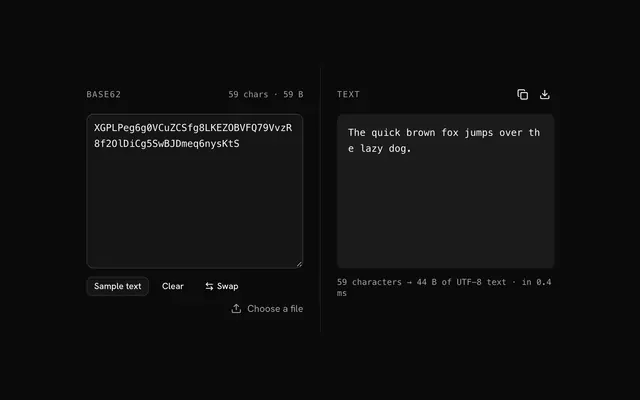
It is for numbers and short ids. For arbitrary data it is slower than Base32 or Base64, because the whole input has to be divided as one number, and its 55% overhead sits between them. Base62 is shorter but case-sensitive; Base32 is streamable and padded.
No. Base36 is an encoding, not encryption: it changes how bytes are written, not who can read them, and anyone can decode it with no key. Encrypt first (AES, age, a library's sealed box) when the content needs protecting, then encode the ciphertext if it has to travel as text.
Paste the Base36 and the text appears as you type; the status line says how many characters became how many bytes. Spaces and line breaks are ignored, so a wrapped value from an email or a config file pastes as it is. Press Swap to encode the result again.
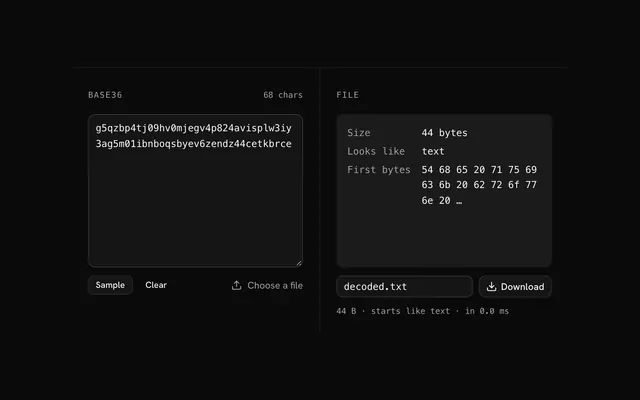
The decoder gives you the bytes as UTF-8 text when they are text. When they aren't, an image or a PDF for instance, it still shows them, with replacement characters where the bytes aren't valid UTF-8, and the status line says so. Use Base36 to file to download the bytes as they are instead.
Base36 uses 0 to 9 and a to z, and the error names the first character that isn't among them. Check for a stray quote, a trailing comma or a prefix from the surrounding code. Spaces and line breaks are dropped for you.
Nothing leaves your browser. The text is read into memory on your machine and the encoding is computed there, in plain JavaScript; the page makes no request with it. Load the page, go offline and it keeps working.
No. The Base36 decoder is free and opens without a sign-in, an account or an install.
Nothing. The Base36 decoder holds your input in the page's memory, so closing or reloading the tab clears it, and it saves nothing in this browser.
It takes digits and letters in either case. Anything else stops with a message naming the first character it can't read.
Yes: drop a text file that holds the Base36 on the input. The file is read as text and decoded, so a saved encoding doesn't need pasting.
Press Swap once there is a result and the same tool becomes the Base36 encoder, with the decoded text moved into the input.
Closest to the Base36 decoder: Base36 encoder, Base36 to file, File to Base36, Base62 decoder. Each opens on its own page, free and in the browser.
The Base36 decoder is one of 32 in its group. The group's page, /tools/encoding, lists them all.
The tool is free. Its interface is built from shadcn.io's own components (Button, Input, Slider and the rest of the registry under /ui), which come in React, Vue, Svelte and Solid. Pro adds the blocks and templates for the product around it.
4.9 out of 5 from 150+ developers


Build the product around it
Every block, template and icon, installed by your AI agent in your theme. The tools stay free.
Get Pro