Base58 to file.
Paste Base58 and get the file back. The tool decodes the bytes in your browser, tells you what they look like, shows an image when it is one, and downloads under the name you choose.
Base58 to file.
Need the UI around it? With Pro, your AI agent builds the form, the result card and the rest of the page from a prompt.
Get ProHow it works
3 steps, no account. It runs in your browser and nothing is uploaded.
Paste the Base58
Paste the Base58, or drop a text file that holds it; the bytes are decoded as you type.
See what the bytes are
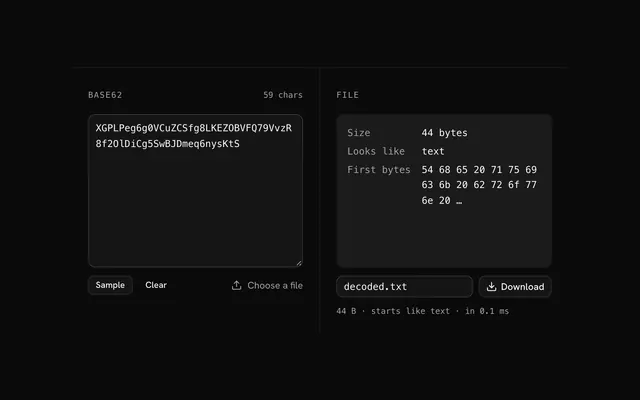
The result says how many bytes there are and what format they start like, with a preview when it's an image.
Name the file and download it
The name is guessed from the bytes; change it if you know better, then press Download.
Related tools
More encoders and decoders. Every one free, in the browser.
Pricing
Build it with Pro
The tool is free. Pro adds 6,000+ blocks, premium templates and the MCP server, so your AI editor builds the product around it.
4.9/5 out of 5 · 150+ reviewsfrom 150+ founders and developers.
- Secure checkout via Stripe
- Code lives in your repo
- Keep what you've shipped if you cancel
- License terms
Questions and answers
Before you trust the result: what to know about the format, the limits, your data and the tools next to it.
Base58 is Bitcoin's alphabet, written by Satoshi Nakamoto in 2009: the 62 letters and digits without the four that look alike, 0 (zero), O (capital o), I (capital i) and l (lowercase L). It exists so that an address copied by hand, or read from a screen, is not mistyped. The tool treats the input bytes as one big number and writes it.
The bytes are read as one integer, big end first, and written in base 58 by repeated division; each leading zero byte becomes a leading 1, the alphabet's zero digit. Each character carries about 5.86 bits, so the output is about 37% larger than the input. There is no padding.
Bitcoin addresses and private keys (as Base58Check, which adds a version byte and a four-byte checksum), IPFS content ids that start with Qm, Solana account keys, Monero and Ripple addresses (Ripple with its own alphabet order), and short ids where people copy by hand.
It gives up a little density (37% against Base64's 33%) and a lot of speed (the whole input is one number) for strings a person can transcribe without error. Use it where people read and type the value; use Base64 where only machines do.
Probably a different alphabet or a checksum. Bitcoin's order (1 to 9, A to Z, a to z, minus the look-alikes) is the one here, and Flickr and Ripple reorder it. A Bitcoin address is Base58Check: the tool decodes it to its raw bytes, including the version byte and the four-byte checksum at the end, and doesn't verify the checksum.
No. Base58 is an encoding, not encryption: it changes how bytes are written, not who can read them, and anyone can decode it with no key. Encrypt first (AES, age, a library's sealed box) when the content needs protecting, then encode the ciphertext if it has to travel as text.
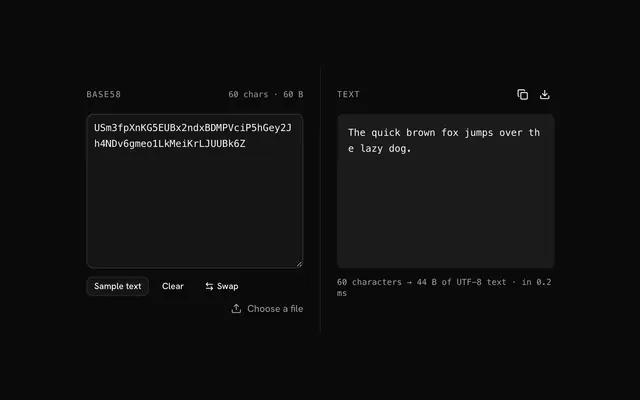
Paste the Base58 into the input, or drop a text file that holds it. The tool decodes the bytes, says what they look like and how many there are, and shows the image when they are one. Check the file name, which is guessed from the bytes, and press Download.
From the first bytes. Most formats start with a signature, 89 50 4E 47 for PNG, %PDF for PDF, PK for ZIP, and the tool knows the common images, documents, archives, fonts and media, and tells text from the rest. It is a guess for the file name only; if you know what the bytes are, rename the file and it downloads under that name.
Usually the Base58 was cut short or carries something extra. Copy the whole value, including its end; leave out quotes and commas from the surrounding code. If the status line says the bytes look like text when you expected an image, the value wasn't the file's Base58 to begin with.
Nothing leaves your browser. The text is read into memory on your machine and the encoding is computed there, in plain JavaScript; the page makes no request with it. Load the page, go offline and it keeps working.
No. The "Base58 to file" tool is free and opens without a sign-in, an account or an install.
Nothing. The "Base58 to file" tool holds your input in the page's memory, so closing or reloading the tab clears it, and it saves nothing in this browser.
Yes: you can rename it before downloading. The default name is decoded plus the extension the format suggests, such as decoded.png.
When the bytes start like a PNG, JPEG, GIF, WebP, AVIF, ICO, BMP or SVG image, the page shows a preview before you download it. Other types show their size and the name of the format they start like.
The decoder takes Bitcoin's alphabet, which leaves out 0, O, I and l, and reads a leading 1 as a zero byte. Base58 treats the text as one number, so the tool takes up to 512 KB of data at once.
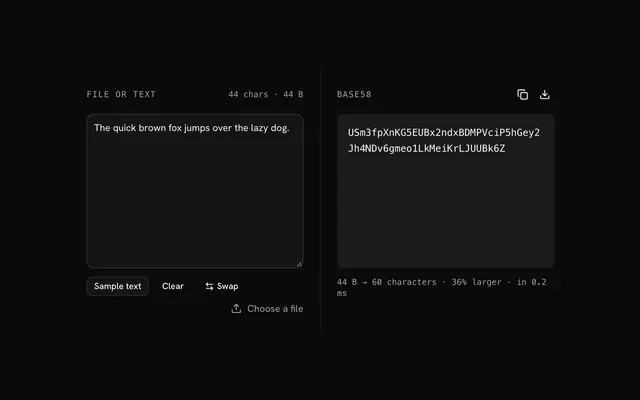
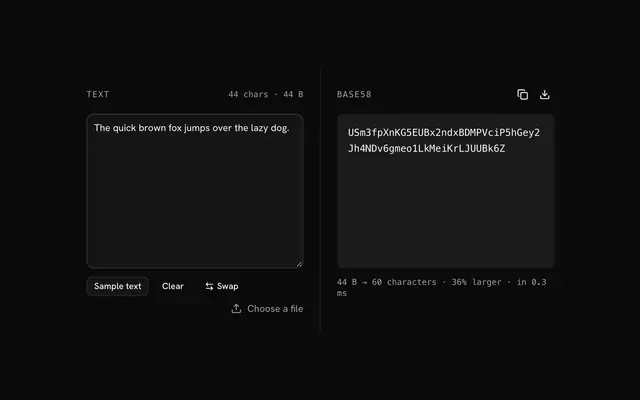
Closest to the "Base58 to file" tool: File to Base58, Base58 decoder, Base58 encoder, Base62 to file. Each opens on its own page, free and in the browser.
The "Base58 to file" tool is one of 32 in its group. The group's page, /tools/encoding, lists them all.
The tool is free. Its interface is built from shadcn.io's own components (Button, Input, Slider and the rest of the registry under /ui), which come in React, Vue, Svelte and Solid. Pro adds the blocks and templates for the product around it.
4.9 out of 5 from 150+ developers


Build the product around it
Every block, template and icon, installed by your AI agent in your theme. The tools stay free.
Get Pro