File to SM3.
Drop a file and read its SM3 digest at once, in your browser. SM3 is China's national 256-bit hash, required with SM2 and SM4 in Chinese systems and in ISO/IEC 10118-3; the file is read on your machine and never uploaded.
File to SM3.
Need the UI around it? With Pro, your AI agent builds the form, the result card and the rest of the page from a prompt.
Get ProHow it works
4 steps, no account. It runs in your browser and nothing is uploaded.
Drop a file
Drop it onto the pane or choose it with the button; anything up to 1 GB is read in your browser.
Read the digest
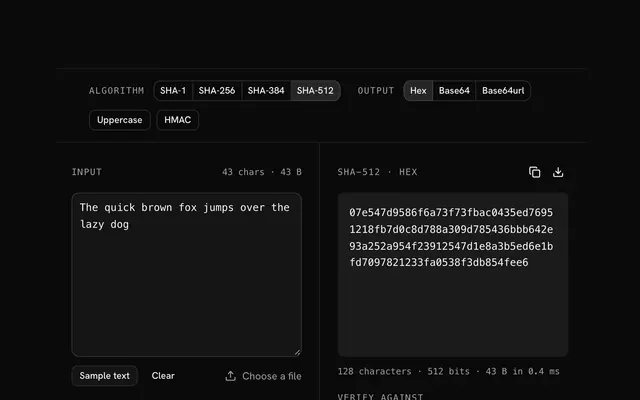
The SM3 digest appears at once, as hex, Base64 or Base64url; switch to SHA-256 and SHA3-256 in the bar.
Verify against a published checksum
Paste the digest the publisher lists and the tool says whether the file matches.
Copy or download
Copy the digest, or download it as a line a checksum tool can read.
Related tools
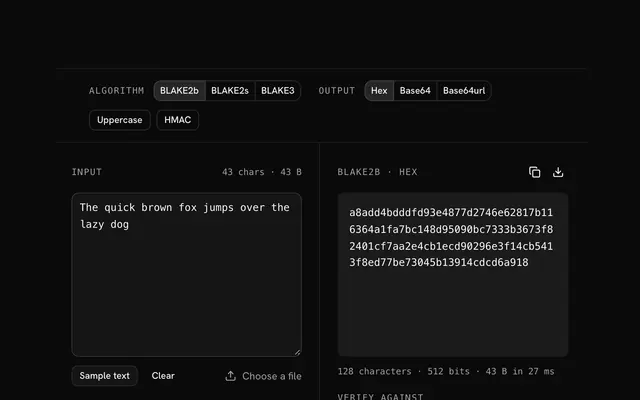
More hash generators. Every one free, in the browser.
Pricing
Build it with Pro
The tool is free. Pro adds 6,000+ blocks, premium templates and the MCP server, so your AI editor builds the product around it.
4.9/5 out of 5 · 150+ reviewsfrom 150+ founders and developers.
- Secure checkout via Stripe
- Code lives in your repo
- Keep what you've shipped if you cancel
- License terms
Questions and answers
Before you trust the result: what to know about the format, the limits, your data and the tools next to it.
SM3 is China's national cryptographic hash, published by the Office of State Commercial Cryptography Administration in 2010 and standardised as GB/T 32905-2016 and, since 2018, in ISO/IEC 10118-3. It is a 256-bit Merkle–Damgård hash in SHA-256's shape, with its own message expansion and round functions.
Yes, with no practical attack on the full 64 rounds (published results reach about a third of them). It gives 128-bit collision resistance, the same as SHA-256, and performs about the same in software. It has had less open cryptanalysis than SHA-2, which is the usual caveat.
Everywhere Chinese regulation applies: SM2 digital signatures hash with SM3, the TLCP transport protocol and the SM-cipher TLS 1.3 suites use it, Chinese banking, government and payment systems require it, and OpenSSL, BouncyCastle and the Linux kernel implement it for that reason.
Same size, same construction family, same security level, different constants and round functions, so unrelated digests. A system wants one or the other by policy: SM3 with SM2 and SM4 in China, SHA-256 almost everywhere else. The toolbar gives you SHA-256 and SHA3-256 beside it to compare.
Nothing leaves your browser. The file is read on your machine and hashed there, by the browser's Web Crypto API or a WebAssembly build of SM3 loaded on first use; the page makes no request with its bytes. You can load the page, go offline and keep hashing.
Drop the file onto the pane or choose it with the button. It is read into memory and hashed at once, with no size steps and no upload progress because there is no upload. Files up to 1 GB work; a 100 MB file takes well under a second on SM3.
Paste the digest the publisher gave you into the Verify field, in hex of either case, with or without spaces, colons or a 0x prefix, or in Base64. The tool says whether it matches the file you dropped. A match means the bytes are exactly the ones that were published.
Hex by default, 64 characters; Base64 and Base64url are one click away and re-encode the same 32 bytes. The download button saves a line in the `digest filename` form that sha256sum-style tools read.
Yes: turn on HMAC and enter the secret, and the file is signed with HMAC-SM3 rather than hashed, the same construction a server uses to sign an upload or a webhook payload.
No. The "File to SM3" tool is free and opens without a sign-in, an account or an install.
Nothing. The "File to SM3" tool holds your input in the page's memory, so closing or reloading the tab clears it, and it saves nothing in this browser.
The toolbar switches to SHA-256 and SHA3-256 without leaving the page. Each one reads the same input, so you can compare digests side by side.
SM3 is computed by a WebAssembly build from the hash-wasm library, which the page loads the first time you hash something and reuses after that.
Yes: the SM3 hash generator page has the same algorithms and options and opens on the text box. This page opens on the file pane.
Not on its own. SM3 is built to be fast, and fast hashes are cheap for an attacker to guess against. Passwords need a salted, deliberately slow hash: use Argon2id, Argon2d, and bcrypt from the hash generators, which draw a fresh random salt each time.
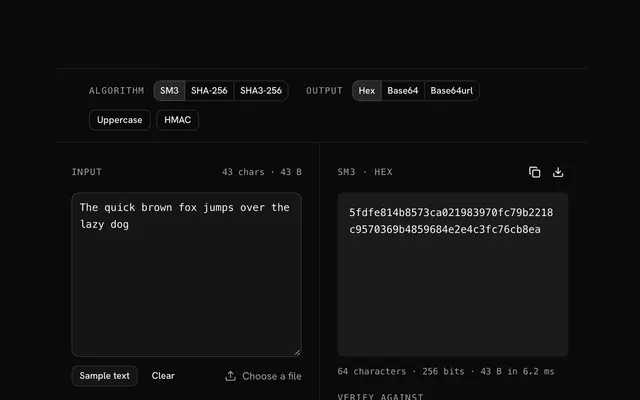
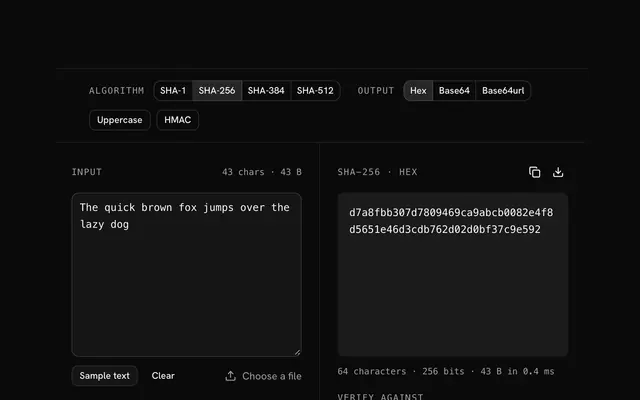
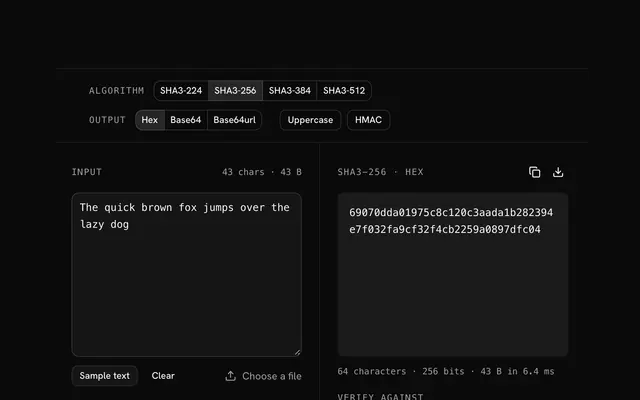
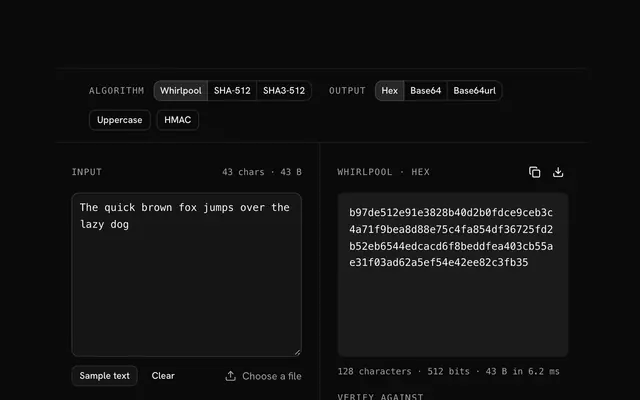
Closest to the "File to SM3" tool: SM3 hash generator, SHA-256 hash generator, SHA3-256 hash generator, Whirlpool hash generator. Each opens on its own page, free and in the browser.
The "File to SM3" tool is one of 64 in its group. The group's page, /tools/hash, lists them all.
The tool is free. Its interface is built from shadcn.io's own components (Button, Input, Slider and the rest of the registry under /ui), which come in React, Vue, Svelte and Solid. Pro adds the blocks and templates for the product around it.
4.9 out of 5 from 150+ developers


Build the product around it
Every block, template and icon, installed by your AI agent in your theme. The tools stay free.
Get Pro