shadcn.io is an independent project built on shadcn/ui
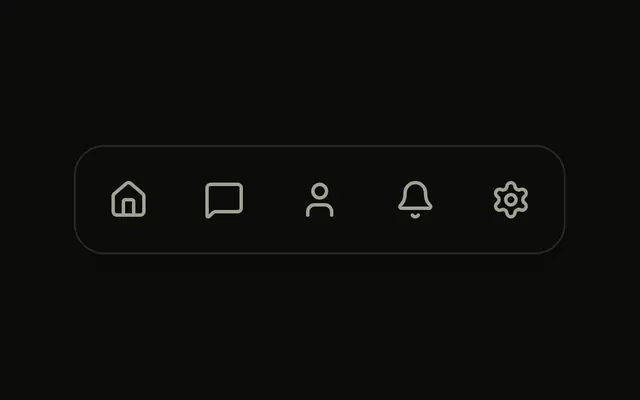
A bar of icons with a light along its top edge, shining down on the chosen one.
Use it for a short icon bar, a phone's bottom navigation or a dashboard's views, where the chosen item should read from across the room. The other icons dim to 40 percent. If the items need their names in view, use Menu Dock. In Vue, Ark UI centres the light over the chosen item and slides it there with CSS.
Installation
Anatomy
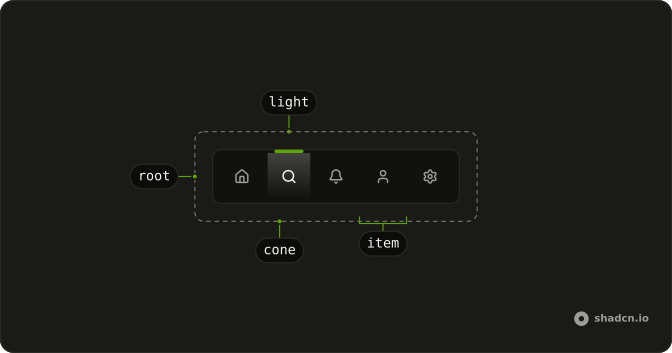
LimelightNav
└── LimelightNavItem
Usage
<script setup lang="ts">
import { HouseIcon, SearchIcon } from "lucide-vue-next";
import {
  LimelightNav, LimelightNavItem,
} from "@/components/ui/limelight-nav";
</script>
<template>
  <LimelightNav aria-label="Main" defaultValue="home">
    <LimelightNavItem aria-label="Home" value="home">
      <HouseIcon aria-hidden="true" />
    </LimelightNavItem>
    <LimelightNavItem aria-label="Search" value="search">
      <SearchIcon aria-hidden="true" />
    </LimelightNavItem>
  </LimelightNav>
</template>
The light is part of the nav, drawn in the theme's primary color with a shadow and a cone under it: there is nothing to add.
Demos
Labels
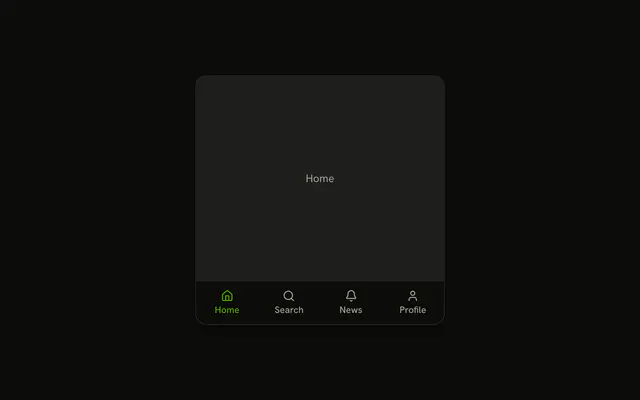
Each item holds an icon and a short word under it, stacked with flex-col, and the nav is a little taller to fit them. The word is the item's name, so there's no aria-label, and it dims with the icon. Use labels when the icons alone could be misread.
Controlled
The chosen view lives in state and goes back in as value, with onValueChange receiving the next item's value; the sentence under the bar names the same view. Control it when the page shows something for the choice, or when the route decides it.
Links
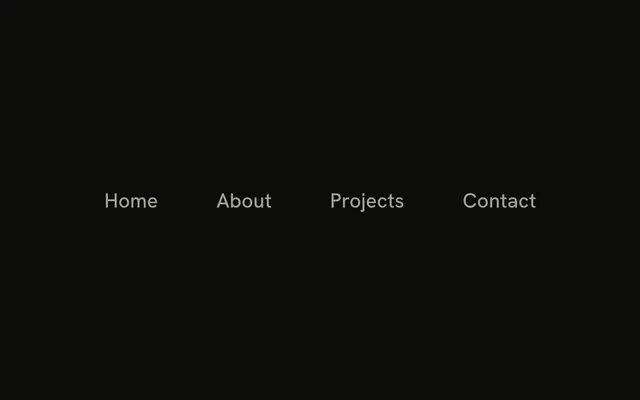
A site's pages in a rounded bar, each item rendered as the link itself with its href as value. The chosen link carries aria-current. Set value from the current route in an app, so the light follows navigation.
FAQ
How do I control the Limelight Nav's lit item in Vue?
Give each LimelightNavItem a value, then keep the lit one in state and pass it back, or set defaultValue. The Controlled demo stores it and writes it back.
Pass value and listen to @value-change, which receives the chosen item's value as a string.
How do I name icon-only Limelight Nav items?
Put aria-label on each LimelightNavItem and aria-hidden on its icon, as the default demo does. The lit item also gets aria-current, so a screen reader hears which one is current without seeing the light. With a visible word in the item, as in the Labels demo, the word is the name.
How do I change the Limelight Nav's light?
The light is a span with data-slot limelight-nav-light: a bar in the primary color, a shadow cast below it, and a cone that fades from primary to clear. Change the theme's primary and it follows, or edit the bar's classes in the file under components/ui for another width or a softer glow. It's centred over the lit item whatever its width.
Can I use the Limelight Nav from the keyboard?
Each item is a button (or a link) in the tab order, and the arrow keys also move between them, mirrored in right-to-left layouts, with Home and End to the ends. Enter chooses the focused item. The focus ring shows on the item, so the light stays on the chosen one rather than following focus.
API Reference
LimelightNav
value?string
The lit item, when controlled. Two-way with v-model.
defaultValue?string
The item lit at first, when uncontrolled.
class?string
Merged with the part's classes.
@value-change(value: string) → void
Called with an item's value when it's chosen.
- Parameters
value– string- Returns
void
--limelight-xstring
The light's place, set from the active item.
LimelightNavItem
<button> data-slot="limelight-nav-item"
valuestring
The item's value: the nav's value when it's lit.
asChild?boolean
Use the provided child element as the default rendered element, combining their props and behavior.
class?string
Merged with the part's classes.
data-active?string
Present when active is true.
data-value?string
Mirrors value.
--limelight-xstring
The light's place, set from the active item.