approvals-ui
A shadcn registry that adds approval semantics to React Flow: quorum gates, thresholds and policy checks.
- Category
- Component Registries
- Added
About
About approvals-ui
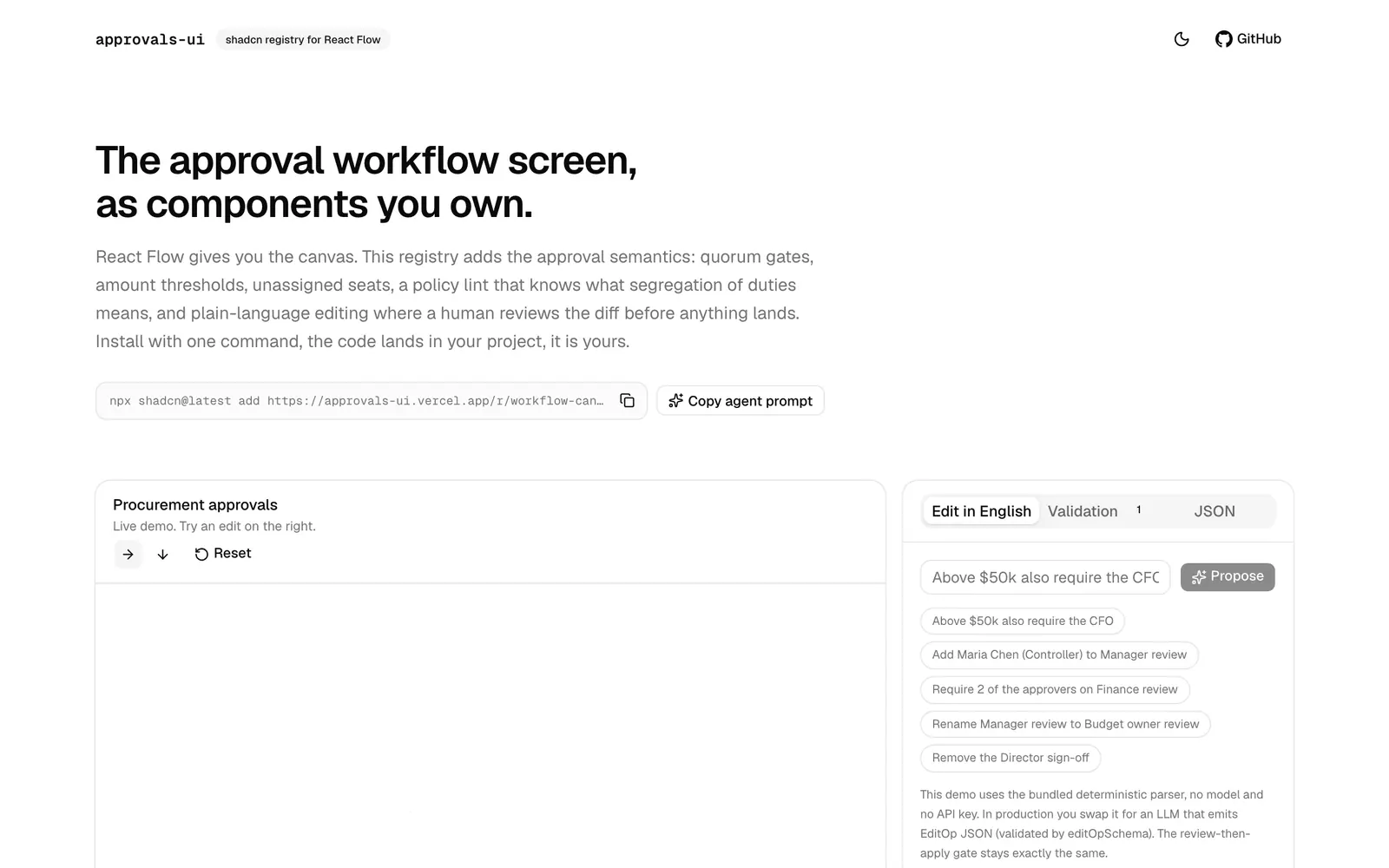
approvals-ui adds approval workflow behavior on top of React Flow, which supplies the canvas. The registry covers quorum gates such as 2 of 3, amount thresholds like over 5,000, unassigned seats, and a policy lint that understands segregation of duties and a single approver on a high-value step. It also offers plain-language editing in which a human reviews the diff before any change lands.
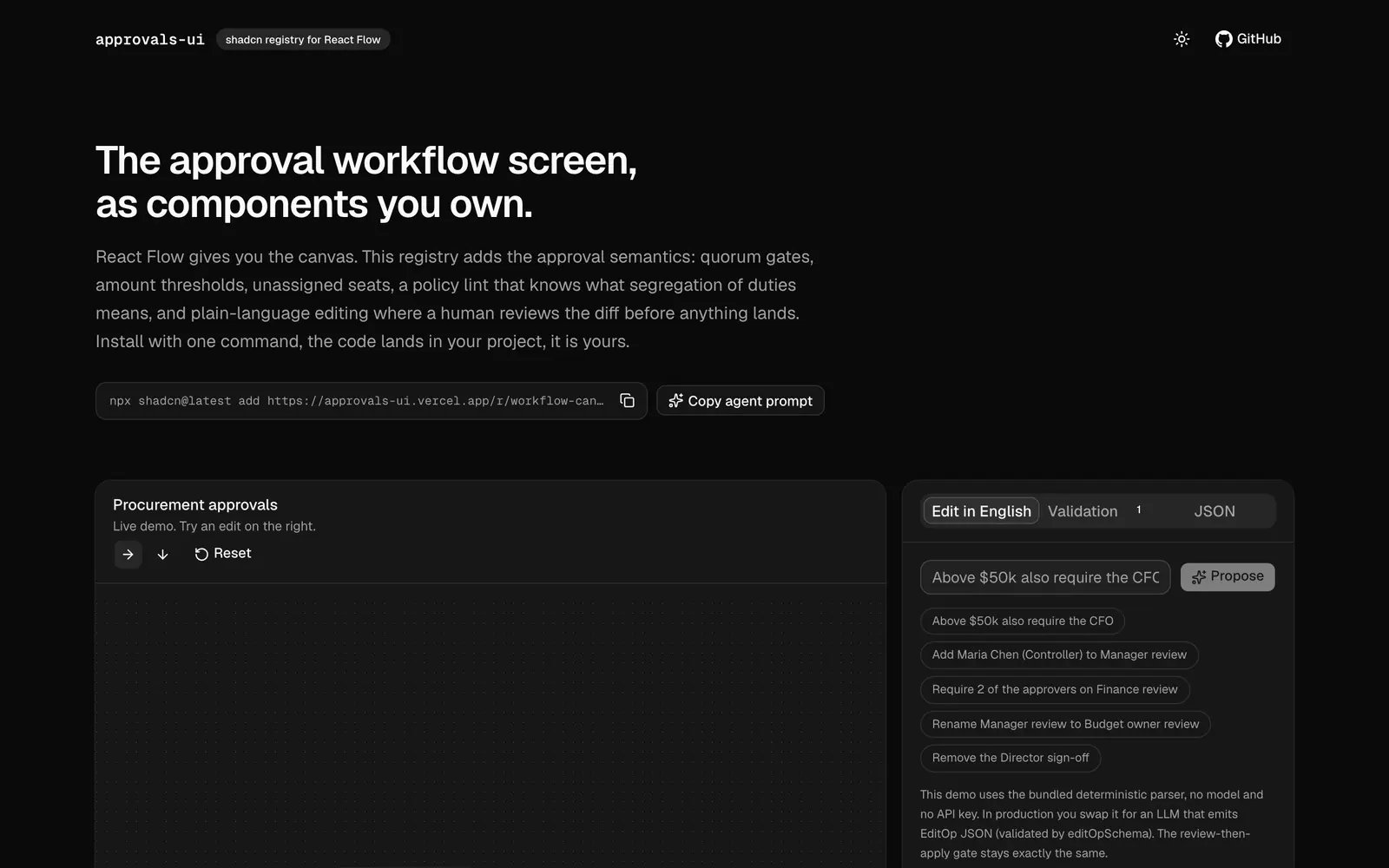
The live demo shows a procurement approval flow with manager review, finance review and director sign-off, plus an edit-in-English panel and JSON view. Install the workflow canvas with npx shadcn@latest add https://approvals-ui.vercel.app/r/workflow-canvas.json, and the code lands in your project. The site also offers a copy-agent-prompt button. It suits teams building procurement or compliance flows.
approvals-ui features
6 features
- Quorum gates such as 2 of 3
- Amount threshold conditions
- Policy lint for segregation of duties
- Plain-language editing with human review
- JSON view of the workflow
- Live procurement demo
Install approvals-ui
1 command
Terminal
$ npx shadcn@latest add https://approvals-ui.vercel.app/r/workflow-canvas.jsonWhat you can build with approvals-ui
3 use cases
- Building a purchase approval flow with finance sign-off
- Checking a workflow for single-approver risks
- Letting managers edit rules in plain English
Component Registries
Similar to approvals-ui
More component registries like approvals-ui: the closest by what they do, then the most starred.
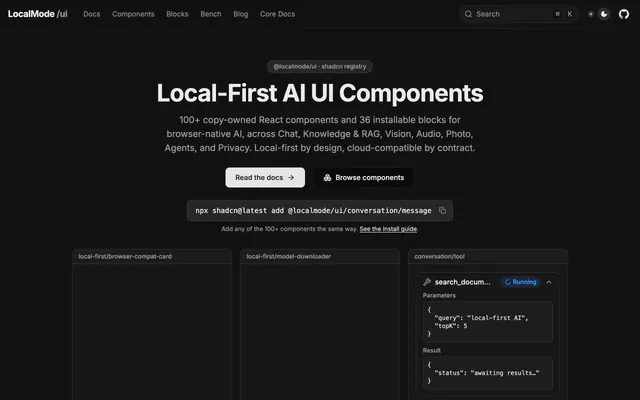
 LocalMode UIRegistryLocalMode UI is a shadcn registry of 100+ React components and 36 blocks for browser-native AI, covering chat, RAG, vision and audio.
 inference shell uiRegistryinference shell ui is a shadcn registry of React components for AI agents: agent chat, A2UI widgets, tool approvals and task output you drop in.
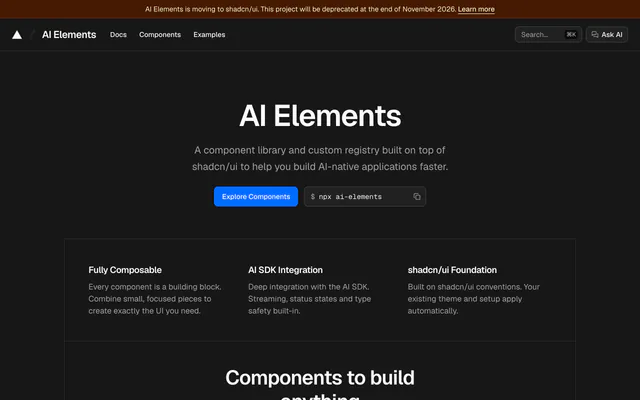
 AI ElementsRegistryAI Elements is a shadcn/ui registry of AI interface components, from messages and prompts to plans and tool calls, wired to the AI SDK for streaming.
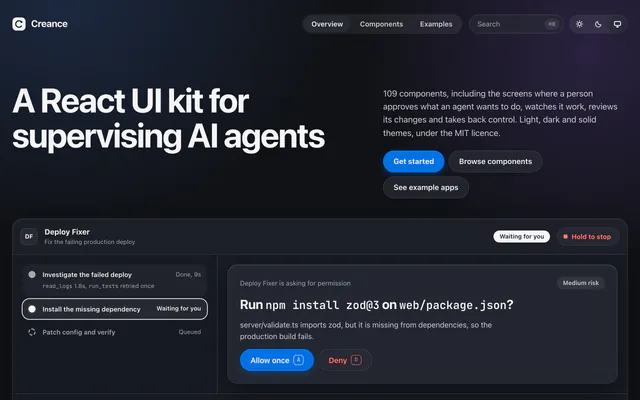
 CreanceRegistryCreance is an MIT-licensed React kit with 109 accessible components for approvals, run timelines and diff review when supervising AI agents.
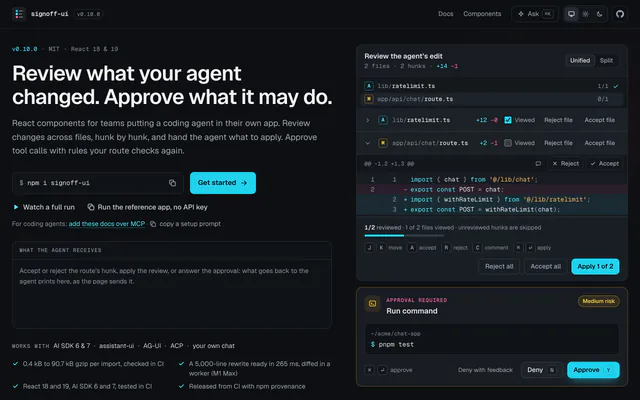
 signoff-uiRegistrysignoff-ui adds multi-file diff review and rule-based tool approvals to your React app, for AI SDK, AG-UI and ACP agents. MIT licensed.
 SkrewwwRegistrySkrewww is a design system of 58 token-driven React components with a shadcn-compatible registry, a paired Figma library and agent contracts.
Pricing
Ship it with Pro
The directory is free. Pro adds 6,000+ blocks, 14 premium templates and the MCP server, so your AI editor installs them for you.
4.9/5 out of 5 · 150+ reviewsfrom 150+ founders and developers.
- Secure checkout via Stripe
- Code lives in your repo
- Keep what you've shipped if you cancel
- License terms
FAQ
Frequently asked questions
What approvals-ui is, how to install it, its license and its alternatives.
Yes. React Flow supplies the canvas, and this registry adds the approval logic on top.
A shadcn registry that adds approval semantics to React Flow: quorum gates, thresholds and policy checks.
approvals-ui lists Quorum gates such as 2 of 3, Amount threshold conditions, Policy lint for segregation of duties, Plain-language editing with human review, JSON view of the workflow and Live procurement demo.
The directory lists these uses for approvals-ui: Building a purchase approval flow with finance sign-off, Checking a workflow for single-approver risks and Letting managers edit rules in plain English.
The directory does not name a maker for approvals-ui. Its site is https://approvals-ui.vercel.app.
approvals-ui was added to the directory on July 8, 2026.
approvals-ui is in Component Registries. Third-party registries you install from with the shadcn CLI: blocks, components and effects that land in your codebase as source you own.
Components, Registry, shadcn CLI, React, Copy and paste and AI. Each tag has a page listing the other resources that carry it.
Yes. approvals-ui's page has a Live tab beside the screenshot that loads its site in a frame.
Run npx shadcn@latest add https://approvals-ui.vercel.app/r/workflow-canvas.json. The code is copied into your project.
approvals-ui lists this command: `npx shadcn@latest add https://approvals-ui.vercel.app/r/workflow-canvas.json`.
Yes, according to its listing: approvals-ui installs with `npx shadcn@latest add https://approvals-ui.vercel.app/r/workflow-canvas.json`.
The directory links no repository for approvals-ui. Its site is https://approvals-ui.vercel.app.
The directory links no separate docs for approvals-ui; start from its site at https://approvals-ui.vercel.app.
The directory records no license for approvals-ui. Check its repository or site before you use it.
The directory records no price for approvals-ui. Its site, https://approvals-ui.vercel.app, is where its pricing, if any, is stated.
No. approvals-ui is made by its own maker and listed here as a link. A shadcn.io Pro plan covers shadcn.io's own blocks, templates and tools.
Other resources in Component Registries, newest first: LocalMode UI, inference shell ui, AI Elements and Creance. Their pages are linked under Similar to approvals-ui.
Open its category, Component Registries, or one of its tags (Components, Registry and shadcn CLI): each page lists the resources that share it.
4.9 out of 5 from 150+ developers


Found your stack? Ship it.
6,000+ blocks, premium templates and MCP in every Pro plan. The directory stays free.
Get Pro