tetra-ui
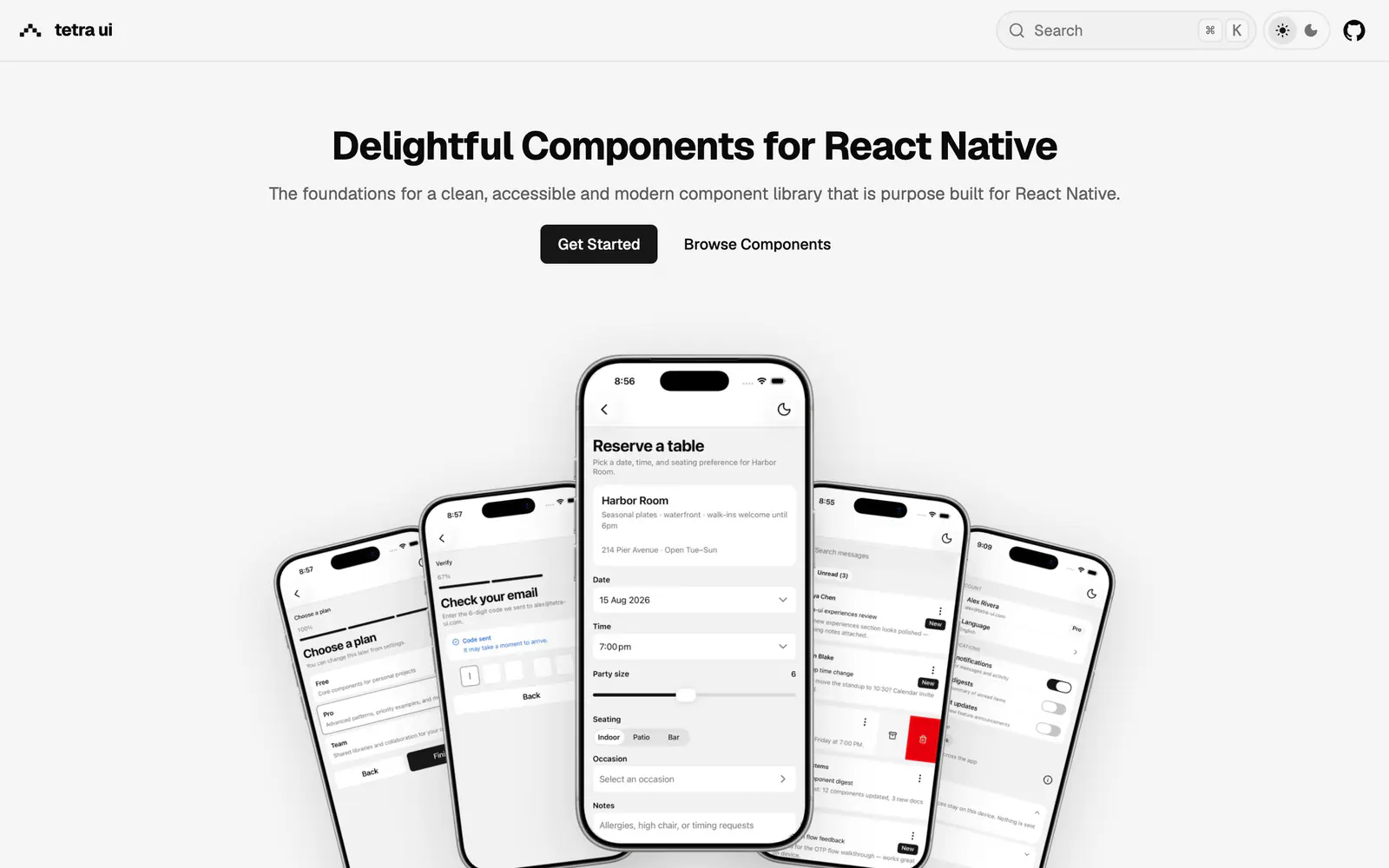
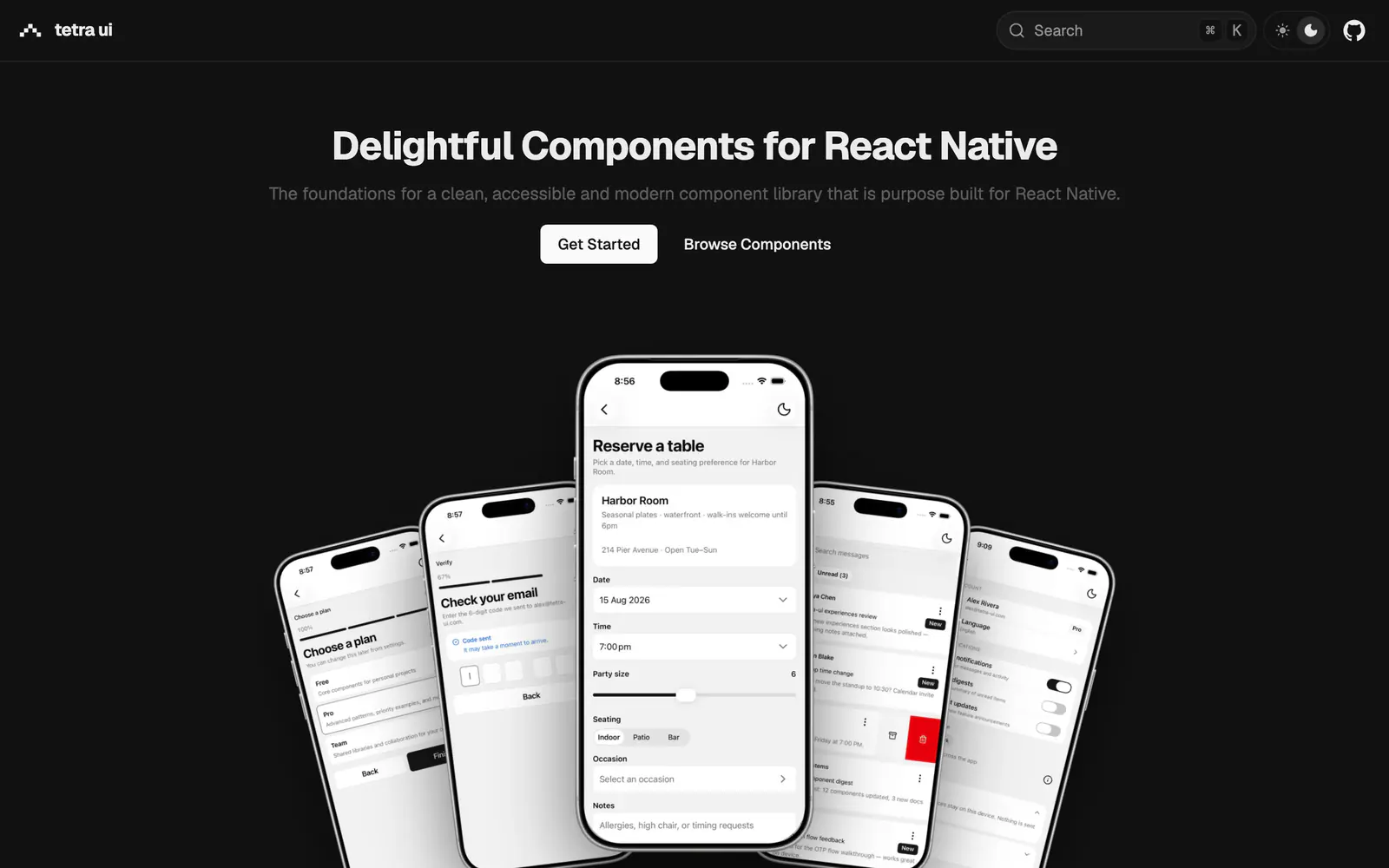
React Native components you own, added through the shadcn CLI and styled with Uniwind for Expo apps.
- Category
- Framework Ports
- Added
- GitHub stars
- 8
- License
- MIT
- Price
- Free
About
About tetra-ui
tetra-ui applies the shadcn/ui philosophy to React Native: open code, a CLI that drops components into your app, and defaults tuned for touch and accessibility. It lists more than 30 components, including button, card, form, select, bottom sheet, menu, switch and slider. Styling comes from Uniwind, Tailwind for React Native.
Setup is to install Uniwind, add class-variance-authority and cn, then run the shadcn CLI against the @tetra-ui registry. It requires React 19 and the React Native New Architecture, with Expo recommended. The repo is MIT licensed, small at 8 stars, and was pushed recently. It suits Expo developers who want a registry-based workflow instead of a prebuilt package.
tetra-ui features
6 features
- Registry install through the shadcn CLI
- 30-plus mobile components
- Uniwind styling
- Bottom sheet and menu components
- Tuned for touch and accessibility
- MIT license
Install tetra-ui
1 command
Terminal
$ npx shadcn@latest add @tetra-ui/buttonWhat you can build with tetra-ui
3 use cases
- Adding a bottom sheet and a form to an Expo app
- Starting a mobile component library you own
- Moving a shadcn/ui web habit over to React Native
Links
1 link
Framework Ports
Similar to tetra-ui
More framework ports like tetra-ui: the closest by what they do, then the most starred.
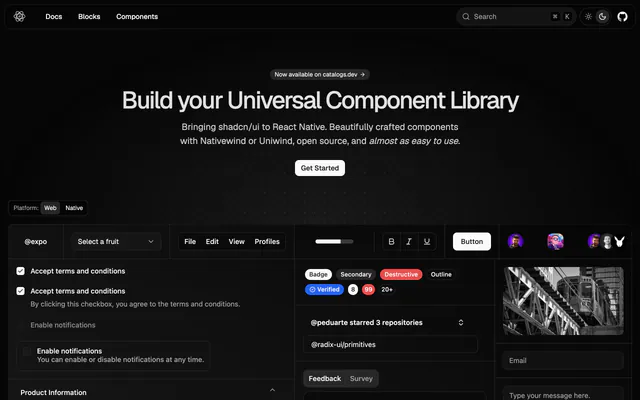
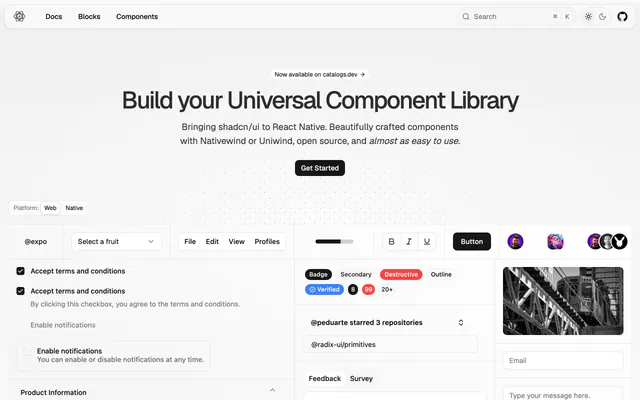 React Native ReusablesPortReact Native Reusables brings shadcn/ui to React Native with Nativewind or Uniwind styling, a live preview and open-source, MIT-licensed code.
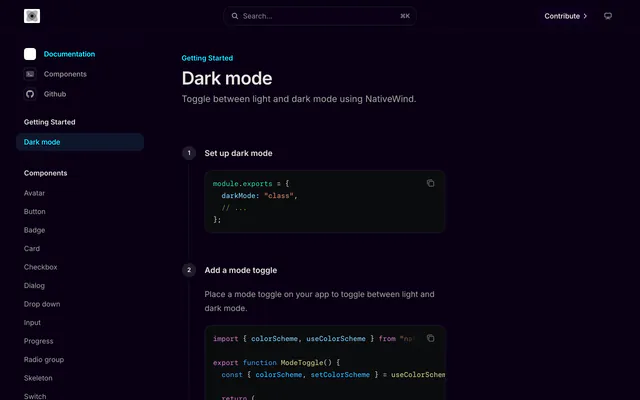
 nativecn-uiPortnativecn-ui is an MIT-licensed set of React Native components inspired by shadcn-ui, with NativeWind styling, CSS variables and dark mode built in.
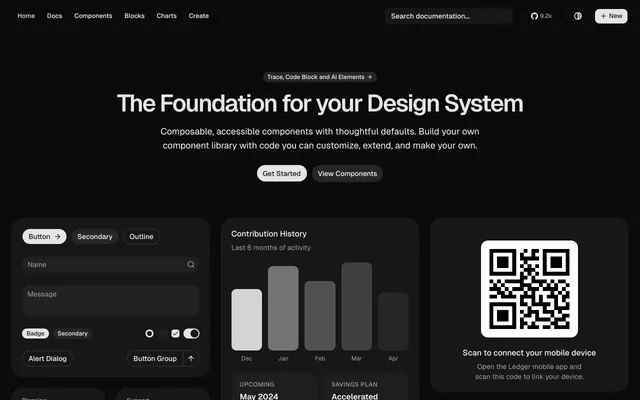
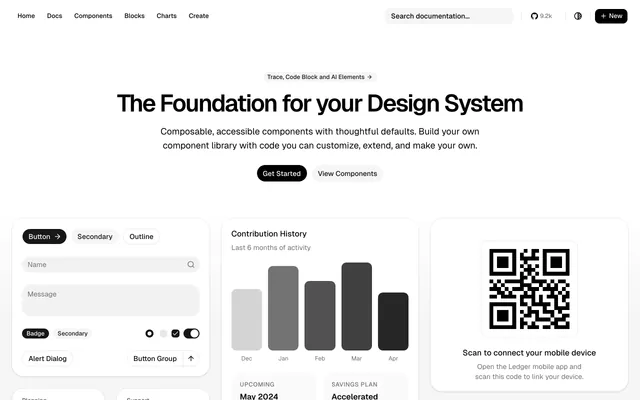 shadcn-sveltePortshadcn-svelte is the community Svelte port of shadcn/ui, with composable, accessible components built on Bits UI and Tailwind CSS under MIT.
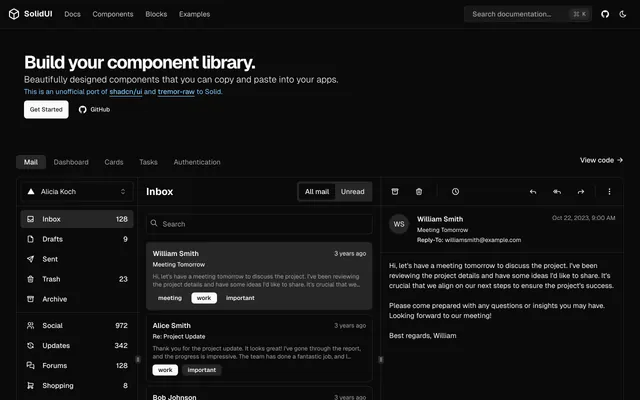
 SolidUIPortSolidUI is an unofficial port of shadcn/ui and tremor-raw to Solid, built with Kobalte and corvu and styled with Tailwind CSS under MIT.
 shadcn/ui on RailsPortshadcn/ui on Rails is an open-source set of themed Rails components based on shadcn/ui. The author says it is no longer actively developed.
 shadcn-solidPortshadcn-solid is an unofficial, community-led SolidJS port of shadcn/ui. It is free, MIT licensed and meant as a base for your own library.
Pricing
Ship it with Pro
The directory is free. Pro adds 6,000+ blocks, 14 premium templates and the MCP server, so your AI editor installs them for you.
4.9/5 out of 5 · 150+ reviewsfrom 150+ founders and developers.
- Secure checkout via Stripe
- Code lives in your repo
- Keep what you've shipped if you cancel
- License terms
FAQ
Frequently asked questions
What tetra-ui is, how to install it, its license and its alternatives.
React 19, the React Native New Architecture and Uniwind. Expo is recommended.
React Native components you own, added through the shadcn CLI and styled with Uniwind for Expo apps.
tetra-ui lists Registry install through the shadcn CLI, 30-plus mobile components, Uniwind styling, Bottom sheet and menu components, Tuned for touch and accessibility and MIT license.
The directory lists these uses for tetra-ui: Adding a bottom sheet and a form to an Expo app, Starting a mobile component library you own and Moving a shadcn/ui web habit over to React Native.
tetra-ui is made by Liamandrew, at https://github.com/Liamandrew. Its site is https://github.com/Liamandrew/tetra-ui.
tetra-ui was added to the directory on June 22, 2026.
tetra-ui is in Framework Ports. shadcn/ui rebuilt for other frameworks and platforms: Vue, Svelte, Solid, Angular, Flutter, React Native and more.
Components, React Native, Expo, Tailwind CSS, shadcn CLI, Registry, Copy and paste, Open source and MIT. Each tag has a page listing the other resources that carry it.
Yes. tetra-ui's page has a Live tab beside the screenshot that loads its site in a frame.
Run npx shadcn@latest add @tetra-ui/button, swapping in the component name you want.
tetra-ui lists this command: `npx shadcn@latest add @tetra-ui/button`. Its docs are at https://tetra-ui.com/docs.
Yes, according to its listing: tetra-ui installs with `npx shadcn@latest add @tetra-ui/button`.
tetra-ui's repository is https://github.com/Liamandrew/tetra-ui.
tetra-ui's docs are at https://tetra-ui.com/docs.
GitHub lists tetra-ui under the MIT license. Read the license file in its repository for the terms.
The directory records no price for tetra-ui. Its site, https://github.com/Liamandrew/tetra-ui, is where its pricing, if any, is stated.
No. tetra-ui is made by Liamandrew and listed here as a link. A shadcn.io Pro plan covers shadcn.io's own blocks, templates and tools.
Other resources in Framework Ports, newest first: React Native Reusables, nativecn-ui, shadcn-svelte and SolidUI. Their pages are linked under Similar to tetra-ui.
Open its category, Framework Ports, or one of its tags (Components, React Native and Expo): each page lists the resources that share it.
4.9 out of 5 from 150+ developers


Found your stack? Ship it.
6,000+ blocks, premium templates and MCP in every Pro plan. The directory stays free.
Get Pro