Trees
An open-source file tree library with virtualization, Git status badges and context menus.
- Category
- Libraries & Components
- Added
About
About Trees
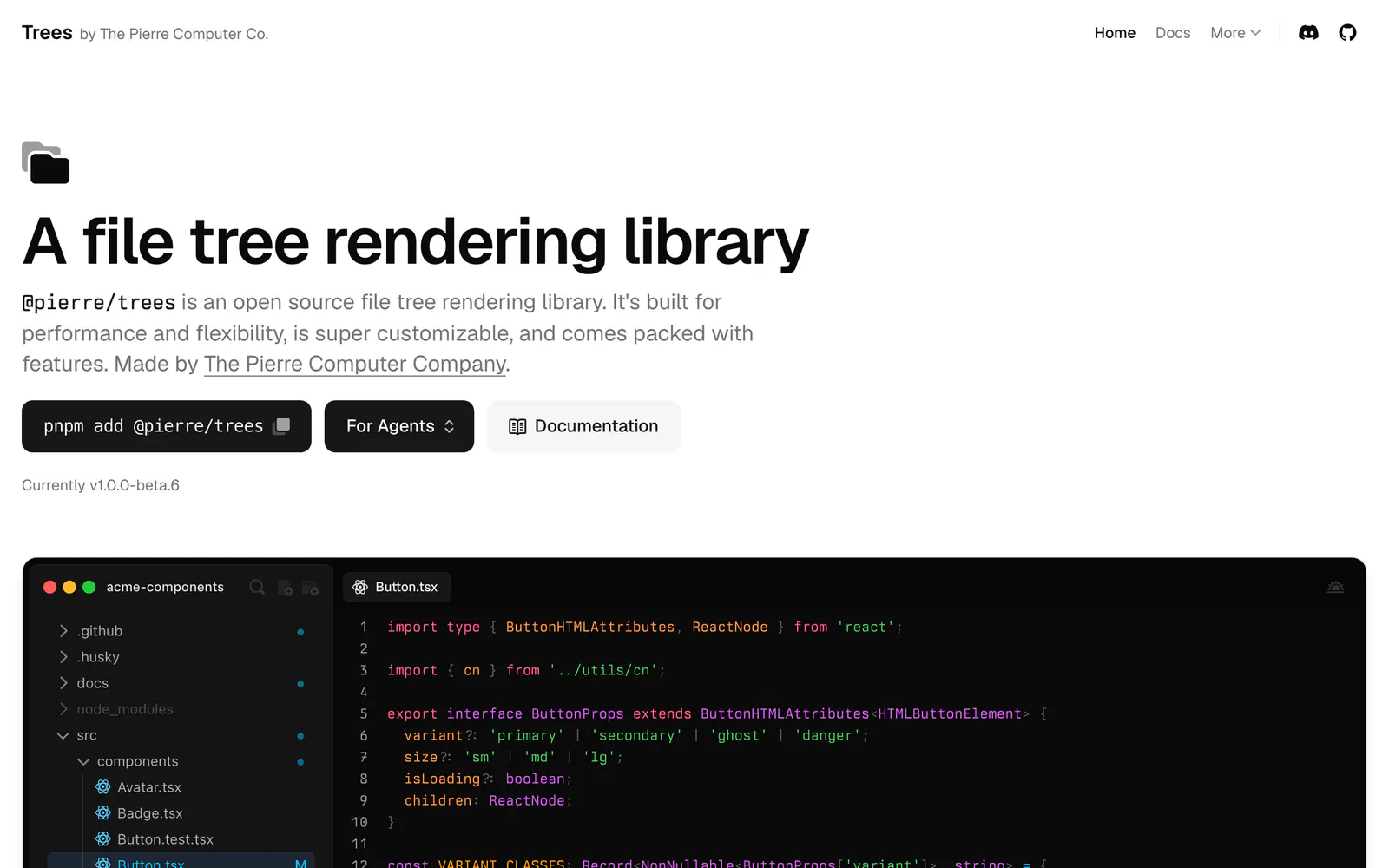
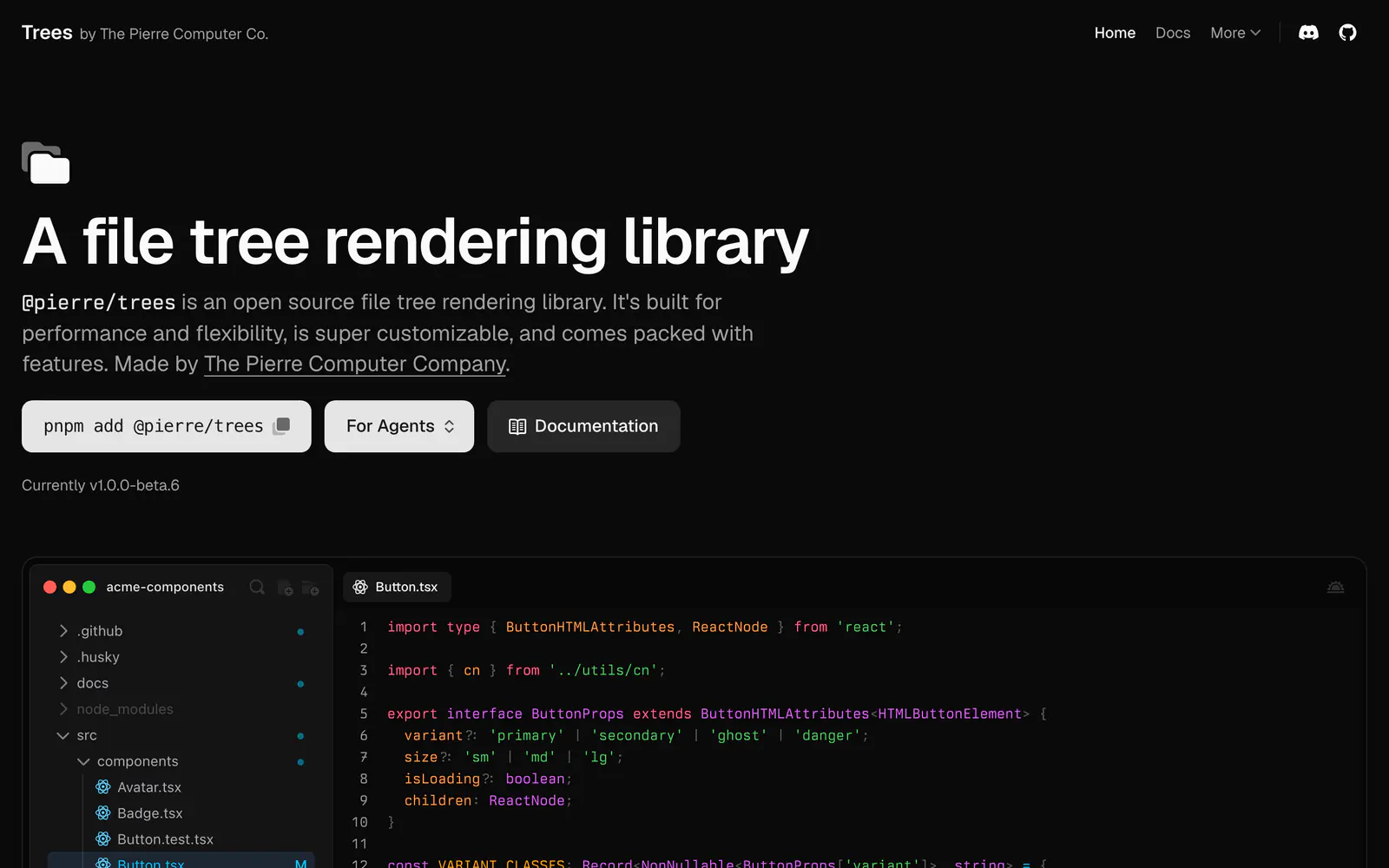
Trees, published as @pierre/trees by The Pierre Computer Company, is an open-source file tree rendering library. Its demos show a tree that mounts only the visible rows and stays quick with close to three thousand files expanded. Options include flattening chains of empty directories into one row, Git status badges for added, modified, deleted, renamed, untracked and ignored files, search modes such as expand-matches, and a custom context menu via a React renderContextMenu prop.
Install it with pnpm add @pierre/trees. The site marks the current release as v1.0.0-beta.6, so expect changes, and it provides a page aimed at agents plus documentation. It suits code viewers, editors, review tools and file managers.
Trees features
6 features
- Built-in virtualization
- Git status badges on files
- Flatten empty directories
- Search that expands matches
- Custom context menu
- Light and dark demos
Install Trees
1 command
Terminal
$ pnpm add @pierre/treesWhat you can build with Trees
3 use cases
- Showing changed files in a code review tool
- Building a file explorer for an in-browser editor
- Rendering a large repository tree without lag
Libraries & Components
Similar to Trees
More libraries & components like Trees: the closest by what they do, then the most starred.
 shadcn-resizable-sidebarLibraryshadcn-resizable-sidebar adds drag and click resizing to the shadcn/ui Sidebar, remembers the width on reload, and keeps the original API.
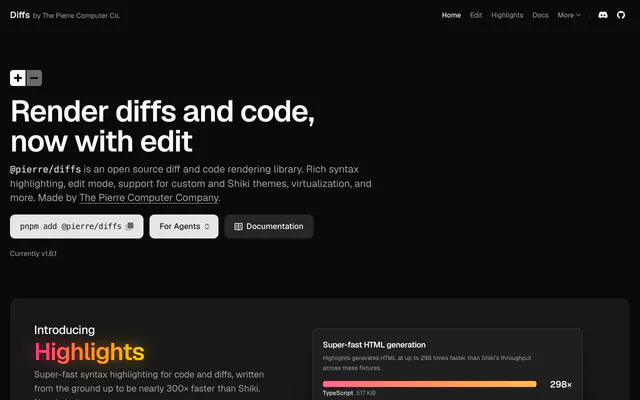
 @pierre/diffsLibrary@pierre/diffs renders code and diffs with split or stacked layouts, annotations, line selection and custom themes. Install it from npm with one command.
 Shadcn Tree ViewLibraryShadcn Tree View renders hierarchical lists with expandable nodes, custom icons, drag and drop and disabled items, installed through the shadcn CLI.
 DropDrawerLibraryDropDrawer swaps a shadcn/ui dropdown menu for a drawer on small screens, supports nested submenus, and installs through the shadcn CLI.
 siddz-uiLibrarysiddz-ui is a small open-source set of React and Tailwind CSS components with animation: floating tabs, a confetti button, shiny text and more.
 shadcn/ui expansionsLibraryshadcn/ui expansions adds components the base set lacks: autosize textarea, datetime picker, multiple selector and infinite scroll. Copy and paste them.


Pricing
Ship it with Pro
The directory is free. Pro adds 6,000+ blocks, 14 premium templates and the MCP server, so your AI editor installs them for you.
4.9/5 out of 5 · 150+ reviewsfrom 150+ founders and developers.
- Secure checkout via Stripe
- Code lives in your repo
- Keep what you've shipped if you cancel
- License terms
FAQ
Frequently asked questions
What Trees is, how to install it, its license and its alternatives.
The site shows the current version as v1.0.0-beta.6, so it is still in beta.
An open-source file tree library with virtualization, Git status badges and context menus.
Trees lists Built-in virtualization, Git status badges on files, Flatten empty directories, Search that expands matches, Custom context menu and Light and dark demos.
The directory lists these uses for Trees: Showing changed files in a code review tool, Building a file explorer for an in-browser editor and Rendering a large repository tree without lag.
The directory does not name a maker for Trees. Its site is https://trees.software/.
Trees was added to the directory on April 24, 2026.
Trees is in Libraries & Components. Component libraries and standalone components built on shadcn/ui, covering the data tables, pickers, editors and charts the core set leaves out.
Components, Navigation, Code display, Open source and Customizable. Each tag has a page listing the other resources that carry it.
Yes. Trees's page has a Live tab beside the screenshot that loads its site in a frame.
Run pnpm add @pierre/trees.
Trees lists this command: `pnpm add @pierre/trees`.
The directory lists no shadcn CLI command for Trees. Check its docs at https://trees.software/ for how to add it.
The directory links no repository for Trees. Its site is https://trees.software/.
The directory links no separate docs for Trees; start from its site at https://trees.software/.
The directory records no license for Trees. Check its repository or site before you use it.
The directory records no price for Trees. Its site, https://trees.software/, is where its pricing, if any, is stated.
No. Trees is made by its own maker and listed here as a link. A shadcn.io Pro plan covers shadcn.io's own blocks, templates and tools.
Other resources in Libraries & Components, newest first: shadcn-resizable-sidebar, @pierre/diffs, Shadcn Tree View and DropDrawer. Their pages are linked under Similar to Trees.
Open its category, Libraries & Components, or one of its tags (Components, Navigation and Code display): each page lists the resources that share it.
4.9 out of 5 from 150+ developers


Found your stack? Ship it.
6,000+ blocks, premium templates and MCP in every Pro plan. The directory stays free.
Get Pro