#navigation
14 resources tagged Navigation in Awesome shadcn/ui.
#navigation
14 resources
14 shadcn/ui resources for navigation: libraries, registries, templates and tools. Each with a screenshot, a write-up and its links.
14 resources.
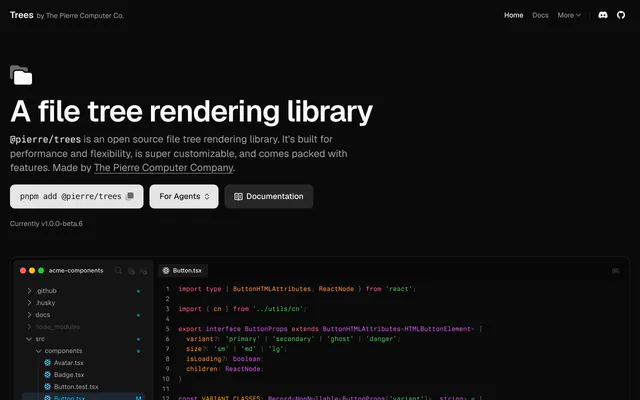
 TreesLibraryTrees (@pierre/trees) renders file trees that stay fast with thousands of items, with Git status badges, flattened folders, search and custom menus.
 siddz-uiLibrarysiddz-ui is a small open-source set of React and Tailwind CSS components with animation: floating tabs, a confetti button, shiny text and more.
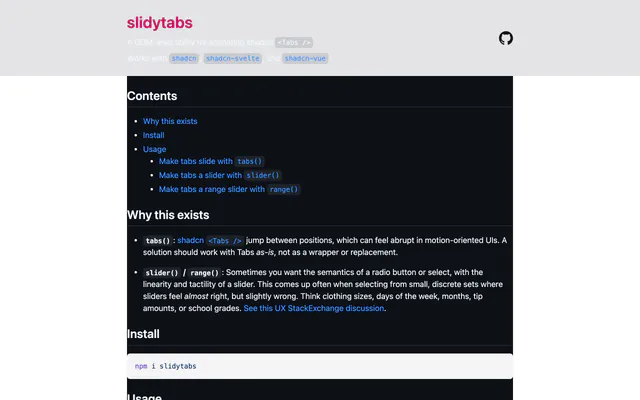
 slidytabsAnimationslidytabs animates shadcn Tabs with a sliding indicator and adds slider and range helpers. It works with React, Vue and Svelte through npm.
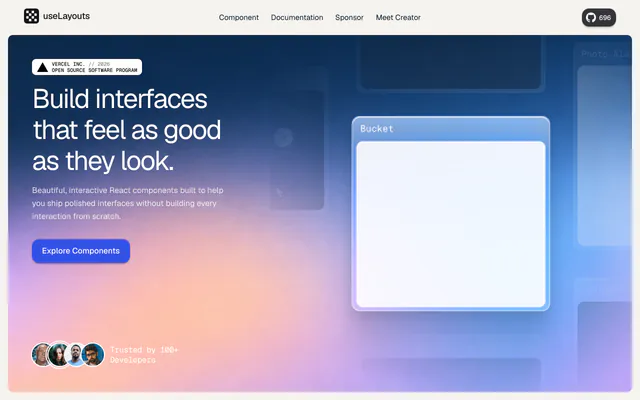
 useLayoutsAnimationuseLayouts is a free library of interactive React components such as 3D books, theme toggles and photo stacks, built with Framer Motion and Tailwind CSS.
 use-modal-control-queryLibraryuse-modal-control-query is a hook from the davidsling registry that ties modal open state to the URL query string, so a link can open any dialog.
 Animated HeaderAnimationAnimated Header is an open-source Next.js demo of a Vercel-style top navigation that reacts to scrolling, built with shadcn/ui, Tailwind CSS and Motion.
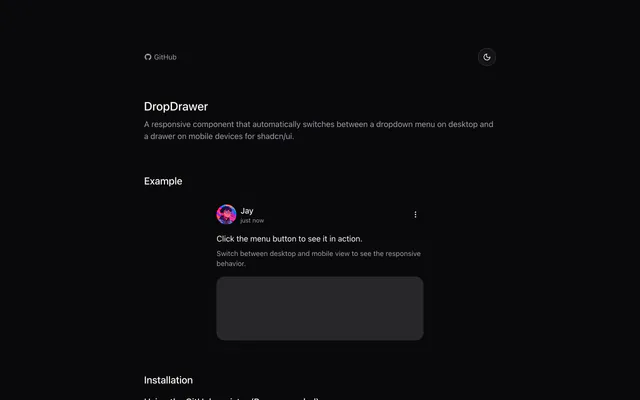
 DropDrawerLibraryDropDrawer swaps a shadcn/ui dropdown menu for a drawer on small screens, supports nested submenus, and installs through the shadcn CLI.
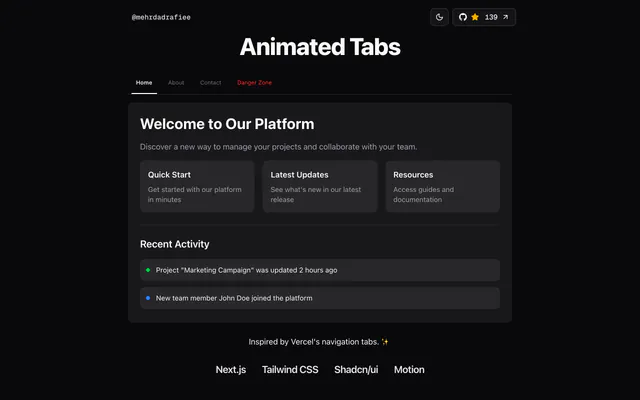
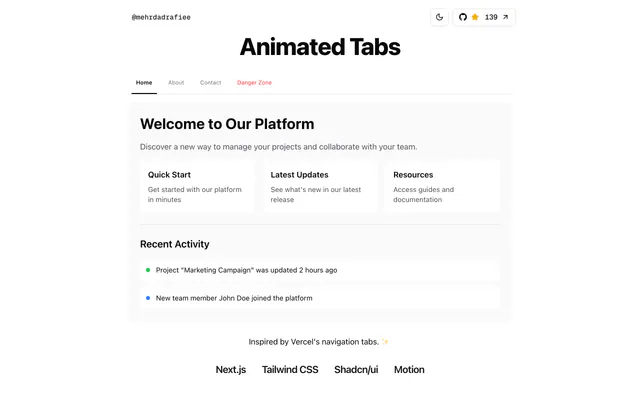 Animated TabsAnimationAnimated Tabs is an open-source Next.js component that mimics Vercel's navigation tabs, built with shadcn/ui, Tailwind CSS and Motion. Clone and run it.
 Shadcn Link PaginationLibraryShadcn Link Pagination wraps the shadcn/ui pagination parts so each page change updates the URL with page and limit search parameters.
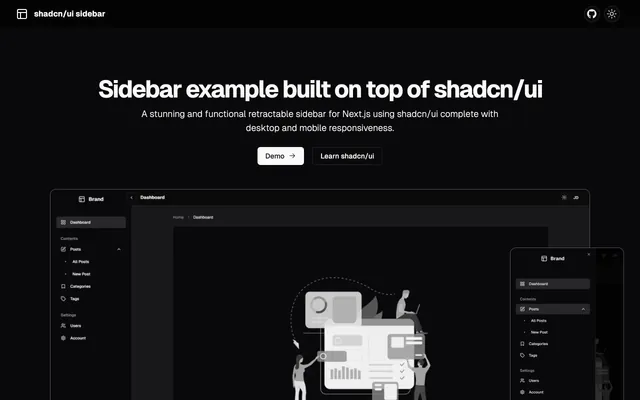
 shadcn/ui sidebarLibraryThis sidebar toggles between mini and wide modes, opens as a sheet on mobile and installs through the shadcn CLI. Built with Next.js and Zustand.
 shadcn-resizable-sidebarLibraryshadcn-resizable-sidebar adds drag and click resizing to the shadcn/ui Sidebar, remembers the width on reload, and keeps the original API.
 Shadcn Tree ViewLibraryShadcn Tree View renders hierarchical lists with expandable nodes, custom icons, drag and drop and disabled items, installed through the shadcn CLI.
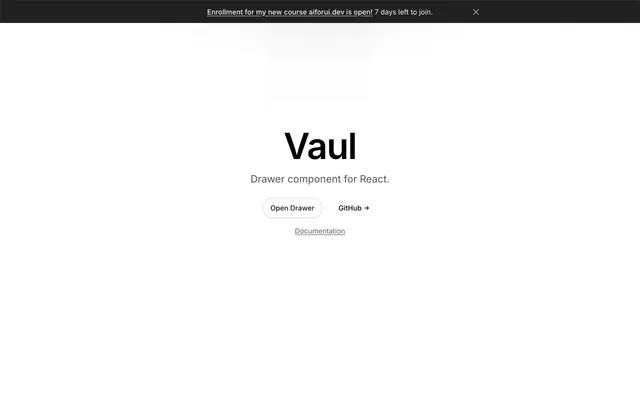
 VaulLibraryVaul is a drawer component for React. Its site opens a live drawer demo and links to the GitHub repository and the full documentation.
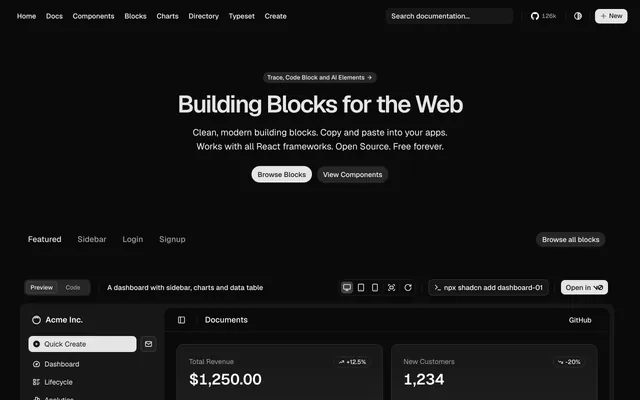
 shadcn/ui BlocksLibraryThe shadcn/ui Blocks page offers copy-paste dashboard, sidebar, login and signup layouts that work with React frameworks and install from the CLI.

Pricing
Ship it with Pro
The directory is free. Pro adds 6,000+ blocks, 14 premium templates and the MCP server, so your AI editor installs them for you.
4.9/5 out of 5 · 150+ reviewsfrom 150+ founders and developers.
- Secure checkout via Stripe
- Code lives in your repo
- Keep what you've shipped if you cancel
- License terms
FAQ
Frequently asked questions
What the Navigation tag marks and what its resources have in common.
The Navigation tag marks resources in Awesome shadcn/ui that the directory describes by navigation. It is one of 108 tags, in the topics group.
14 resources, out of 521 in the directory.
Trees, siddz-ui, slidytabs and useLayouts, in the directory's own order: curated, then newest first.
The Navigation tag is a topic tag. The tags page groups every tag by kind.
Libraries & Components (10) and Animations (4). The category tells you what each is for.
13 resources: Trees, siddz-ui, slidytabs and useLayouts.
4 resources tagged Navigation show a license GitHub confirmed: DropDrawer (MIT), shadcn/ui sidebar (MIT), shadcn-resizable-sidebar (MIT) and Shadcn Tree View (MIT). Check the others' repositories.
5 resources tagged Navigation list a shadcn CLI install command. For example, use-modal-control-query lists `pnpm dlx shadcn@latest add https://shadcn.davidsling.in/r/use-modal-control-query.json`.
Components, Open source, Tailwind CSS, Animation and Copy and paste, ordered by how many resources they share with Navigation.
Open a related tag from the Also tagged row at the bottom of the page, or browse all 108 on the tags page.
Categories describe what a resource is for. Open the category of a Navigation resource to see its peers: the categories page lists all 11.
With 14 resources, the Navigation page is indexed by search engines.
Use the submit page: send the link to its website or repository through the contact form, which opens with the subject "Awesome shadcn/ui submission" already filled in. A person reads it and decides whether it is listed. Say what it is and what stack it uses; the tags are part of its record in the directory.
The directory holds no price, rating or star count, so a tag cannot say how good or how costly a resource is. Navigation only describes it; read each resource's site before you depend on it.
4.9 out of 5 from 150+ developers


Found your stack? Ship it.
6,000+ blocks, premium templates and MCP in every Pro plan. The directory stays free.
Get Pro