shadcn/svelte for VS Code
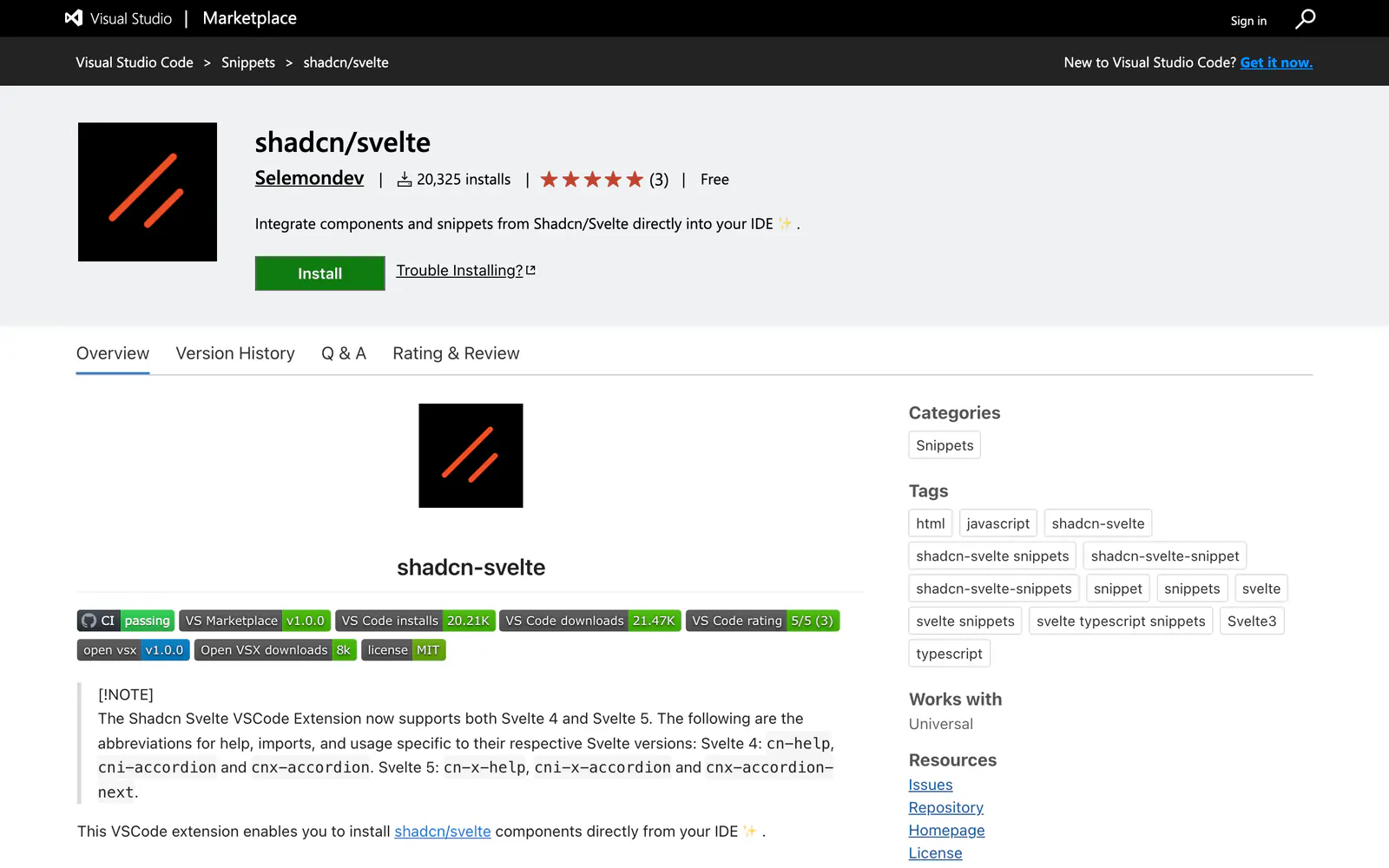
A VS Code extension that installs shadcn/svelte components and adds snippets for Svelte 4 and Svelte 5.
- Category
- Plugins & Extensions
- Added
- Price
- Free
About
About shadcn/svelte for VS Code
This Visual Studio Code extension by Selemondev brings shadcn/svelte into the editor. You can initialize the CLI, install one component or several from a list, and open the shadcn-svelte documentation or a specific component page. It also ships snippets: type cn or shadcn in a Svelte file and pick a component.
Snippet prefixes differ by version. Svelte 4 uses cni-accordion and cnx-accordion, and Svelte 5 uses cni-x-accordion and cnx-accordion-next, with cn-help and cn-x-help explaining each set. Install it from the Visual Studio Marketplace, where it is free with about 20,300 installs. It fits Svelte developers working with shadcn/svelte.
shadcn/svelte for VS Code features
6 features
- Initialize the shadcn/svelte CLI
- Install one or many components
- Open component docs from VS Code
- Import and usage snippets
- Separate Svelte 4 and Svelte 5 prefixes
- Free on the Visual Studio Marketplace
What you can build with shadcn/svelte for VS Code
3 use cases
- Adding several components to a SvelteKit project at once
- Inserting a component's import with a snippet
- Jumping to a component's docs page
Plugins & Extensions
Similar to shadcn/svelte for VS Code
More plugins & extensions like shadcn/svelte for VS Code: the closest by what they do, then the most starred.
 shadcn/vue for VS CodePluginThis free VS Code extension installs shadcn/vue components from the editor and adds cni and cnx snippets for imports and templates in Vue files.
 shadcn/ui for VS CodePluginA free VS Code extension by Suhel Makkad that initializes the shadcn CLI and installs components without leaving the editor.
 shadcn/ui snippetsPluginshadcn/ui snippets is a VS Code snippet pack for importing shadcn/ui components in JSX and TSX. It is deprecated in favor of shadcn/next.
 shadcn/ui Components ManagerPluginshadcn/ui Components Manager is a JetBrains plugin that adds, removes and updates components from a tool window in React, Vue, Svelte and Solid.
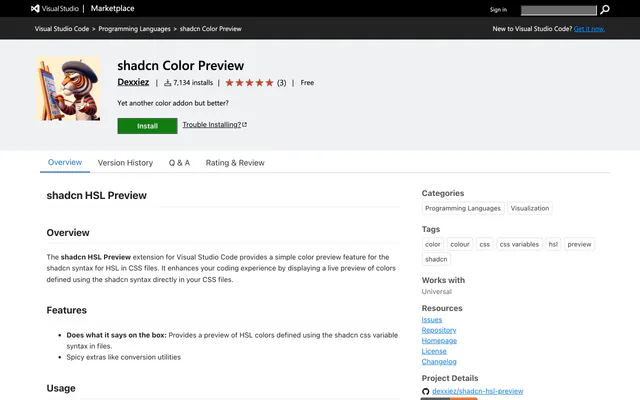 shadcn Color PreviewPluginshadcn Color Preview is a free VS Code extension that shows live swatches for shadcn-style HSL variables, with a hover mixer and conversions.
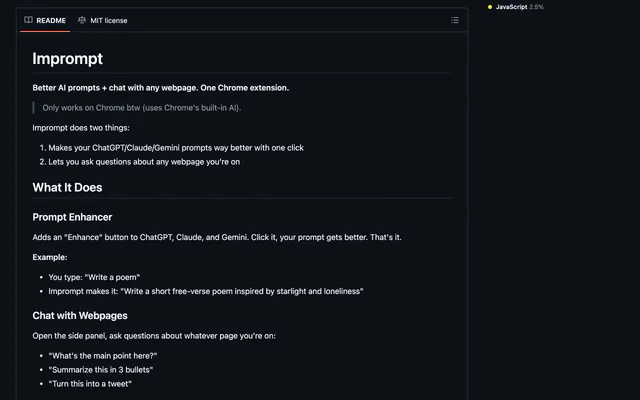
 ImpromptPluginImprompt is an open-source Chrome extension that improves prompts on ChatGPT, Claude and Gemini and lets you chat with any webpage.
Pricing
Ship it with Pro
The directory is free. Pro adds 6,000+ blocks, 14 premium templates and the MCP server, so your AI editor installs them for you.
4.9/5 out of 5 · 150+ reviewsfrom 150+ founders and developers.
- Secure checkout via Stripe
- Code lives in your repo
- Keep what you've shipped if you cancel
- License terms
FAQ
Frequently asked questions
What shadcn/svelte for VS Code is, how to install it, its license and its alternatives.
Yes. The page says it supports both Svelte 4 and Svelte 5, with separate snippet prefixes for each.
Type cn or shadcn in a Svelte file and choose a component. The cni prefix adds imports and cnx adds usage.
A VS Code extension that installs shadcn/svelte components and adds snippets for Svelte 4 and Svelte 5.
shadcn/svelte for VS Code lists Initialize the shadcn/svelte CLI, Install one or many components, Open component docs from VS Code, Import and usage snippets, Separate Svelte 4 and Svelte 5 prefixes and Free on the Visual Studio Marketplace.
The directory lists these uses for shadcn/svelte for VS Code: Adding several components to a SvelteKit project at once, Inserting a component's import with a snippet and Jumping to a component's docs page.
The directory does not name a maker for shadcn/svelte for VS Code. Its site is https://marketplace.visualstudio.com/items?itemName=Selemondev.vscode-shadcn-svelte&ssr=false#overview.
shadcn/svelte for VS Code was added to the directory on December 27, 2024.
shadcn/svelte for VS Code is in Plugins & Extensions. Editor, browser and launcher extensions that browse, add and preview shadcn/ui components without leaving your tools.
IDE extension, Components, Svelte, shadcn CLI, Copy and paste and Free. Each tag has a page listing the other resources that carry it.
No. shadcn/svelte for VS Code's site cannot be framed, so its page shows screenshots of it and a link to the site.
The directory lists no install command for shadcn/svelte for VS Code. Follow the instructions on its site at https://marketplace.visualstudio.com/items?itemName=Selemondev.vscode-shadcn-svelte&ssr=false#overview.
The directory lists no shadcn CLI command for shadcn/svelte for VS Code. Check its docs at https://marketplace.visualstudio.com/items?itemName=Selemondev.vscode-shadcn-svelte&ssr=false#overview for how to add it.
The directory links no repository for shadcn/svelte for VS Code. Its site is https://marketplace.visualstudio.com/items?itemName=Selemondev.vscode-shadcn-svelte&ssr=false#overview.
The directory links no separate docs for shadcn/svelte for VS Code; start from its site at https://marketplace.visualstudio.com/items?itemName=Selemondev.vscode-shadcn-svelte&ssr=false#overview.
The directory records no license for shadcn/svelte for VS Code. Check its repository or site before you use it.
The directory records no price for shadcn/svelte for VS Code. Its site, https://marketplace.visualstudio.com/items?itemName=Selemondev.vscode-shadcn-svelte&ssr=false#overview, is where its pricing, if any, is stated.
No. shadcn/svelte for VS Code is made by its own maker and listed here as a link. A shadcn.io Pro plan covers shadcn.io's own blocks, templates and tools.
Other resources in Plugins & Extensions, newest first: shadcn/vue for VS Code, shadcn/ui for VS Code, shadcn/ui snippets and shadcn/ui Components Manager. Their pages are linked under Similar to shadcn/svelte for VS Code.
Open its category, Plugins & Extensions, or one of its tags (IDE extension, Components and Svelte): each page lists the resources that share it.
4.9 out of 5 from 150+ developers


Found your stack? Ship it.
6,000+ blocks, premium templates and MCP in every Pro plan. The directory stays free.
Get Pro