shadcn/vue for VS Code
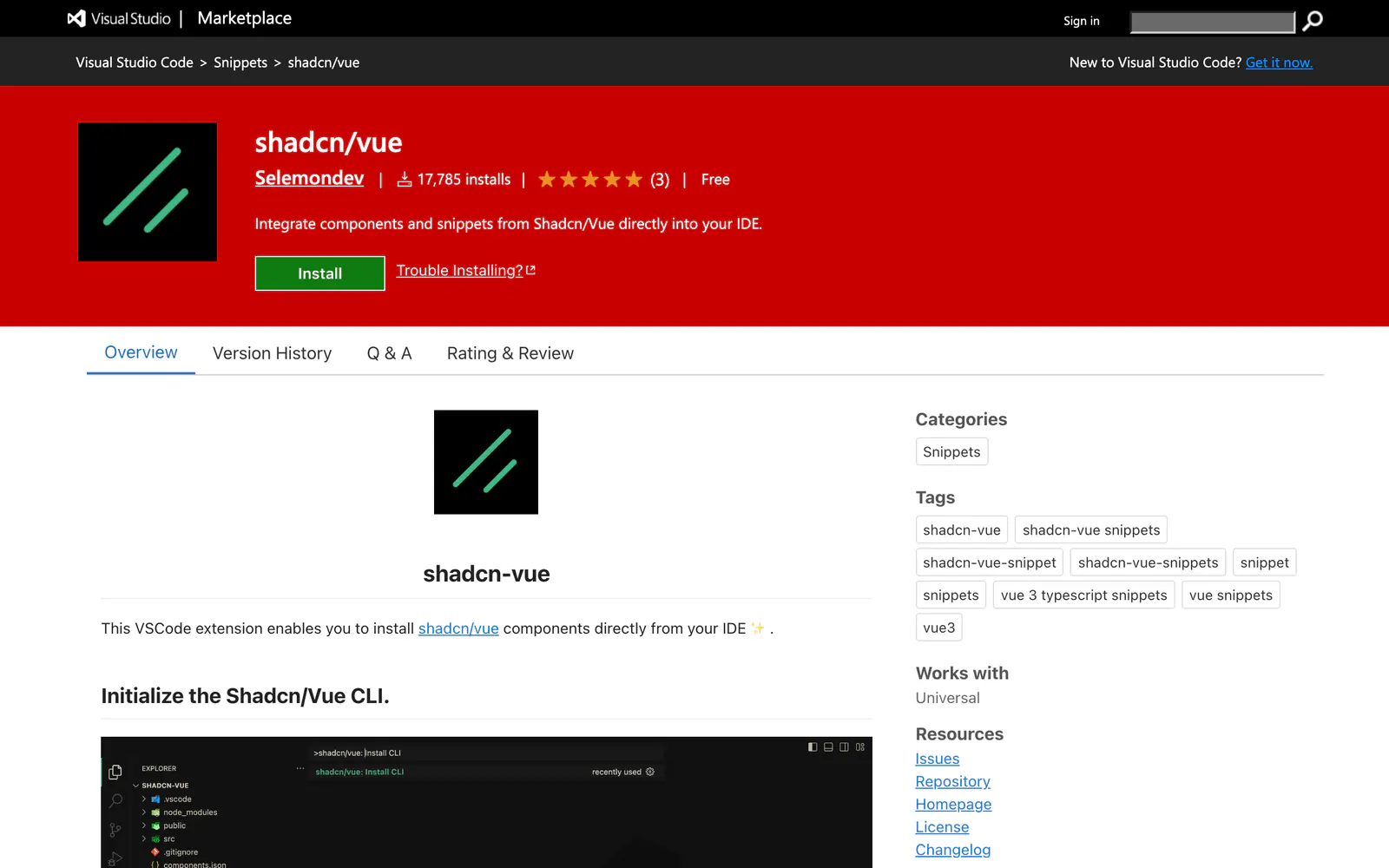
A VS Code extension that installs shadcn/vue components and adds import and template snippets for Vue files.
- Category
- Plugins & Extensions
- Added
- Price
- Free
About
About shadcn/vue for VS Code
This Visual Studio Code extension by Selemondev lets you work with shadcn/vue from the editor. You can initialize the CLI, install a single component or pick several from a list, and open the shadcn-vue docs or a component's page. Snippets cover the rest: type cn or shadcn in a Vue file and choose a component.
The cni prefix adds a component's imports and cnx adds its template, and cn-help explains how they work. For example, cni-alert imports the Alert parts and cnx-alert inserts a starter template. Install it from the Visual Studio Marketplace, where it is free with about 17,800 installs. It suits Vue developers using shadcn/vue.
shadcn/vue for VS Code features
6 features
- Initialize the shadcn/vue CLI
- Install one or several components
- Open component docs from VS Code
- Import snippets with cni
- Template snippets with cnx
- Free on the Visual Studio Marketplace
What you can build with shadcn/vue for VS Code
3 use cases
- Adding a batch of components to a Nuxt or Vite app
- Dropping an Alert template into a page
- Jumping from a component to its docs
Plugins & Extensions
Similar to shadcn/vue for VS Code
More plugins & extensions like shadcn/vue for VS Code: the closest by what they do, then the most starred.
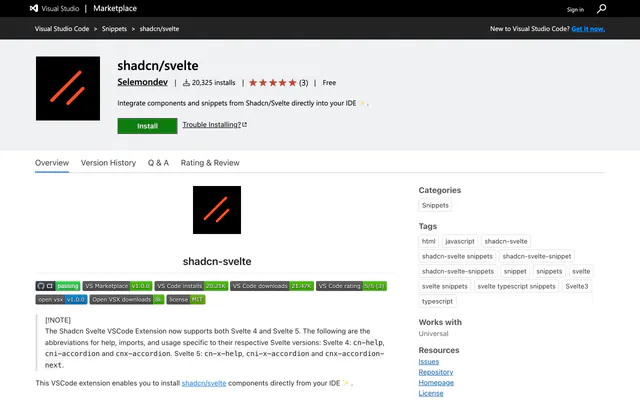 shadcn/svelte for VS CodePluginThe shadcn/svelte VS Code extension installs components, opens docs pages and adds import snippets for Svelte 4 and Svelte 5 projects.
 shadcn/ui for VS CodePluginA free VS Code extension by Suhel Makkad that initializes the shadcn CLI and installs components without leaving the editor.
 shadcn/ui snippetsPluginshadcn/ui snippets is a VS Code snippet pack for importing shadcn/ui components in JSX and TSX. It is deprecated in favor of shadcn/next.
 shadcn/ui Components ManagerPluginshadcn/ui Components Manager is a JetBrains plugin that adds, removes and updates components from a tool window in React, Vue, Svelte and Solid.
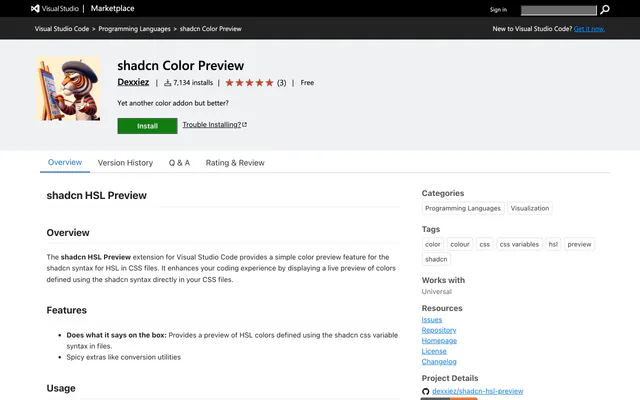 shadcn Color PreviewPluginshadcn Color Preview is a free VS Code extension that shows live swatches for shadcn-style HSL variables, with a hover mixer and conversions.
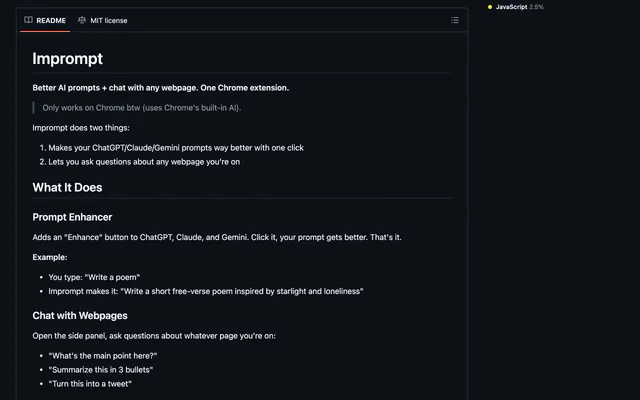
 ImpromptPluginImprompt is an open-source Chrome extension that improves prompts on ChatGPT, Claude and Gemini and lets you chat with any webpage.
Pricing
Ship it with Pro
The directory is free. Pro adds 6,000+ blocks, 14 premium templates and the MCP server, so your AI editor installs them for you.
4.9/5 out of 5 · 150+ reviewsfrom 150+ founders and developers.
- Secure checkout via Stripe
- Code lives in your repo
- Keep what you've shipped if you cancel
- License terms
FAQ
Frequently asked questions
What shadcn/vue for VS Code is, how to install it, its license and its alternatives.
A VS Code extension that installs shadcn/vue components and adds import and template snippets for Vue files.
shadcn/vue for VS Code lists Initialize the shadcn/vue CLI, Install one or several components, Open component docs from VS Code, Import snippets with cni, Template snippets with cnx and Free on the Visual Studio Marketplace.
The directory lists these uses for shadcn/vue for VS Code: Adding a batch of components to a Nuxt or Vite app, Dropping an Alert template into a page and Jumping from a component to its docs.
The directory does not name a maker for shadcn/vue for VS Code. Its site is https://marketplace.visualstudio.com/items?itemName=Selemondev.shadcn-vue.
shadcn/vue for VS Code was added to the directory on December 27, 2024.
shadcn/vue for VS Code is in Plugins & Extensions. Editor, browser and launcher extensions that browse, add and preview shadcn/ui components without leaving your tools.
IDE extension, Components, Vue, shadcn CLI, Copy and paste and Free. Each tag has a page listing the other resources that carry it.
No. shadcn/vue for VS Code's site cannot be framed, so its page shows screenshots of it and a link to the site.
Type cni-alert in a Vue file to add the imports and cnx-alert to insert the template. Other components follow the same pattern.
The directory lists no install command for shadcn/vue for VS Code. Follow the instructions on its site at https://marketplace.visualstudio.com/items?itemName=Selemondev.shadcn-vue.
The directory lists no shadcn CLI command for shadcn/vue for VS Code. Check its docs at https://marketplace.visualstudio.com/items?itemName=Selemondev.shadcn-vue for how to add it.
The directory links no repository for shadcn/vue for VS Code. Its site is https://marketplace.visualstudio.com/items?itemName=Selemondev.shadcn-vue.
The directory links no separate docs for shadcn/vue for VS Code; start from its site at https://marketplace.visualstudio.com/items?itemName=Selemondev.shadcn-vue.
Yes. The Marketplace lists it as free.
The directory records no license for shadcn/vue for VS Code. Check its repository or site before you use it.
The directory records no price for shadcn/vue for VS Code. Its site, https://marketplace.visualstudio.com/items?itemName=Selemondev.shadcn-vue, is where its pricing, if any, is stated.
No. shadcn/vue for VS Code is made by its own maker and listed here as a link. A shadcn.io Pro plan covers shadcn.io's own blocks, templates and tools.
Other resources in Plugins & Extensions, newest first: shadcn/svelte for VS Code, shadcn/ui for VS Code, shadcn/ui snippets and shadcn/ui Components Manager. Their pages are linked under Similar to shadcn/vue for VS Code.
Open its category, Plugins & Extensions, or one of its tags (IDE extension, Components and Vue): each page lists the resources that share it.
4.9 out of 5 from 150+ developers


Found your stack? Ship it.
6,000+ blocks, premium templates and MCP in every Pro plan. The directory stays free.
Get Pro