shadcn.io is an independent project built on shadcn/ui
Fireplace Background for Solid
Flames lick up from the bottom edge, gold to red, with rising sparks. For Solid with Ark UI, when a section should feel warm.
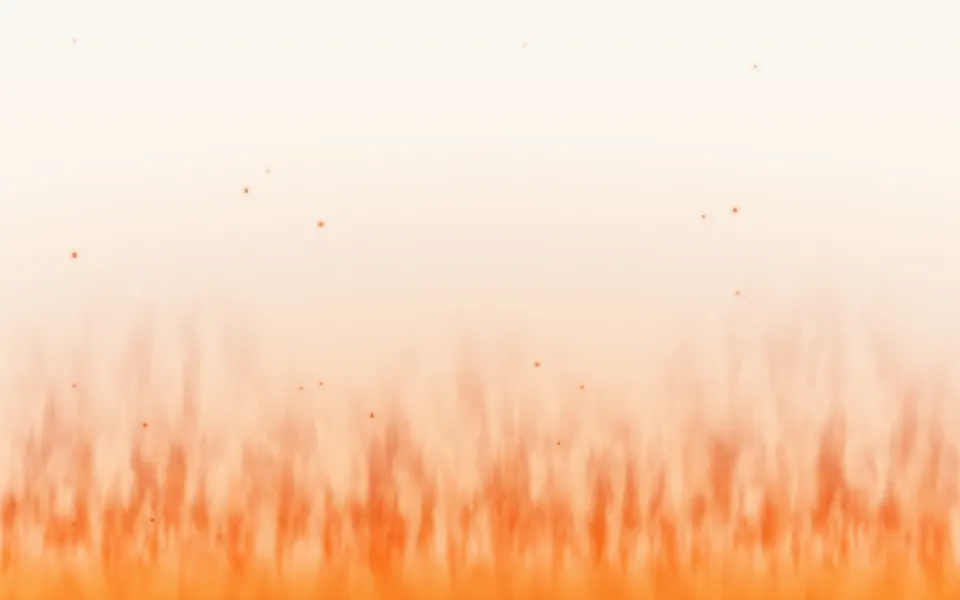
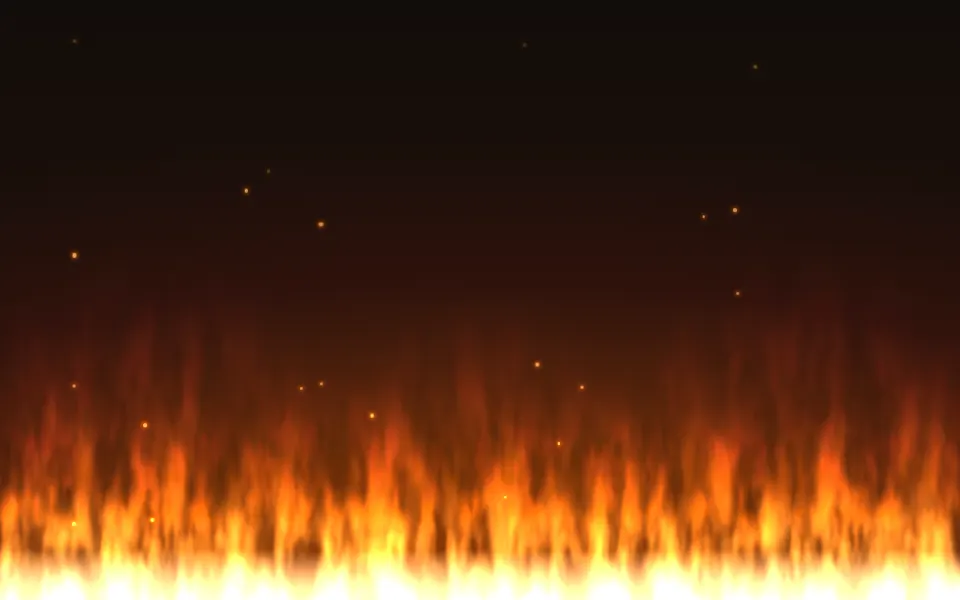
A fire burns along the bottom edge: pointed tongues of flame lick upward, sway and tear off at the tips, with a hot core at the base that runs through gold and orange to red, warm light in the air above and sparks that rise and go out. It's a GLSL scene on WebGL2 with no dependency. It reads the surface behind it: the flames glow on a dark page and become soft, translucent washes of the same colors on a light one. The pointer stokes the fire under it.
Use it at the foot of a hero, a winter landing page or a card that should feel warm. For slow curls that rise with no flame, use Smoke; for warm dots that wander at dusk, Fireflies; for one soft warm light behind a headline, Glow. With reduced motion it holds one still frame.
Installation
Usage
import { Fireplace } from "@/components/ui/fireplace";<Fireplace class="flex min-h-[32rem] flex-col items-center pt-16" height={0.36}>
<h1 class="text-5xl font-semibold">A cabin, a fire and no signal</h1>
</Fireplace>Fireplace is a container: whatever you put inside sits on top of the fire, in normal flow. It fills its own box, so give it a height or content. For a backdrop behind the whole page, render it empty with className="fixed inset-0 -z-10".
Presets
<Fireplace /><Fireplace
height={0.85}
scale={0.8}
sparks={1.6}
speed={1.3}
turbulence={1.6}
/><Fireplace
detail={0.2}
scale={0.9}
softness={0.9}
sparks={0.3}
speed={0.6}
turbulence={0.35}
/><Fireplace angle={16} height={0.45} sparks={1.5} turbulence={1.4} /><Fireplace glow={1.6} height={0.22} sparks={2} turbulence={0.6} /><Fireplace
colors={["#eaf6ff", "#7cc7ff", "#3b6bff", "#2b2a9c"]}
height={0.4}
scale={1.6}
sparks={0.3}
turbulence={0.6}
/><Fireplace
colors={["var(--foreground)", "var(--muted-foreground)"]}
softness={0.2}
sparks={0.5}
/>Each preset is a set of props, so copy one and keep tuning. Hearth is the default. Embers is a low bed of flame with twice the sparks, for a footer; Blaze fills 85% of the box and whips about; Calm is slow, smooth and soft-edged; Gas swaps the palette for a blue burner flame; and Mono takes its colors from your theme.
Examples
Hero
The fire takes the bottom of the box and the copy sits at the top, in clear air. height={0.36} keeps the tallest tongue under the buttons.
Colors
colors runs from the core at the base to the tips: here a pale core, sky blue and indigo on a dark surface, like a gas flame, with thinner tongues (scale={1.6}), less turbulence and few sparks.
In a card
Text at the top of a small card and a fire at its foot: height={0.42} and scale={1.3}, so a 384-pixel card still holds several tongues.
Customization
Every color is a CSS color, so a theme variable works and follows a theme switch: colors={["var(--chart-4)", "var(--chart-1)"]}. The palette is mixed in OKLab, so the steps between two colors stay clean. The sparks and the warm light above the fire take a color from the middle of it.
The surface is the root's own background, bg-background by default. Give the root another (bg-stone-950, an image, a gradient) and the fire adapts: it adds light to a dark surface, and on a light one it paints three translucent sheets of tongues over a warm yellow bed, leaving out the palest part of the core, which would vanish on white. fade masks an edge, opacity turns the whole effect down, and grain adds film grain.
<Fireplace
  class="min-h-[32rem] bg-stone-950"
  colors={["var(--chart-4)", "var(--chart-1)", "var(--chart-5)"]}
  grain={0.15}
  height={0.4}
  sparks={1.5}
/>
Performance
It's one WebGL2 canvas and one fragment shader: three octaves of simplex noise scrolled upward for the ragged edge, two more samples for the bend and the air, ten hash lookups for the tongues (fifteen on a light surface, which draws a third sheet of them) and six for the sparks, with no loop longer than five steps. It draws only while it's on screen and the tab is visible, shares one frame loop with every other background on the page, and lowers its own resolution if frames run long. quality sets the render scale yourself, and paused holds the frame.
Accessibility
The fire is decoration: it's hidden from assistive tech and lets every click through to your content. With reduced motion it draws one still frame of the fire and ignores the pointer. Nothing flashes: the flames flicker at their edges, but the light of the whole scene stays level.
Put copy above the flames, in the foreground color (text-foreground). Measured on the default frame, foreground text in the top half of the box is 18:1 or more over 99% of it on both surfaces; a spark, a dot 2 to 5 pixels wide, or the tip of a tall tongue passing through takes it down to about 4:1 on a dark surface for a moment. On a light surface the washes are pale enough that foreground text stays above 5:1 even over the flames. Inside the flames on a dark surface white text does not reach 4.5:1, so lower height until the tallest tongue clears your last line.
FAQ
How do I change the colors of the fire?
Pass two to eight CSS colors to colors. The first is the hot core at the base and the last is the tips of the flames, with the rest spread between. Hex, oklch() and theme variables such as var(--primary) all work, and a variable follows your theme when it changes. The Gas preset shows a blue palette.
Does it work on a light page?
Yes, with no prop to set. On a dark surface the flames add light. On a light one the fire is drawn as a soft illustration: three translucent sheets of tongues over a warm yellow bed, colored by height from yellow through orange to red, each fading out at its tips, so they show through one another. The air above gets a warm tint of at most 8%, so the page stays white. Set the surface with a class on the component, such as bg-stone-950.
How do I make the fire taller or lower?
height is the share of the box the tallest tongues reach, from 0.15 to 0.9. Every size in the scene follows it, so a low fire has small, narrow tongues and a tall one has large ones. scale then sets how many tongues fit across: 2 packs twice as many, each half as wide.
How do I put it behind the whole page?
Render it empty with className="fixed inset-0 -z-10". It still follows the pointer there, since it listens on the window. To put it behind one section, wrap that section's content in it and give it a height, such as min-h-svh. For a strip of fire along a footer, use a short box and height={0.8}.
How are the flames made?
There are no sprites and no images. A row of pointed tongues sets how high the fire reaches at each point, each tongue swaying and rising on its own slow sine, and noise that scrolls upward eats into that shape more the higher it gets, so the tips fray and tear off. Heat falls from the base to the tip, and the palette follows the heat.
Will it slow my page down?
It's a light shader: five samples of noise and a few hash lookups a pixel, on the GPU, and nothing at all while it's off screen or the tab is hidden. If a device can't keep up, it renders fewer pixels by itself. For a phone-first page, quality={0.75} draws a little under half the pixels and is hard to tell apart.
Does it work with Next.js and server components?
Yes. Import it into a server component and it renders its box and your content on the server; the canvas starts in the browser and the flames grow from the bottom edge over about a second. It needs WebGL2, which every current browser has. Without it the box keeps its background, or the fallback you pass.
What does the pointer do, and can I turn it off?
The flames under the pointer burn about 15% taller, and a press makes them flare up there and settle over a second. interactive={false} turns both off. Touch never moves it, so scrolling on a phone isn't disturbed, and with reduced motion the pointer is ignored.
API Reference
Fireplace
data-slot="fireplace"
angle?number
How far the flames lean, in degrees from -30 to 30, as if a draft blew across the fire: a positive angle leans them to the right.
- Default
0
colors?string[]
Two to eight CSS colors, from the hot core at the base of the fire to
the tips of the flames. Theme variables such as var(--primary) follow
your theme.
- Default
["#fff1c1", "#ffc247", "#ff7a1c", "#d92b1b"]
detail?number
How much fine flicker breaks up the flames, from 0 (smooth tongues) to 1 (ragged, with licks that tear off).
- Default
0.6
fade?"none" | "radial" | "top" | "bottom" | "left" | "right"
Which edges fade out to the surface: radial keeps the middle, the
others name the side that fades.
- Type
"none" | "radial" | "top" | "bottom" | "left" | "right"- Default
"none"
fallback?string
What shows until the first frame and in browsers without WebGL2: a CSS
background value that looks like the scene.
glow?number
How far the fire's warm light reaches into the air above it, from 0 to 2.
- Default
1
grain?number
Film grain over the scene, from 0 to 1.
- Default
0
height?number
How tall the flames burn, as a share of the box from 0.15 to 0.9.
- Default
0.5
intensity?number
How bright the fire is, from 0 to 2.
- Default
1
interactive?boolean
Whether the scene follows the pointer and answers a press. Touch never moves it, so scrolling a page on a phone isn't disturbed.
- Default
true
opacity?number
How strongly the scene shows over the surface, from 0 to 1.
- Default
1
paused?boolean
Holds the current frame.
- Default
false
quality?number
Render scale, from 0.25 to 1, of the screen's pixels (capped at 2×). Lower is cheaper and softer.
- Default
1
scale?number
The size of the tongues, from 0.5 to 3: higher packs more, thinner flames across the box.
- Default
1
softness?number
How soft the edge of the flames is, from 0 (crisp, like cut paper) to 1 (a haze).
- Default
0.4
sparks?number
How many sparks rise out of the fire, from 0 (none) to 2.
- Default
1
speed?number
Animation speed: 1 is normal, 0 holds the frame.
- Default
1
time?number
A fixed moment, in seconds: draws it and doesn't animate.
turbulence?number
How much the rising air bends and tears the tongues, from 0 (they stand straight) to 2 (they whip about).
- Default
1