shadcn.io is an independent project built on shadcn/ui
Snow Background for Solid
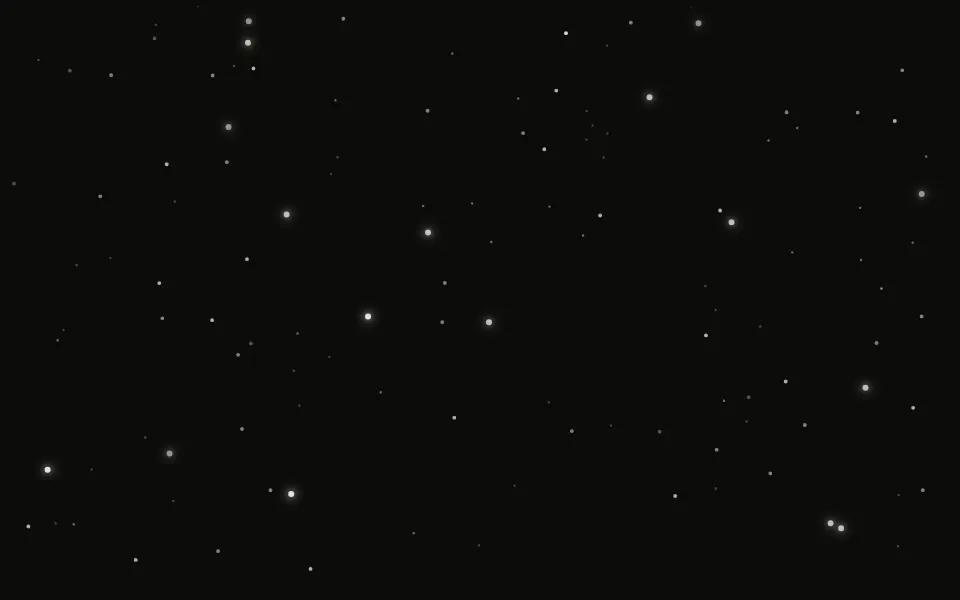
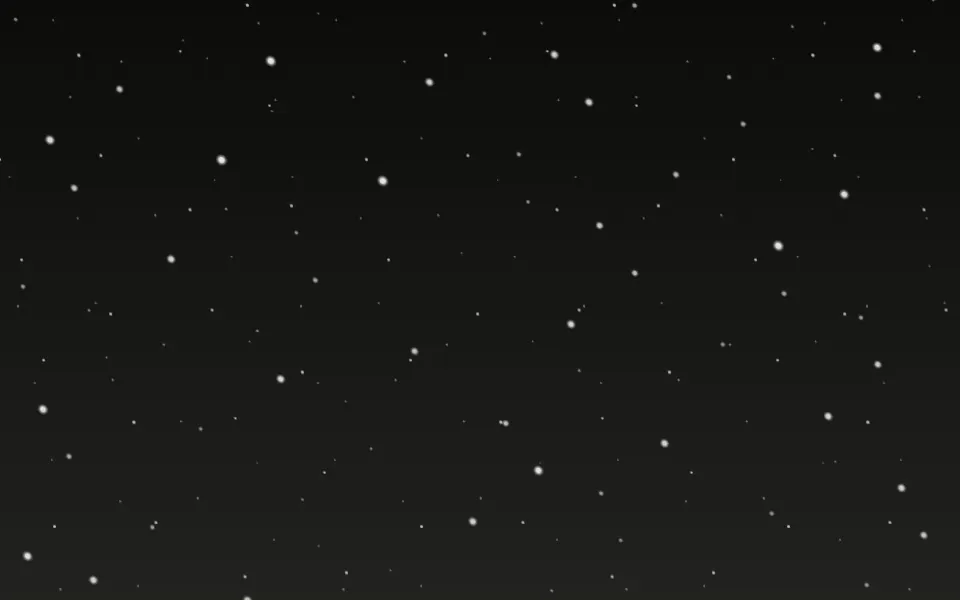
Snow in depth: sharp specks far away, soft flakes close up, each swaying. For Solid with Ark UI, when a winter hero should feel calm.
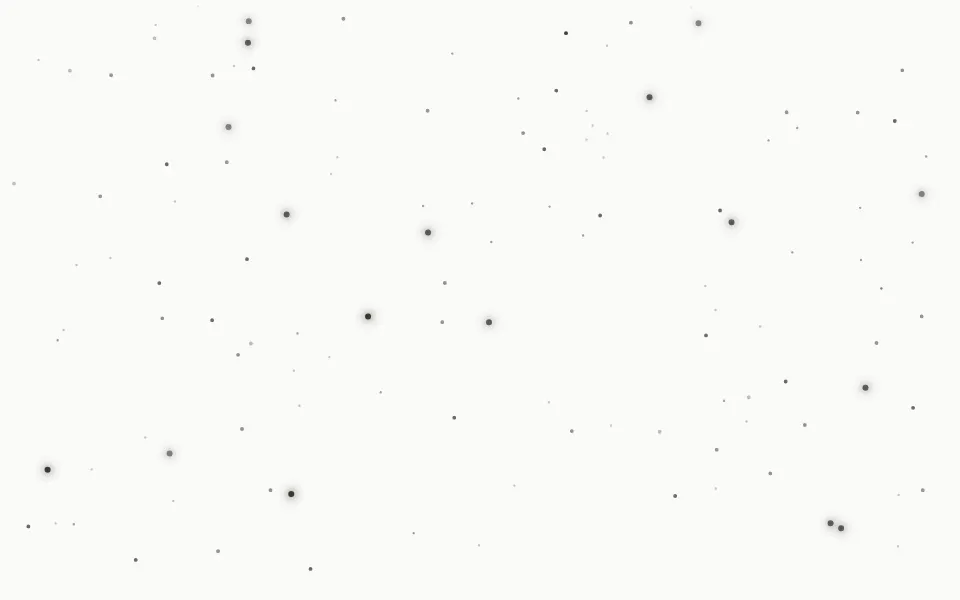
Snow falls through the box at five distances: small sharp specks far away, larger flakes in the middle and a few big blurred ones close up. Each flake swings on its own sine as it falls and glints as it turns, over a soft light along the bottom edge. It's a GLSL scene on WebGL2 with no dependency. It reads the surface behind it: white on a dark page, ice blue on a light one. The layers slide with the pointer, and flakes near it catch its light.
Use it behind a seasonal launch, a holiday card or a winter hero. For slanted streaks and splashes instead of flakes, use Rain; for warm motes floating in a shaft of sunlight, Pollen; for large soft discs of light that barely move, Bokeh. With reduced motion it holds one still frame.

Installation
Usage
import { Snow } from "@/components/ui/snow";<Snow class="flex min-h-[32rem] flex-col items-center justify-center">
<h1 class="text-5xl font-semibold">Fresh powder by nine</h1>
</Snow>Snow is a container: whatever you put inside sits on top of the snow, in normal flow. It fills its own box, so give it a height or content. For a backdrop behind the whole page, render it empty with className="fixed inset-0 -z-10".
Presets
<Snow /><Snow density={2} haze={1} size={4} speed={2.2} sway={0.4} wind={50} /><Snow
density={0.6}
depth={1}
size={10}
softness={1}
speed={0.6}
sway={1.5}
twinkle={0.8}
wind={4}
/><Snow density={0.7} haze={0.3} speed={0.5} sway={2} wind={0} /><Snow
color="#8fd6ff"
density={1.3}
haze={0.9}
size={4}
twinkle={1}
wind={-18}
/><Snow
color="var(--muted-foreground)"
depth={0.4}
haze={0}
size={4}
softness={0}
twinkle={0}
wind={0}
/><Snow
density={2}
depth={0.5}
haze={0.8}
size={2.5}
softness={0.3}
speed={0.8}
sway={0.6}
/>Each preset is a set of props, so copy one and keep tuning. Flurry is the default. Blizzard leans the fall 50 degrees and more than doubles its speed, so the near flakes smear into ovals; Bokeh is a close-up of a few large, soft flakes for a quiet section; Powder is a fine, dense fall of small specks; and Mono takes a muted color from your theme, with no haze and no blur.
Examples
Hero
The snow covers the whole box, and the flakes are sparse and soft enough that a centered headline reads over them. The copy uses the foreground color; the chip and the second button have a translucent ground of their own.
Blizzard
A storm on a dark surface: wind={50}, density={2}, smaller flakes (size={4}), sway={0.4} so the wind wins over the swing, haze={1} and speed={2.2}.
In a card
A light, straight fall in a small card: wind={0}, density={0.7}, larger flakes (size={7}) and softness={1}, so the nearest ones are blurs behind the text.
Customization
color is a CSS color, so a theme variable works and follows a theme switch: color="var(--muted-foreground)" gives pale grey flakes on a dark page and mid grey ones on a light one. The haze takes the same color.
The surface is the root's own background, bg-background by default. Give the root another (bg-slate-950, an image, a gradient) and the snow adapts: it adds light to a dark surface, and on a light one it paints a deeper, bluer tone of the color, since white flakes would vanish on white. fade masks an edge, opacity turns the whole effect down, and grain adds film grain.
<Snow
  class="min-h-[32rem] bg-slate-950"
  color="var(--chart-2)"
  fade="top"
  twinkle={1}
  wind={-15}
/>
Performance
It's one WebGL2 canvas and one fragment shader. Each of the five layers costs two hash lookups and one disc a pixel, and the haze is three octaves of simplex noise; there is no loop longer than five steps. It draws only while it's on screen and the tab is visible, shares one frame loop with every other background on the page, and lowers its own resolution if frames run long. quality sets the render scale yourself, and paused holds the frame.
Accessibility
The snow is decoration: it's hidden from assistive tech and lets every click through to your content. With reduced motion it draws one still frame of snow and ignores the pointer. Nothing flashes: twinkle dims a flake by at most 60% over a few seconds.
Keep copy in the foreground color (text-foreground). Measured on the default frame, the mean contrast of foreground text is 18:1 on a dark surface and 19:1 on a light one. On a light surface no pixel drops under 6.8:1. On a dark one the white core of a flake does, about 0.6% of the pixels at any moment, in discs up to about 10 pixels wide that drift past. For long body text on dark, lower intensity or density.
FAQ
How do I change the color of the snow?
Pass any CSS color to color: a hex value, oklch() or a theme variable such as var(--primary), which follows your theme when it changes. The flakes and the haze along the bottom both take it. On a light surface the scene deepens the color so pale flakes still show.
Does white snow show on a light page?
Not as white: white on white has no contrast. The scene reads the color behind it, and on a light surface it paints the flakes in a deeper, bluer tone of color, an ice blue by default. On a dark surface the same color adds light. Set the surface with a class on the component, such as bg-slate-950.
How do I make it snow harder?
Raise density, from 0.2 for a few flakes to 2 for a heavy fall. wind leans the fall up to 60 degrees either way and stretches the near flakes along it, and speed makes everything fall faster. Sizes are in pixels, so a card and a full page get the same snow per area.
How do I put it behind the whole page?
Render it empty with className="fixed inset-0 -z-10". It still follows the pointer there, since it listens on the window. To put it behind one section, wrap that section's content in it and give it a height, such as min-h-svh.
How does the depth work?
Five layers of flakes are drawn one over the other. The far one has specks about 2 pixels wide that fall slowly; the near one has flakes several times larger that fall about three times as fast and are blurred, as if out of focus. depth sets how far apart the layers look, and softness how blurred the near ones are.
Will it slow my page down?
It's a light shader: ten hash lookups and three octaves of noise a pixel, on the GPU, and nothing at all while it's off screen or the tab is hidden. If a device can't keep up, it renders fewer pixels by itself. For a phone-first page, quality={0.75} draws a little over half the pixels and is hard to tell apart.
Does it work with Next.js and server components?
Yes. Import it into a server component and it renders its box and your content on the server; the canvas starts in the browser and fades in over the surface. It needs WebGL2, which every current browser has. Without it the box keeps its background, or the fallback you pass.
What does the pointer do, and can I turn it off?
The layers slide a little with the pointer, the near ones further, and the flakes within about 150 pixels of it brighten, as if it carried a lantern. A press sends one ring of light out through the flakes. interactive={false} turns all of it off. Touch never moves it, and with reduced motion the pointer is ignored.
API Reference
Snow
data-slot="snow"
color?string
The color of the flakes and of the haze, as any CSS color. On a light
surface the scene deepens it so the flakes still show. A theme variable
such as var(--foreground) follows your theme.
- Default
"#eaf2ff"
density?number
How much snow falls, from 0.2 (a few flakes) to 2 (a heavy fall).
- Default
1
depth?number
How far apart the nearest and the farthest flakes look, from 0 (one flat layer) to 1 (fine slow specks far away, large fast flakes close up).
- Default
0.85
fade?"none" | "radial" | "top" | "bottom" | "left" | "right"
Which edges fade out to the surface: radial keeps the middle, the
others name the side that fades.
- Type
"none" | "radial" | "top" | "bottom" | "left" | "right"- Default
"none"
fallback?string
What shows until the first frame and in browsers without WebGL2: a CSS
background value that looks like the scene.
grain?number
Film grain over the scene, from 0 to 1.
- Default
0
haze?number
The soft light that hangs along the bottom of the box, from 0 to 1.
- Default
0.5
intensity?number
How strongly the flakes show, from 0 to 2.
- Default
1
interactive?boolean
Whether the scene follows the pointer and answers a press. Touch never moves it, so scrolling a page on a phone isn't disturbed.
- Default
true
opacity?number
How strongly the scene shows over the surface, from 0 to 1.
- Default
1
paused?boolean
Holds the current frame.
- Default
false
quality?number
Render scale, from 0.25 to 1, of the screen's pixels (capped at 2×). Lower is cheaper and softer.
- Default
1
size?number
The diameter of a flake at middle distance, in pixels, from 2 to 12.
Farther flakes are smaller and nearer ones larger, by depth.
- Default
5
softness?number
How far out of focus the nearest flakes are, from 0 (every flake a crisp disc) to 1 (the near ones are soft blurs).
- Default
0.7
speed?number
Animation speed: 1 is normal, 0 holds the frame.
- Default
1
sway?number
How far each flake swings from side to side as it falls, from 0 to 2.
- Default
1
time?number
A fixed moment, in seconds: draws it and doesn't animate.
twinkle?number
How much the flakes glint as they turn, from 0 (steady) to 1.
- Default
0.4
wind?number
The lean of the fall, in degrees from vertical, from -60 to 60: 0 falls straight down, a positive angle blows the snow to the right.
- Default
10