shadcn.io is an independent project built on shadcn/ui
Reaction Diffusion Background for Solid
Turing patterns of spots, stripes or a maze that keep slowly shifting. For Solid with Ark UI, when a science page needs a living texture.
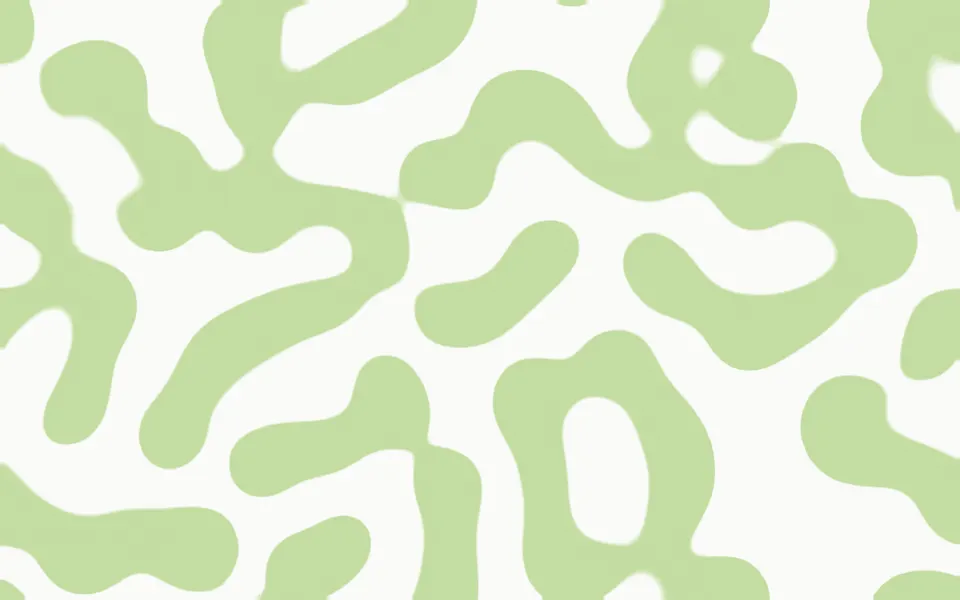
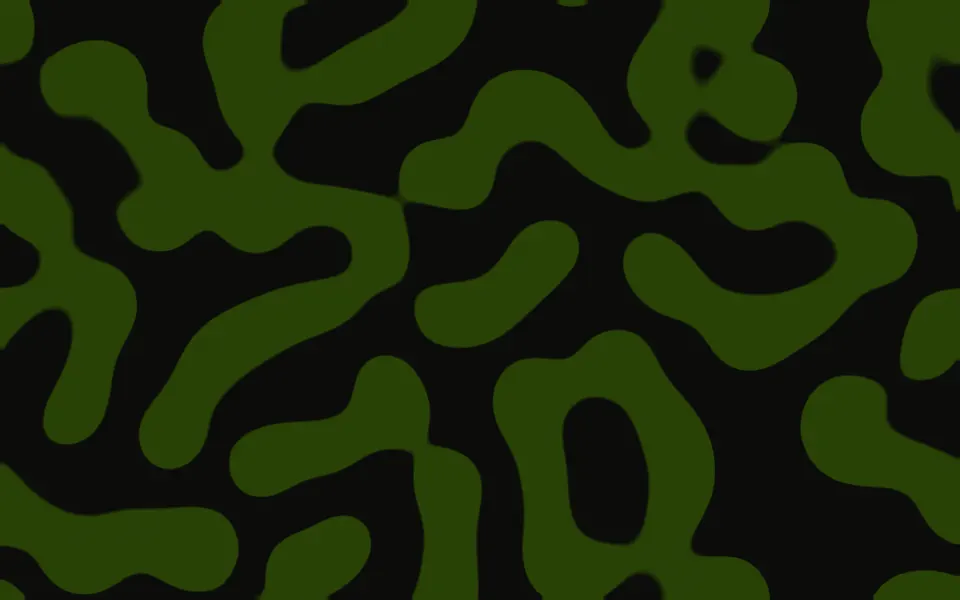
Reaction Diffusion draws Turing patterns: spots, winding stripes or a maze, the shapes two chemicals make when one feeds on the other and both spread. It's a GLSL scene on WebGL2 with no dependency. A Gray-Scott simulation runs in a small texture, and the scene cuts the pattern out of it with crisp edges and a soft relief. The pattern is fully grown on the first frame, then keeps shifting. Its colors come from your theme, and the pointer fills the pattern in where it moves.
Use it behind a science, biotech or generative-art hero, or as a texture in a card. For blobs that merge and split with no pattern to them, use Metaballs; for a grid of cells run by counting rules, Life; for the contour lines of a drifting height field, Topography. With reduced motion it holds the grown pattern still.
Installation
Usage
import { ReactionDiffusion } from "@/components/ui/reaction-diffusion";<ReactionDiffusion class="flex min-h-[32rem] flex-col items-center justify-center gap-4">
<h1 class="text-5xl font-semibold">Cells that organize themselves</h1>
<p class="text-foreground/80">A lab notebook for developmental biology.</p>
</ReactionDiffusion>Reaction Diffusion is a container: whatever you put inside sits on top of the pattern, in normal flow. It fills its own box, so give it a height or content. For a backdrop behind the whole page, render it empty with className="fixed inset-0 -z-10".
Presets
<ReactionDiffusion /><ReactionDiffusion
accentColor="#bfdbfe"
color="#3b82f6"
edge={0.6}
intensity={2}
scale={1.6}
variant="spots"
/><ReactionDiffusion
accentColor="#fecdd3"
color="#fb7185"
intensity={1.8}
relief={1}
scale={0.7}
/><ReactionDiffusion
edge={0}
intensity={2}
kill={0.5}
relief={0}
scale={1.6}
/><ReactionDiffusion
accentColor="#fbbf24"
color="#b45309"
intensity={1.7}
relief={0.8}
scale={0.8}
variant="spots"
/><ReactionDiffusion
edge={0}
intensity={1.4}
relief={0.2}
scale={1.4}
variant="maze"
/><ReactionDiffusion
accentColor="#a7f3d0"
color="#10b981"
feed={0.6}
intensity={1.6}
relief={1}
variant="maze"
/>Each preset is a set of props, so copy one and keep tuning. Stripes is the default. Maze swaps to thick walls with thin corridors on a finer grid, Leopard is large amber spots, Coral is wide rose stripes with the relief at full strength, and Ink is a fine, flat network in your theme's foreground color.
Examples
Hero
The demo sets no props. At intensity={1} the pattern covers under a third of the surface at its darkest point, in the foreground color, so a centered headline, a line of copy and two buttons read anywhere on it. The chip and the second button have a translucent ground of their own.
Spots
variant="spots" grows separate dots on a loose honeycomb: here mint on a dark green surface with intensity={1.6}. accentColor tints the pattern where it's changing, so a dot that splits, or the dots growing back after a press, show up in amber before they settle to color.
In a card
variant="maze" fills most of the surface and leaves thin corridors. scale={1.5} makes the walls narrower, so a 384px card holds enough of them, and fade="bottom" thins the pattern out toward the copy.
Customization
color is the pattern and accentColor the color it takes where it's growing or changing. Both are CSS colors, so a theme variable works and follows a theme switch; the defaults are var(--foreground) and var(--primary). variant picks the kind of pattern, and feed and kill nudge its two rates inside the range where it stays alive: more feed joins the pattern up, more kill breaks it into shorter pieces. scale sets its size, drift how much it keeps moving, edge and relief how it's drawn, and seed gives another layout.
The surface is the root's own background, bg-background by default. Give the root another (bg-emerald-950, bg-muted) and the pattern is painted over it. fade masks an edge, opacity turns the whole effect down, and grain adds film grain.
<ReactionDiffusion
  accentColor="var(--chart-1)"
  class="min-h-[32rem]"
  color="var(--chart-2)"
  fade="radial"
  intensity={1.6}
  variant="spots"
/>
Performance
It's one WebGL2 canvas and two shaders. The simulation runs in a float texture with half the box's CSS pixels on each side, so a quarter of its area: ten steps every sixtieth of a second, six texture reads a step. The scene then reads that texture eight times a pixel. At scale={2} the grid is one cell a CSS pixel, with six steps. It draws only while it's on screen and the tab is visible, shares one frame loop with every other background on the page, and lowers its render resolution if frames run long. quality sets the render scale yourself, and paused holds the frame.
Accessibility
The pattern is decoration: it's hidden from assistive tech and lets every click through to your content. With reduced motion it draws the grown pattern once, holds it and ignores the pointer. Nothing flashes: the pattern moves a few pixels a second.
Put copy on it in the foreground color (text-foreground). On the default theme the darkest point of the default pattern measures 11.3:1 behind black text on a light surface, and the brightest 9.0:1 behind white text on a dark one. Above intensity={1.5} on a dark surface, or with a bright color, keep body copy off the pattern or give it a ground of its own.
FAQ
What is a reaction-diffusion pattern?
It's what two chemicals draw when they spread at different speeds and react: one is fed in everywhere, the other eats it and decays. Alan Turing proposed the idea in 1952 for the spots and stripes on animals. This component runs the Gray-Scott model of it on the GPU, where two numbers, the feed rate and the kill rate, decide whether you get spots, stripes or a maze.
How do I get spots instead of stripes?
Set variant to spots, stripes or maze. Each one is a pair of feed and kill rates known to give that pattern. feed and kill, from -1 to 1, move the rates inside the range where the pattern survives: kill={1} on stripes breaks them into shorter worms, and feed={1} joins them into a net with holes.
How do I change the colors?
color sets the pattern and accentColor the tint it takes where it's changing: where it grows back after a press, where the pointer passed, where a stripe splits or joins. Hex, oklch() and theme variables all work, and a variable follows your theme when it changes. The defaults are var(--foreground) and var(--primary).
Does it work in light and dark mode?
Yes, with no prop to set. The default colors are theme variables, so the pattern is dark ink on a light page and light on a dark one. The relief follows too: it's lit from the top left on both, which means more ink on the shaded side on a light surface and less light on it on a dark one.
Does the pattern have to grow before it shows?
No. A Gray-Scott pattern takes thousands of steps to grow from a few seeds, so the component starts from a drawing of the finished pattern, made from sums of waves at the pattern's own wavelength, and lets the simulation take over from there. The first frame is already a full pattern. With reduced motion that drawing is the frame it holds.
How do I slow it down or stop it?
drift sets how much the pattern moves, from 0 (it settles and holds) to 1. speed scales the pace of that drift, and speed={0} or paused holds the frame. The reaction itself always runs at its own pace, which you see when the pattern grows back after a press.
Will it slow my page down?
It costs more than a plain shader, since it simulates as well as draws, but the simulation's grid is a quarter of the box's area and stops while the box is off screen or the tab is hidden. For a full-page backdrop on phones, keep scale at 1 or under. Touch never moves it, so scrolling isn't disturbed.
Does it work with Next.js and server components?
Yes. Import it into a server component and it renders its box and your content on the server; the canvas starts in the browser and fades in over the surface. It needs WebGL2, which every current browser has. On a device that can't render to float textures it shows the grown pattern and holds it.
API Reference
ReactionDiffusion
data-slot="reaction-diffusion"
accentColor?string
The color the pattern takes where it's growing or changing: after a press, under the pointer, where a stripe splits. Any CSS color; the default follows your theme's primary color.
- Default
"var(--primary)"
color?string
The color of the pattern, any CSS color. The default follows your theme.
- Default
"var(--foreground)"
drift?number
How much the pattern keeps shifting, from 0 (it settles and holds) to 1: how far its feed and kill rates wander across the box, and how fast a slow swirl carries it along.
- Default
0.5
edge?number
How soft the pattern's edges are, from 0 (crisp) to 1.
- Default
0.15
fade?"none" | "radial" | "top" | "bottom" | "left" | "right"
Which edges fade out to the surface: radial keeps the middle, the
others name the side that fades.
- Type
"none" | "radial" | "top" | "bottom" | "left" | "right"- Default
"none"
fallback?string
What shows until the first frame and in browsers without WebGL2: a CSS
background value that looks like the scene.
feed?number
Nudges the feed rate of the variant, from -1 to 1: higher feeds the pattern, so it grows fuller and joins up.
- Default
0
grain?number
Film grain over the scene, from 0 to 1.
- Default
0
intensity?number
How strongly the pattern shows over the surface.
- Default
1
interactive?boolean
Whether the scene follows the pointer and answers a press. Touch never moves it, so scrolling a page on a phone isn't disturbed.
- Default
true
kill?number
Nudges the kill rate of the variant, from -1 to 1: higher starves the pattern, so lines break into shorter pieces and spots.
- Default
0
opacity?number
How strongly the scene shows over the surface, from 0 to 1.
- Default
1
paused?boolean
Holds the current frame.
- Default
false
quality?number
Render scale, from 0.25 to 1, of the screen's pixels (capped at 2×). Lower is cheaper and softer.
- Default
1
radius?number
How far the pointer's touch reaches, and the size of the disc a press clears, in pixels.
- Default
60
relief?number
How much the pattern is shaded like a relief lit from the top left, from 0 (flat) to 1.
- Default
0.5
scale?number
The size of the pattern, from 0.5 to 2: higher packs more, smaller features, on a finer simulation.
- Default
1
seed?number
Another layout of the same pattern, from 0 to 20.
- Default
0
speed?number
Animation speed: 1 is normal, 0 holds the frame.
- Default
1
time?number
A fixed moment, in seconds: draws it and doesn't animate.
variant?"spots" | "stripes" | "maze"
The kind of pattern: separate spots, winding stripes, or a maze of thick walls with thin corridors.
- Type
"spots" | "stripes" | "maze"- Default
"stripes"