shadcn.io is an independent project built on shadcn/ui
Wave Grid Background for Solid
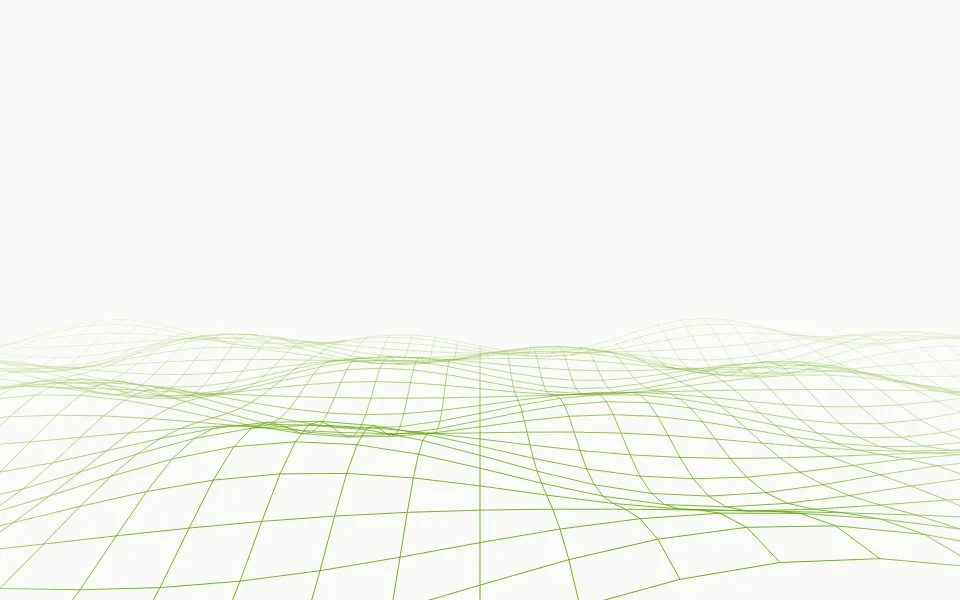
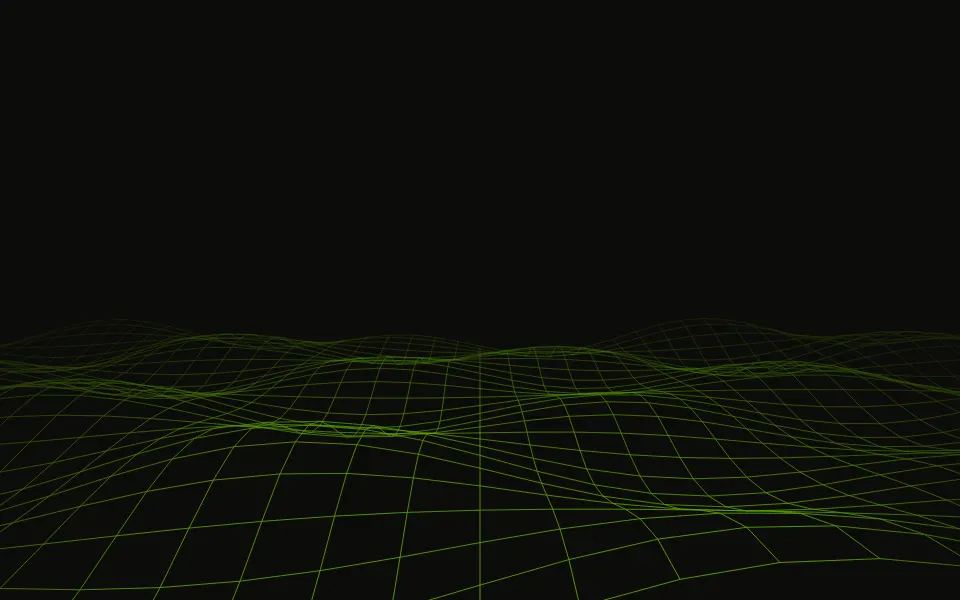
A surface of waves in perspective, drawn as dots or as grid lines. For Solid with Ark UI, when a hero needs depth below its copy.
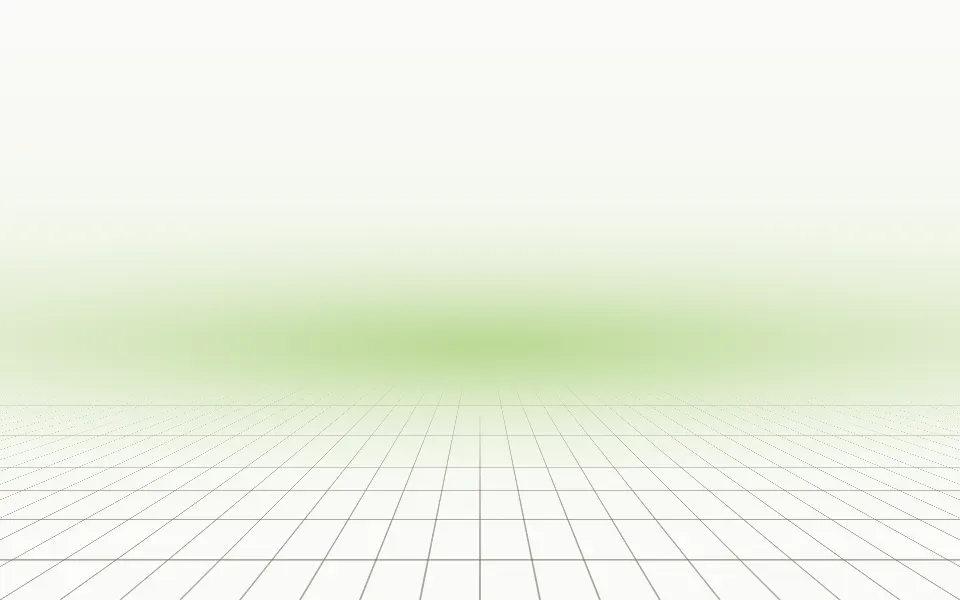
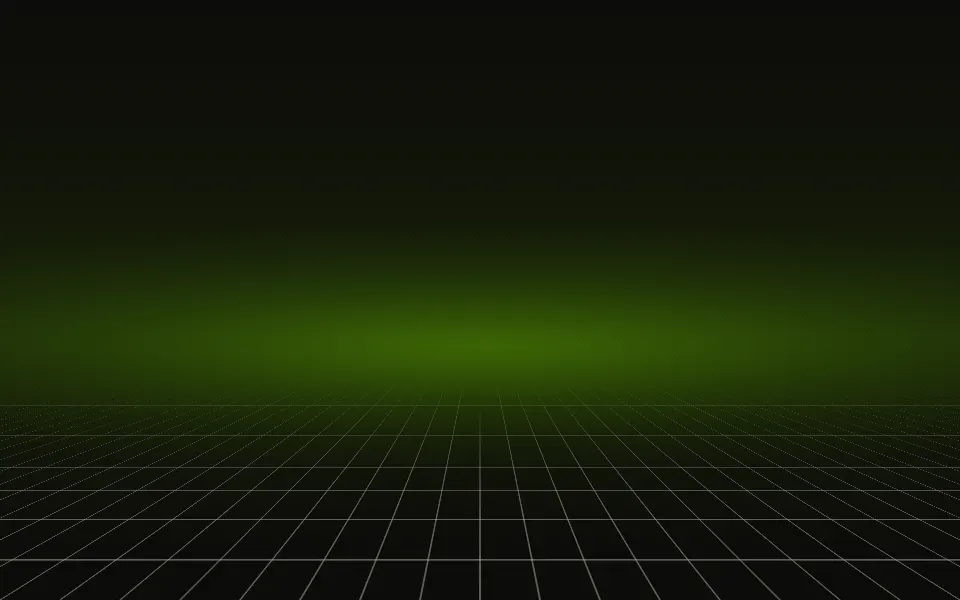
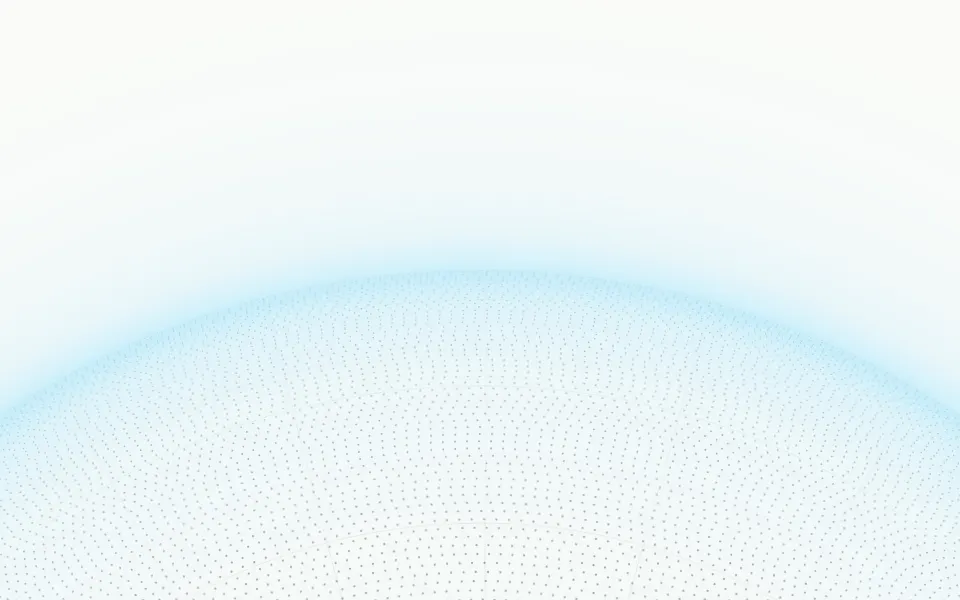
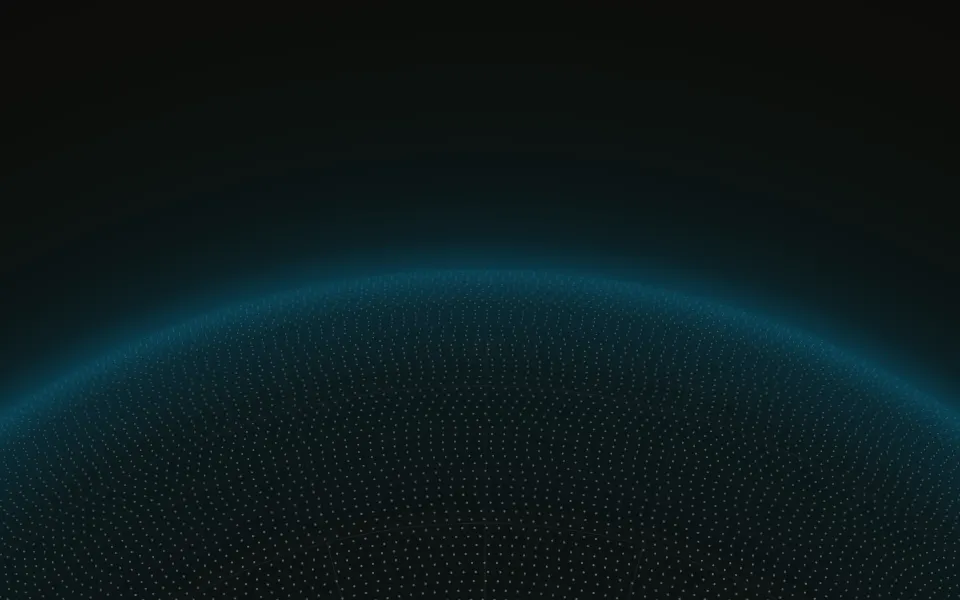
A surface of waves seen in perspective rolls toward the viewer across the lower half of the box, drawn as a dot at each crossing of a grid or as the grid's own lines. It's a GLSL scene on WebGL2 with no dependency: three swells make the surface, and each pixel's ray is stepped to the first place it meets it, so a crest hides what's behind it. Dots and lines are sized and spaced in CSS pixels at the front edge, shrink with distance and fade into fog before they'd get finer than the screen can draw. They take your text color by default, so they're ink on a light page and light on a dark one, and the surface swells under the pointer.
Use it under the copy of a hero, on a data or maritime product page, or along the bottom of a card. For a flat grid floor that scrolls toward a horizon glow, use Retro Grid; for the same sea as lit water, Ocean; for contour lines of a moving surface seen from above, Topography. With reduced motion it holds one still frame.
Installation
Usage
import { WaveGrid } from "@/components/ui/wave-grid";<WaveGrid class="flex min-h-[36rem] flex-col items-center pt-20">
<h1 class="text-5xl font-semibold">Know the sea state before you sail</h1>
</WaveGrid>Wave Grid is a container: whatever you put inside sits on top of the surface, in normal flow. It fills its own box, so give it a height or content. With the default tilt and fog the surface covers the lower half of the box and fades out at the middle, which leaves the top for copy. For a backdrop behind the whole page, render it empty with className="fixed inset-0 -z-10". Both colors default to var(--foreground), so on a surface of your own (bg-slate-950 in a light theme) set color to match it.
Presets
<WaveGrid /><WaveGrid density={1.3} fog={0.35} tilt={10} variant="lines" /><WaveGrid variant="lines" /><WaveGrid
accentColor="#22d3ee"
amplitude={1.5}
color="#818cf8"
lineWidth={1.5}
variant="lines"
/><WaveGrid fog={0.2} tilt={50} /><WaveGrid angle={25} density={1.2} frequency={1.6} /><WaveGrid amplitude={1.8} fog={0.45} frequency={0.6} />Each preset is a set of props, so copy one and keep tuning. Surface is the default, in dots. Mesh draws the same surface as grid lines, Swell makes the waves long and tall, Overhead looks down on the dots so they fill the box, and Neon colors the lines indigo with cyan crests.
Examples
Hero
The surface fills the lower half of the box and fades out under the buttons, so the copy sits on the plain background with no prop set. The chip and the second button have a translucent ground of their own.
Lines
variant="lines" draws the grid's lines instead of its dots, on a dark surface here. color is the lines and accentColor the color they take on the crests; amplitude={1.5} raises the waves, fog={0.45} lets the surface run further out, and lineWidth={1.5} makes the lines a little heavier.
In a card
The same surface in the lower half of a 24rem card. The dots keep their spacing in CSS pixels, 36 at the front edge, so a small box shows fewer of them at the same size, and size={5} makes them a little finer here. The title and the line under it sit at the top, clear of the surface.
Customization
Both colors are CSS colors, so a theme variable works and follows a theme switch: color="var(--muted-foreground)", accentColor="var(--chart-1)". variant picks dots or lines, density, size and lineWidth set how close and how heavy they are, amplitude, frequency and angle shape the waves (shorter waves are lower, so they never get steeper), and tilt and fog set how the surface is seen: from how high, and how far out.
The scene is transparent: the root's own background is the surface, bg-background by default, and the dots or lines are painted on it at their color. fade masks an edge, opacity turns the whole effect down, and grain adds film grain.
<WaveGrid
  accentColor="var(--chart-1)"
  class="min-h-[32rem]"
  color="var(--muted-foreground)"
  fog={0.45}
  tilt={26}
/>
Performance
It's one WebGL2 canvas and one fragment shader with no noise in it. A pixel's ray takes up to 40 steps to reach the surface (usually under ten), each step three sines; the dots variant then places the nine nearest dots, three sines each. Pixels above the horizon or past the fog stop at once. It draws only while it's on screen and the tab is visible, shares one frame loop with every other background on the page, and lowers its own resolution if frames run long. quality sets the render scale yourself, and paused holds the frame.
Accessibility
The surface is decoration: the canvas is hidden from assistive tech and lets every click through to your content. With reduced motion it draws one still frame and ignores the pointer. Nothing flashes: a swell takes about 18 seconds to pass.
Copy above the surface sits on the plain background and keeps its full contrast. Over the surface of the default look, about 97% of the pixels are still the plain background (96.8% measured on a light surface, 96.4% on a dark one); the rest are the dots, which are the text color itself. Large text reads over them; for body copy, keep it in the upper half or lower intensity.
FAQ
How do I get the dotted surface, or the wireframe?
The dots are the default: variant="dots" puts one at each crossing of the grid, larger on the crests. variant="lines" draws the grid's lines instead, the ones across the view a little stronger than the ones that run away from you. size is a dot's diameter and lineWidth a line's width at the front edge, both in CSS pixels.
How do I change the colors?
color sets the dots or lines and accentColor the color they take on the crests of the waves. Both take any CSS color: hex, oklch() or a theme variable such as var(--primary), which follows your theme when it changes. Leave them alone and both use var(--foreground), so the surface is one color and matches your text.
Does it work on a light page?
Yes, with no prop to set. The dots and lines are painted, not glowing, so they're dark marks on white and pale ones on a dark page. If you give the box a surface that doesn't match your theme, such as bg-slate-950 in a light theme, set color as well, since the default follows the theme's text color.
Why does the surface stop before the horizon?
Two things fade it. fog sets how far out it shows: at the default 0.6 it ends at the middle of the box, and lower values let it run further. And whatever the fog, rows start to fade when they're closer than six device pixels apart and are gone by three, because a pattern finer than that shimmers as it moves. A lower density or a higher tilt lets it run further before that happens.
How do I put it behind the whole page?
Render it empty with className="fixed inset-0 -z-10". The surface still swells under the pointer there, since it listens on the window. To fill the page with dots from above, add tilt={50} and fog={0.2}. To put it behind one section, wrap that section's content in it and give it a height.
Will it slow my page down?
The shader has no noise and no texture, only sines: a few dozen for a pixel on the surface, almost none for a pixel above it. It runs on the GPU and stops while it's off screen or the tab is hidden. If a device can't keep up, the scene renders fewer pixels by itself, and quality={0.75} does the same on purpose.
Does it work with Next.js and server components?
Yes. Import it into a server component and it renders its box and your content on the server; the canvas starts in the browser and fades in over the surface. It needs WebGL2, which every current browser has. Without it the box keeps its background, or the fallback you pass.
API Reference
WaveGrid
data-slot="wave-grid"
accentColor?string
The color the crests of the waves take. Any CSS color; a theme
variable such as var(--primary) follows your theme.
- Default
"var(--foreground)"
amplitude?number
How tall the waves are. At 0 the surface is a flat floor.
- Default
1
angle?number
The direction the waves roll from, in degrees: 0 comes straight toward the viewer, 90 crosses from the side.
- Default
0
color?string
The color of the lines or dots. Any CSS color; a theme variable such
as var(--foreground) follows your theme.
- Default
"var(--foreground)"
density?number
How close together the dots or lines are: at 1 the dots sit about 36 CSS pixels apart at the front edge and the lines about 54, and higher packs more in.
- Default
1
fade?"none" | "radial" | "top" | "bottom" | "left" | "right"
Which edges fade out to the surface: radial keeps the middle, the
others name the side that fades.
- Type
"none" | "radial" | "top" | "bottom" | "left" | "right"- Default
"none"
fallback?string
What shows until the first frame and in browsers without WebGL2: a CSS
background value that looks like the scene.
fog?number
How soon the surface fades with distance, from 0 (it runs far out) to 1 (only the nearest part shows).
- Default
0.6
frequency?number
How close together the waves are: higher packs more of them onto the surface.
- Default
1
grain?number
Film grain over the scene, from 0 to 1.
- Default
0
intensity?number
How strongly the lines or dots show.
- Default
1
interactive?boolean
Whether the scene follows the pointer and answers a press. Touch never moves it, so scrolling a page on a phone isn't disturbed.
- Default
true
lineWidth?number
The width of a line at the front edge, in CSS pixels; lines get thinner with distance.
- Default
1.25
opacity?number
How strongly the scene shows over the surface, from 0 to 1.
- Default
1
paused?boolean
Holds the current frame.
- Default
false
quality?number
Render scale, from 0.25 to 1, of the screen's pixels (capped at 2×). Lower is cheaper and softer.
- Default
1
size?number
The diameter of a dot at the front edge, in CSS pixels; dots get smaller with distance and a little larger on the crests.
- Default
7
speed?number
Animation speed: 1 is normal, 0 holds the frame.
- Default
1
tilt?number
How far down the eye looks, in degrees from 5 (along the surface, the horizon near the middle of the box) to 60 (down onto it).
- Default
22
time?number
A fixed moment, in seconds: draws it and doesn't animate.
variant?"dots" | "lines"
What the surface is drawn with: a dot at each crossing of the grid
(dots), or the grid's own lines (lines).
- Type
"dots" | "lines"- Default
"dots"