shadcn.io is an independent project built on shadcn/ui
CRT Background for Svelte
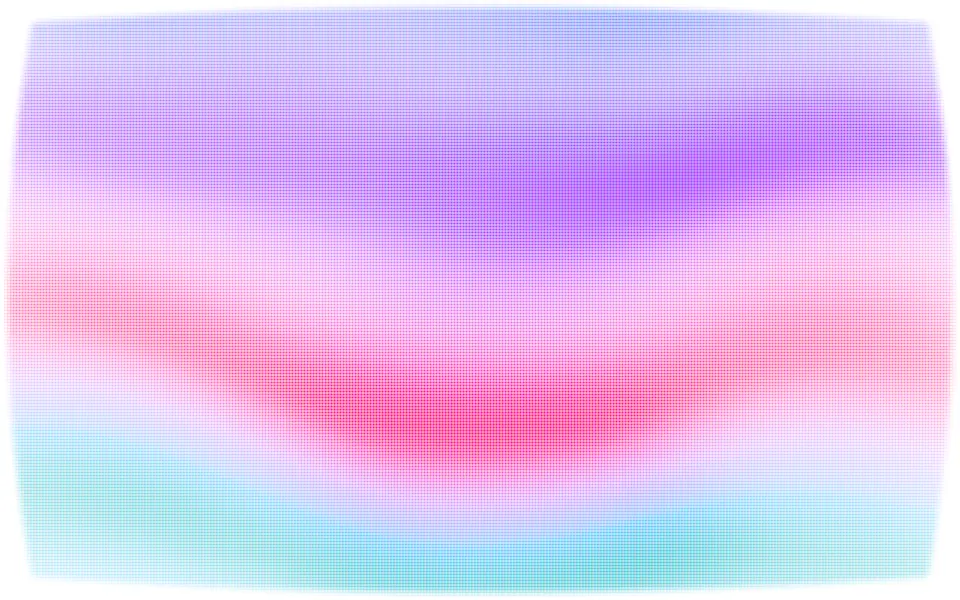
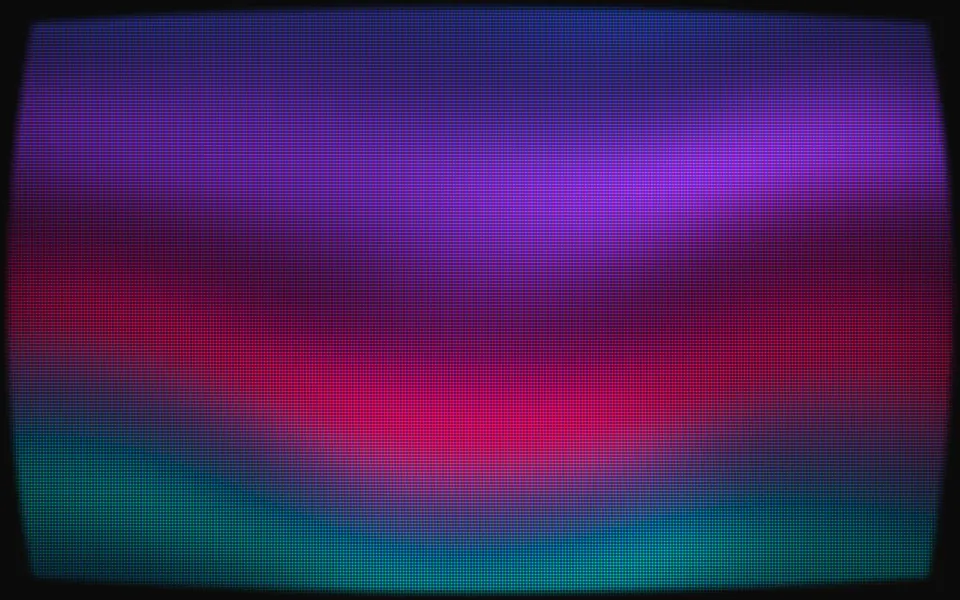
An old tube screen: color bands behind scanlines and a phosphor mask. For Svelte with Ark UI, when a retro page needs a monitor's glow.
An old tube screen: slow bands of color climb behind scanlines and a phosphor mask, on glass that bulges a little, so the picture bows and its corners fall away. Bright parts spill over the scanlines, a soft bar rolls down the screen and the brightness wavers by a few percent. It's a GLSL scene on WebGL2 with no dependency. The phosphors add light on a dark surface and print as inks on a light one. The pointer is a magnet on the glass, and a press degausses it.
Use it behind a retro game or music page, a terminal-style product hero, or a card that should look like a monitor. For a screen that tears instead of holding its picture, use Glitch; for glowing signal traces on a graticule, Oscilloscope; for the synthwave floor that goes with it, Retro Grid. With reduced motion it holds one still frame.
Installation
Usage
<script lang="ts">
import { Crt } from "@/components/ui/crt";
</script>
<Crt class="flex min-h-[32rem] flex-col items-center justify-center gap-4">
  <h1 class="text-5xl font-semibold">Insert coin</h1>
  <p class="text-foreground/80">1,200 arcade classics, playable in your browser.</p>
</Crt>
Crt is a container: whatever you put inside sits on top of the screen, in normal flow. It fills its own box, so give it a height or content. For a backdrop behind the whole page, render it empty with className="fixed inset-0 -z-10".
Presets
<Crt /><Crt
bloom={1.5}
colors={["#ffb000", "#ff7a1a"]}
mask="none"
roll={0.8}
scale={0.6}
scanlines={0.9}
size={4}
/><Crt
bloom={1.4}
colors={["#ff2bd6", "#ffd23f", "#00e5ff"]}
curvature={0.9}
mask="slot"
scale={1.6}
size={5}
vignette={0.8}
/><Crt
angle={90}
colors={["#bfbfbf", "#bfbf00", "#00bfbf", "#00bf00", "#bf00bf", "#bf0000", "#0000bf"]}
mask="slot"
scale={1.8}
size={4}
softness={0}
speed={0.3}
warp={0}
/><Crt curvature={0} roll={0} scale={0.6} scanlines={0.45} vignette={0} /><Crt
colors={["var(--foreground)", "var(--muted-foreground)"]}
mask="none"
scale={1.4}
size={4}
/><Crt
colors={["#33ff66", "#00b84a"]}
flicker={0.8}
mask="none"
scale={1.5}
scanlines={0.9}
size={4}
softness={0.5}
/><Crt
colors={["#ff2d95", "#ff7a3d", "#7a2dff"]}
curvature={0.7}
scale={0.8}
softness={0.6}
warp={1.6}
/>Each preset is a set of props, so copy one and keep tuning. Tube is the default. Bars is a test card: seven flat bars side by side on a slot mask. Amber and Phosphor are one-color monitors, with no mask and heavy scanlines. Flat drops the curve, the vignette and the roll, so the picture fills the box from edge to edge, and Mono takes its two colors from your theme.
Examples
Hero
The default look behind a centered headline. Under the scanlines and the mask the picture is about half as bright as its colors, so copy in the foreground color reads over any band, and the vignette dims the screen further toward the edges of the box.
Test card
The Bars preset on a fixed dark surface: angle={90} stands the bands side by side, softness={0} gives them hard edges, warp={0} keeps them straight, and mask="slot" with size={4} breaks the phosphor stripes into bricks. At speed={0.3} the bars cross the screen slowly, and the rolling bar kinks them as it passes.
In a card
A small monitor. scale={1.4} packs more bands into the narrow box, curvature={0.8} pulls the corners of the picture in, inside the card's own rounded border, and the copy sits at the bottom, where the vignette dims the screen.
Customization
Every color is a CSS color, so a theme variable works and follows a theme switch: colors={["var(--chart-1)", "var(--chart-2)"]}. The bands cycle through the palette and back to the first color, mixed around the hue circle in OKLCh, so two distant hues meet in a third color and never in grey. size sets the height of a scanline and the width of a phosphor triad in CSS pixels; both land on whole device pixels at any pixel ratio.
The surface is the root's own background, bg-background by default. Give the root another (bg-zinc-950, a brand color) and the screen adapts: light on a dark surface, ink on a light one. fade masks an edge, opacity turns the whole effect down, and grain adds film grain, which reads as static here.
<Crt
  class="min-h-[32rem] bg-zinc-950"
  colors={["var(--chart-1)", "var(--chart-2)", "var(--chart-4)"]}
  curvature={0.8}
  grain={0.2}
  mask="slot"
  size={4}
/>
Performance
It's one WebGL2 canvas and one fragment shader: three samples of simplex noise a pixel for the picture, and the scanlines and the mask are arithmetic on the pixel's own coordinates, with no texture and no loop. It draws only while it's on screen and the tab is visible, shares one frame loop with every other background on the page, and lowers its own resolution if frames run long. quality sets the render scale yourself, and paused holds the frame.
Accessibility
The screen is decoration: it's hidden from assistive tech and lets every click through to your content. With reduced motion it draws one still frame and ignores the pointer.
Nothing flashes. flicker changes the brightness of the whole screen by 5% at most, and slowly; the rolling bar is a soft band that takes eleven seconds to cross. For copy, use the foreground color. The picture is a pattern of lit and dark pixels, so contrast is what a few of them average to: on the default look that measured 7.6:1 under dark text on white and 5.8:1 under light text on near-black. A single lit phosphor is brighter than that average, so keep small, thin text off the brightest band, or lower intensity.
FAQ
How do I change the colors?
Pass two to eight CSS colors to colors: the bands cycle through them and back to the first. Hex, oklch() and theme variables such as var(--primary) all work, and a variable follows your theme when it changes. Two shades of one hue with mask="none" make a one-color monitor, like the Amber and Phosphor presets.
Does it work on a light page?
Yes, with no prop to set. The scene reads the color behind it. On a dark surface the phosphors add light, like a screen in a dark room. On a light one the same bands are printed as inks between bare scanlines, so it reads as a pale screen and the page stays light.
What do the grille and slot masks change?
grille lays vertical red, green and blue stripes over the picture, the pattern of an aperture-grille tube. slot cuts those stripes into bricks two scanlines tall, staggered from one column to the next, like an arcade monitor. none leaves the scanlines alone, which suits a one-color terminal. Raise size to make either pattern coarser.
Will the scanlines moiré on some screens?
No. A scanline is a whole number of device pixels tall and a phosphor triad is three equal stripes of whole device pixels, at 1×, 2× and any quality, and both stay straight on the pixel grid. The curve bends the picture under them, not the lines themselves, so there is nothing for them to beat against.
How do I put it behind the whole page?
Render it empty with className="fixed inset-0 -z-10". It still follows the pointer there, since it listens on the window. On a full page the curved corners sit at the corners of the viewport; set curvature={0} and vignette={0} to fill it edge to edge.
Will it slow my page down?
It's one of the lightest scenes here: three noise samples a pixel and some arithmetic, on the GPU, and nothing at all while it's off screen or the tab is hidden. If a device can't keep up, it renders fewer pixels by itself, and the scanlines stay a whole number of pixels at the lower resolution.
Does it work with Next.js and server components?
Yes. Import it into a server component and it renders its box and your content on the server; the canvas starts in the browser, and the picture opens from a line across the middle, as a tube does when it warms up. It needs WebGL2, which every current browser has. Without it the box keeps its background, or the fallback you pass.
API Reference
Crt
data-slot="crt"
angle?number
The tilt of the color bands, in degrees: 0 stacks them from top to bottom, 90 stands them side by side like a test card.
- Default
0
bloom?number
How much the bright parts of the picture spill over the scanlines and the mask, from 0 to 2.
- Default
1
colors?string[]
Two to eight CSS colors the bands cycle through. On a light surface
each is drawn as an ink. Theme variables such as var(--primary)
follow your theme.
- Default
["#ff3d81", "#a04dff", "#2f6bff", "#18c8d8"]
curvature?number
How far the glass bulges, from 0 (flat) to 1: the picture bows and its corners fall away.
- Default
0.5
fade?"none" | "radial" | "top" | "bottom" | "left" | "right"
Which edges fade out to the surface: radial keeps the middle, the
others name the side that fades.
- Type
"none" | "radial" | "top" | "bottom" | "left" | "right"- Default
"none"
fallback?string
What shows until the first frame and in browsers without WebGL2: a CSS
background value that looks like the scene.
flicker?number
How much the brightness of the whole screen wavers, from 0 to 1. At 1 it's a slow change of 5% at most, never a strobe.
- Default
0.4
grain?number
Film grain over the scene, from 0 to 1.
- Default
0
intensity?number
How bright the picture is.
- Default
1
interactive?boolean
Whether the scene follows the pointer and answers a press. Touch never moves it, so scrolling a page on a phone isn't disturbed.
- Default
true
mask?"none" | "grille" | "slot"
The phosphor pattern on the glass: grille is vertical red, green and
blue stripes, slot breaks them into staggered bricks, none leaves
the scanlines alone.
- Type
"none" | "grille" | "slot"- Default
"grille"
opacity?number
How strongly the scene shows over the surface, from 0 to 1.
- Default
1
paused?boolean
Holds the current frame.
- Default
false
quality?number
Render scale, from 0.25 to 1, of the screen's pixels (capped at 2×). Lower is cheaper and softer.
- Default
1
roll?number
How strongly the soft bar that rolls down the screen shows, from 0 to 1.
- Default
0.5
scale?number
The size of the bands: higher packs more of them into the box.
- Default
1
scanlines?number
How dark the gaps between the scanlines are, from 0 to 1.
- Default
0.7
size?number
The height of a scanline and the width of a phosphor triad, in pixels, from 3 to 8.
- Default
3
softness?number
How softly one band turns into the next: 1 is a continuous gradient, 0 is flat bars with hard edges.
- Default
1
speed?number
Animation speed: 1 is normal, 0 holds the frame.
- Default
1
time?number
A fixed moment, in seconds: draws it and doesn't animate.
vignette?number
How much the picture dims toward the edges of the glass, from 0 to 1.
- Default
0.5
warp?number
How much the bands bow and sway: 0 keeps them straight.
- Default
1