shadcn.io is an independent project built on shadcn/ui
Matrix Background for Svelte
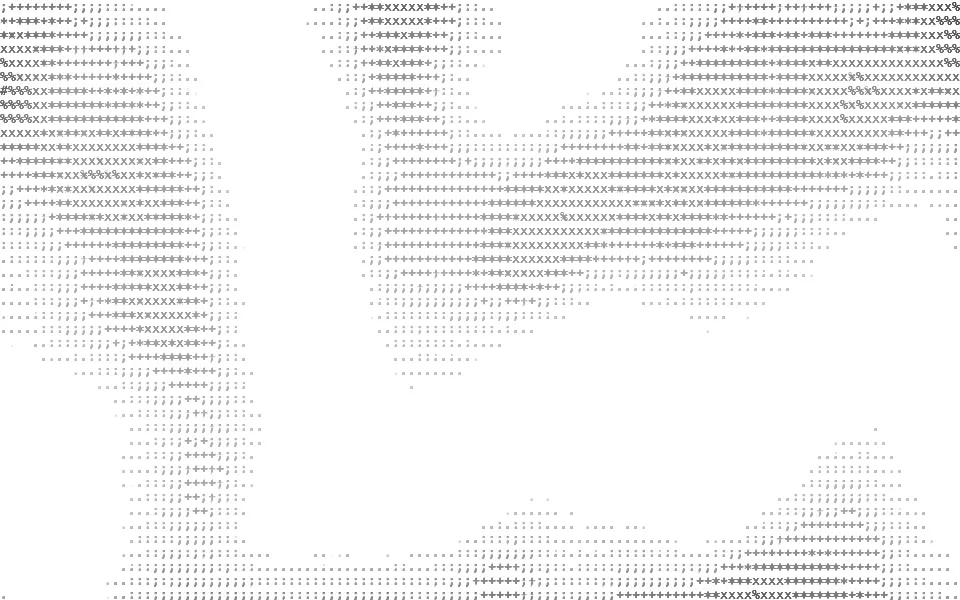
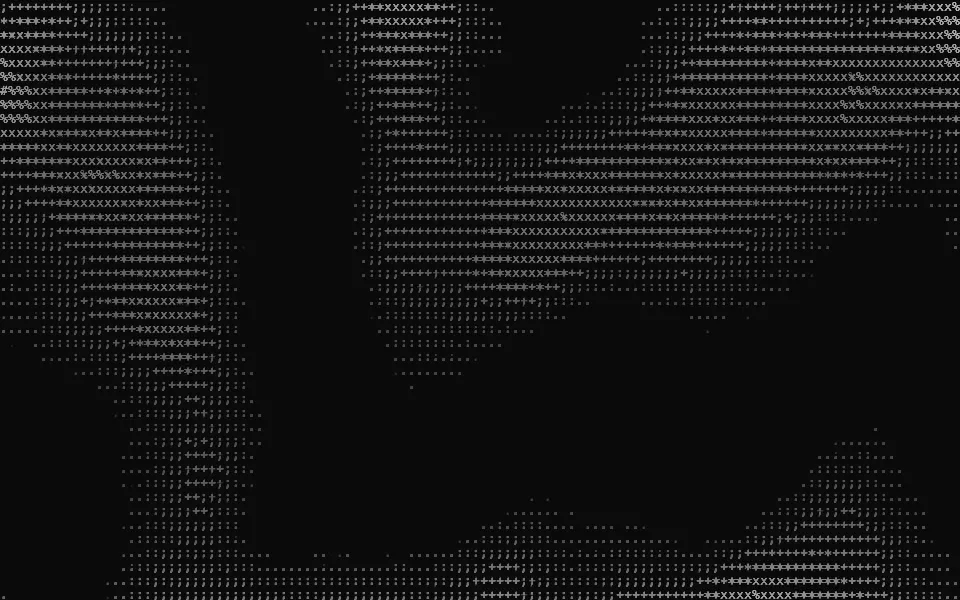
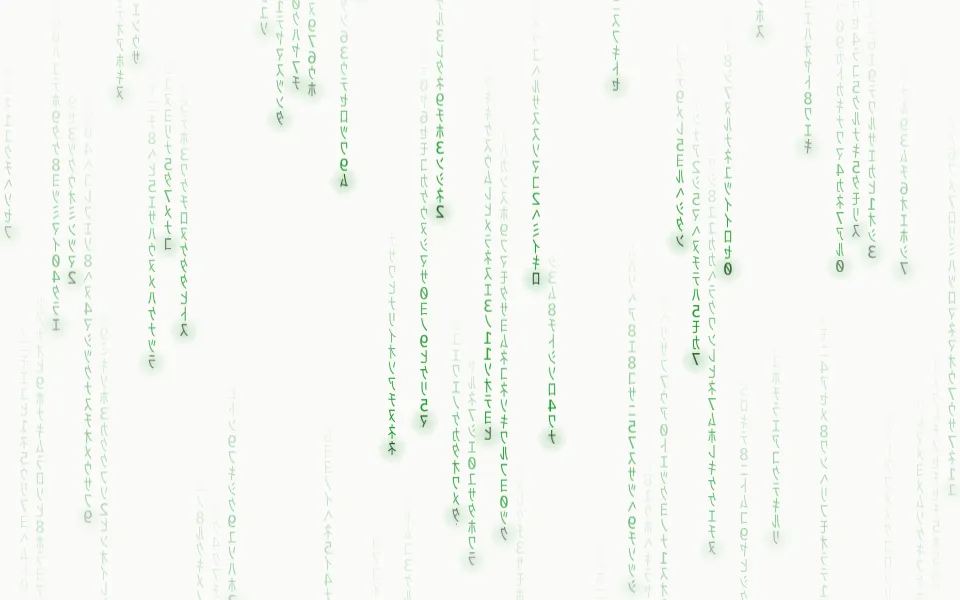
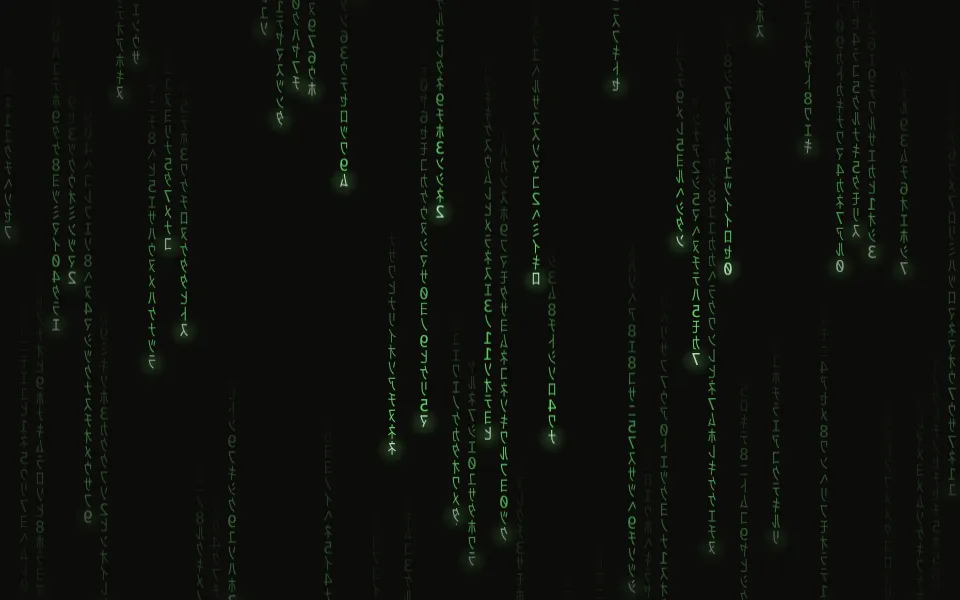
Columns of glyphs fall with bright heads and fading tails, in three depths. For Svelte with Ark UI, when a security page wants code rain.
Matrix fills a box with digital rain: columns of katakana and digits fall at their own speeds, each led by a bright glyph with a tail that fades out behind it, over two smaller, softer layers of rain for depth. It's a GLSL scene on WebGL2 with no dependency; the glyphs are drawn once into a texture and stay sharp at any pixel ratio. On a dark surface the rain is light, on a light one a darker ink of the same hue. The pointer shows the glyphs around it.
Use it behind a security hero, a sign-in screen or a terminal-style card. For cells that blink in place instead of falling, use Flickering Grid; for a field of light drawn in characters, ASCII; for falling streaks that read as weather, not code, Rain. With reduced motion it holds one still frame of the rain.
Installation
Usage
<script lang="ts">
import { Matrix } from "@/components/ui/matrix";
</script>
<Matrix class="flex min-h-[32rem] flex-col items-center justify-center gap-4">
  <h1 class="text-5xl font-semibold">Zero trust, all the way down</h1>
  <p class="text-foreground/80">Every request is checked, even the ones from inside.</p>
</Matrix>
Matrix is a container: whatever you put inside sits on top of the rain, in normal flow. It fills its own box, so give it a height or content. For a backdrop behind the whole page, render it empty with className="fixed inset-0 -z-10".
Presets
<Matrix /><Matrix
color="#ffb224"
density={0.6}
glow={0.8}
glyphs="0123456789ABCDEF"
headColor="#fff4d6"
size={20}
speed={0.7}
trail={1.5}
/><Matrix
color="#5cc8ff"
glow={0.8}
glyphs="01"
headColor="#f0f9ff"
shuffle={0.8}
size={14}
trail={0.7}
/><Matrix
color="#c084fc"
density={0.9}
depth={0.8}
glyphs="<>/{}[]()=+-*#$%&!?;:"
headColor="#fdf4ff"
intensity={1.3}
shuffle={1}
size={15}
trail={0.6}
/><Matrix
clearing={0}
color="#00ff41"
density={1}
depth={0.3}
glow={1}
glyphs="アイウエオカキクケコサシスセソタチツテトナニヌネノハヒフヘホマミムメモヤユヨラリルレロワン0123456789"
headColor="#ffffff"
size={14}
trail={1.4}
/><Matrix
clearing={0.3}
density={0.3}
depth={1}
size={22}
speed={0.6}
trail={1.8}
/><Matrix
color="var(--muted-foreground)"
depth={0.4}
glow={0}
headColor="var(--foreground)"
/>Each preset is a set of props, so copy one and keep tuning. Rain is the default. Classic is the film's look: half-width katakana in pure green with white heads, every column raining and no clearing. Binary rains zeros and ones in blue with short tails, Drizzle is a few long, large columns for a quiet page, and Mono takes its two colors from your theme.
Examples
Hero
The demo sets no props. The middle band of the box rains dimmer and without bright heads (clearing, 0.5 by default), so a centered headline, a line of copy and two buttons stay readable while the top and bottom edges keep the full rain.
Colors
color and headColor take any CSS color and glyphs any characters: here sky blue zeros and ones on a dark surface, with size={14}, shorter tails (trail={0.7}), more light around each column (glow={0.8}), most glyphs swapping (shuffle={0.8}) and clearing={0}, since nothing sits on top.
In a card
Smaller glyphs (size={12}) keep enough columns in a 384px card. fade="bottom" thins the rain out toward the copy at the bottom, clearing={0} keeps the top of the card at full strength, and speed={0.7} slows it down.
Customization
color is the rain and headColor the glyph that leads each column. Both are CSS colors, so a theme variable works and follows a theme switch: color="var(--primary)". The tail runs from the head's color through color to a deeper, cooler shade of it at its end, mixed in OKLab. glyphs is a string of up to 64 characters, each one a glyph: "01", "0123456789ABCDEF", or your product's name.
The surface is the root's own background, bg-background by default. Give the root another (bg-black, bg-slate-950) and the rain adapts: light on a dark surface, a darker ink of the same hue on a light one. fade masks an edge, opacity turns the whole effect down, and grain adds film grain.
<Matrix
  class="min-h-[32rem] bg-black"
  color="var(--chart-2)"
  fade="bottom"
  glyphs="0123456789ABCDEF"
  headColor="var(--foreground)"
  size={20}
/>
Performance
It's one WebGL2 canvas and one fragment shader: three layers of rain, each one read of the glyph texture and a few hashes a pixel, with no noise and no loop longer than three columns. The glyphs are drawn once, at mount, into a texture 64 pixels tall. It draws only while it's on screen and the tab is visible, shares one frame loop with every other background on the page, and lowers its own resolution if frames run long. quality sets the render scale yourself, and paused holds the frame.
Accessibility
The rain is decoration: it's hidden from assistive tech, lets every click through to your content and can't be selected, so copying the page never picks up glyphs. With reduced motion it draws one still frame and ignores the pointer. Nothing flashes: a glyph swaps shape or flares for a moment, one cell at a time.
Put copy on it in the foreground color (text-foreground). At the default clearing, no glyph behind a centered headline is brighter than 4.6:1 against white text on a dark surface (the brightest frame measured was 4.85:1), and the darkest measured 8.4:1 against black text on a light one. With clearing={0} a head is near white on a dark surface, about 1.1:1 behind white text, so keep copy off the rain there, or give it a ground of its own.
FAQ
What characters does it use, and can I change them?
Katakana and the digits 0 to 9 by default. Pass glyphs for your own: "01" for binary, "0123456789ABCDEF" for hex, or any letters and symbols, up to 64. Each character is one glyph, drawn in the device's monospace font. Katakana come from the system's Japanese font, which nearly every device has; on one without it, pass Latin glyphs.
How do I change the colors?
color sets the rain and headColor the leading glyph. Hex, oklch() and theme variables such as var(--primary) all work, and a variable follows your theme when it changes. The end of each tail is drawn in a deeper shade of color, so one prop recolors the whole rain.
Does it work on a light page?
Yes, with no prop to set. The scene reads the color behind it. On a dark surface the glyphs are light and the heads near white. On a light one the same hue is drawn as ink: color darkened to a mid tone and the heads as the darkest glyphs, so green rain stays green on white.
How do I keep text readable over the rain?
clearing dims the rain in the middle band of the box, where a headline sits, and cools the bright heads there. It's 0.5 by default; raise it toward 1 to empty the band, or set it to 0 for even rain when nothing sits on top. Lower density or intensity for long body text.
How do I make it denser or sparser?
size is the width of a column in pixels, 16 by default: smaller means more, thinner columns. density is the share of columns raining at any moment, trail the length of the tails, and depth how strongly the two smaller layers behind show. size={12} with density={1} is a wall of code; size={22} with density={0.3} is a few slow columns.
How do I put it behind the whole page?
Render it empty with className="fixed inset-0 -z-10". It still follows the pointer there, since it listens on the window. To put it behind one section, wrap that section's content in it and give it a height, such as min-h-svh.
Will it slow my page down?
No. Each pixel costs three reads of one small texture and a few hashes, on the GPU, and nothing at all while it's off screen or the tab is hidden. If a device can't keep up, it renders fewer pixels by itself. Touch never moves it, so scrolling on a phone isn't disturbed.
Does it work with Next.js and server components?
Yes. Import it into a server component and it renders its box and your content on the server; the canvas starts in the browser and fades in over the surface. It needs WebGL2, which every current browser has. Without it the box keeps its background, or the fallback you pass.
API Reference
Matrix
data-slot="matrix"
clearing?number
How much the rain dims behind the middle band of the box, where copy sits, from 0 (even everywhere) to 1. The bright heads cool down there too.
- Default
0.5
color?string
The rain's color, any CSS color. On a light surface the same hue is
drawn as a darker ink. A theme variable such as var(--primary) follows
your theme.
- Default
"#2fe38a"
density?number
The share of columns that rain at any moment, from 0.1 to 1.
- Default
0.75
depth?number
How strongly the smaller, softer rain behind the front columns shows, from 0 (one flat layer) to 1.
- Default
0.6
fade?"none" | "radial" | "top" | "bottom" | "left" | "right"
Which edges fade out to the surface: radial keeps the middle, the
others name the side that fades.
- Type
"none" | "radial" | "top" | "bottom" | "left" | "right"- Default
"none"
fallback?string
What shows until the first frame and in browsers without WebGL2: a CSS
background value that looks like the scene.
glow?number
The soft light each column throws around its glyphs, from 0 to 1.
- Default
0.5
glyphs?string
The characters the rain draws from, up to 64. Each one is a glyph.
- Default
"アイウエオカキクケコサシスセソタチツテトナニヌネノハヒフヘホマミムメモヤユヨラリルレロワヲン0123456789"
grain?number
Film grain over the scene, from 0 to 1.
- Default
0
headColor?string
The color of the glyph that leads each column, any CSS color. On a light surface it's drawn as the darkest ink.
- Default
"#e6fff0"
intensity?number
How bright the rain is.
- Default
1
interactive?boolean
Whether the scene follows the pointer and answers a press. Touch never moves it, so scrolling a page on a phone isn't disturbed.
- Default
true
opacity?number
How strongly the scene shows over the surface, from 0 to 1.
- Default
1
paused?boolean
Holds the current frame.
- Default
false
quality?number
Render scale, from 0.25 to 1, of the screen's pixels (capped at 2×). Lower is cheaper and softer.
- Default
1
shuffle?number
The share of glyphs that swap for another now and then, from 0 to 1.
- Default
0.35
size?number
The size of a glyph's cell, and so the width of a column, in pixels, from 8 to 32.
- Default
16
speed?number
Animation speed: 1 is normal, 0 holds the frame.
- Default
1
time?number
A fixed moment, in seconds: draws it and doesn't animate.
trail?number
How long the fading tail behind each head is: 1 is 10 to 24 glyphs.
- Default
1