shadcn.io is an independent project built on shadcn/ui
Sparkles Background for Svelte
Four-point glints flare and fade all over the box, in your colors. For Svelte with Ark UI, when a launch or a headline needs sparkle.
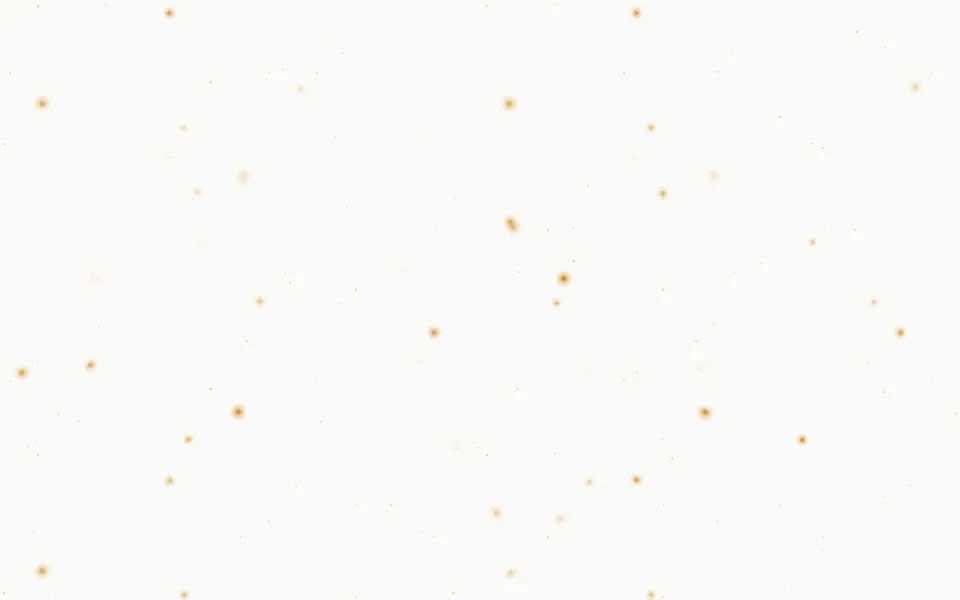
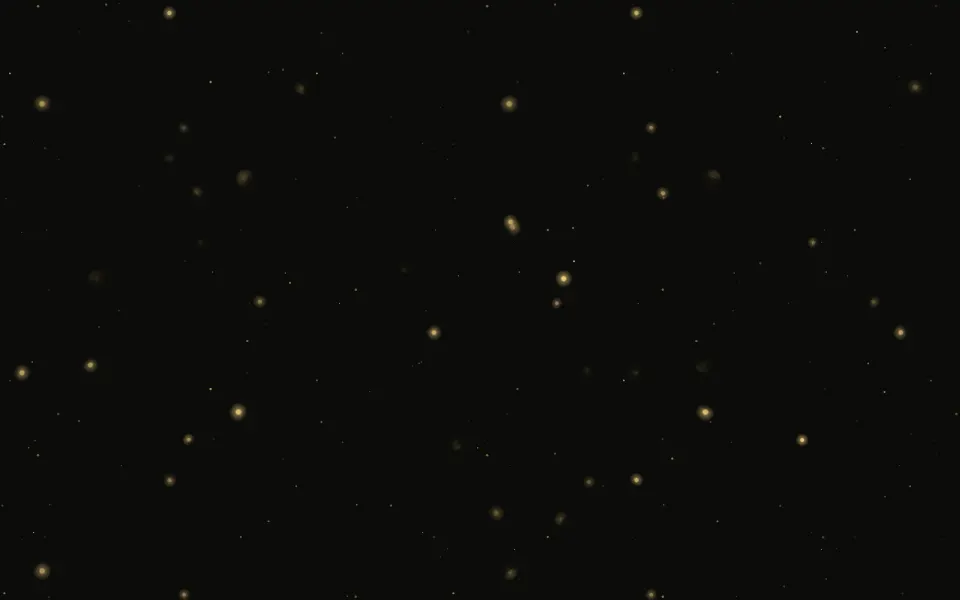
Four-point glints fade in, flare and fade out all over the box, each at a new place every time it lights. A glint is a pinched star with thin rays through its points and a soft halo, at three depths: few and large in front, many and small behind. It's a GLSL scene on WebGL2 with no dependency. On a dark surface they're light with a white-hot core; on a light one, crisp marks in a deeper tone of the same colors. More of them light near the pointer.
Use it behind a launch hero, a pricing band or a card that marks an occasion. For small dots that drift in depth, use Particles; for a night sky with parallax, Starfield; for warm dots that wander and pulse, Fireflies. With reduced motion it holds one still frame.
Installation
Usage
<script lang="ts">
import { Sparkles } from "@/components/ui/sparkles";
</script>
<Sparkles class="flex min-h-[32rem] flex-col items-center justify-center">
  <h1 class="text-5xl font-semibold">Product photos that catch the light</h1>
</Sparkles>
Sparkles is a container: whatever you put inside sits on top of the glints, in normal flow. It fills its own box, so give it a height or content. For a backdrop behind the whole page, render it empty with className="fixed inset-0 -z-10".
Presets
<Sparkles /><Sparkles
colors={["#ffffff", "#cfe4ff"]}
density={0.5}
flare={2}
glow={0.6}
size={28}
twinkle={0.6}
variety={0.9}
/><Sparkles
angle={45}
colors={["#ff5fa2", "#ffd24a", "#4ad9ff", "#8f6bff"]}
density={1.8}
size={12}
spin={2}
twinkle={2}
/><Sparkles
colors={["#ffd58a", "#ffc46b", "#ffb07a"]}
density={1.5}
glow={1.5}
size={15}
/><Sparkles
colors={["var(--foreground)", "var(--muted-foreground)"]}
density={1.2}
flare={0}
glow={0}
size={14}
spin={0}
variety={0.4}
/><Sparkles
density={3}
flare={0.3}
glow={1.6}
size={8}
twinkle={1.5}
variety={1}
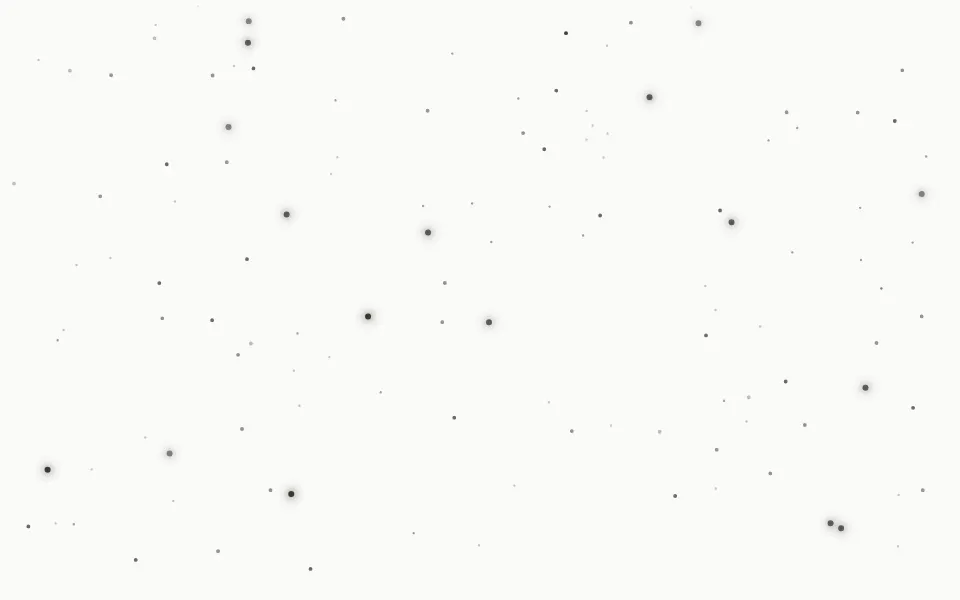
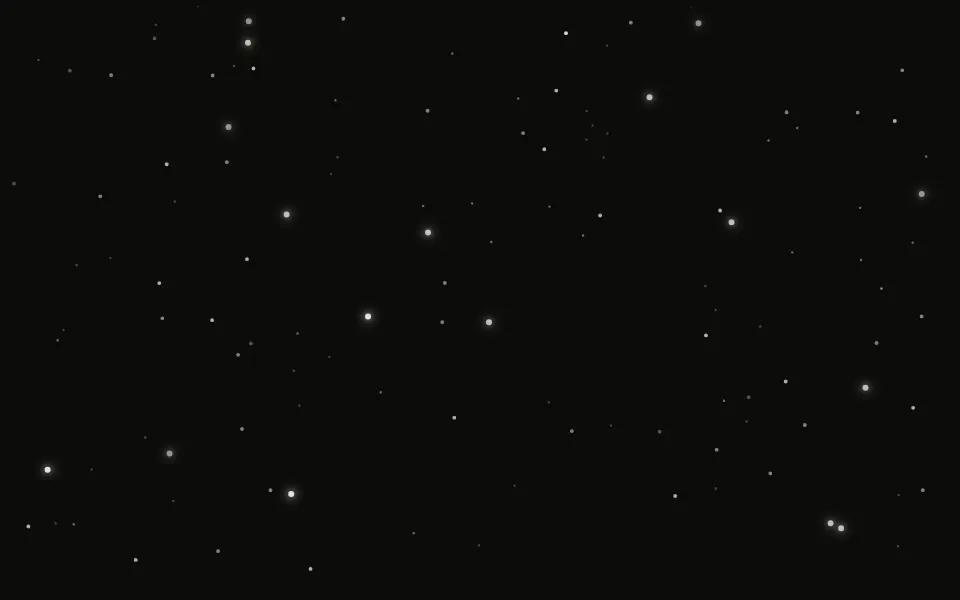
/>Each preset is a set of props, so copy one and keep tuning. Glint is the default. Diamond lights a few large white glints with long rays, Stardust packs the box with fine specks that twinkle faster, Disco turns the glints 45 degrees in four party colors, and Mono draws flat four-point stars in your theme's foreground.
Examples
Hero
The glints are small and far apart, so the copy sits in the middle of the box, right over them. The headline and the line under it use the foreground color; the chip and the second button have a translucent ground of their own.
Diamond
A few large glints on a dark surface: size={28} with density={0.5}, the rays at their longest (flare={2}) and a slower rhythm (twinkle={0.6}). colors is white and a pale ice blue, and variety={0.9} leaves a few large glints among many small ones.
In a card
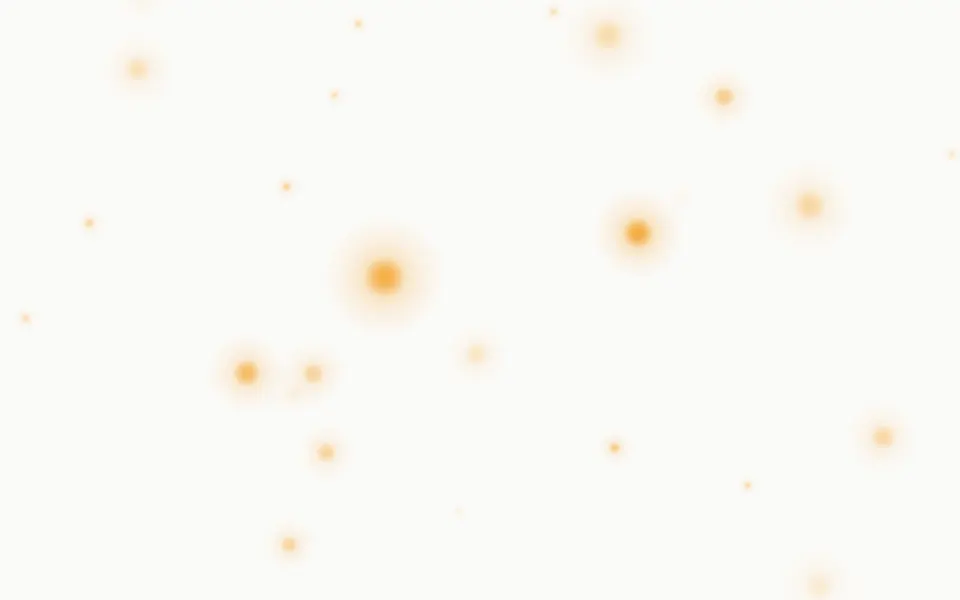
Three golds, density={1.5} and a stronger halo (glow={1.5}) in a 24rem card. fade="bottom" thins the glints out toward the lower edge, where the copy sits.
Customization
Every color is a CSS color, so a theme variable works and follows a theme switch: colors={["var(--chart-1)", "var(--chart-2)"]}. Each glint takes one color of the list, so one entry gives a single-color field and eight give a mixed one. size, flare, angle and variety shape the glints; density and twinkle set how many there are and how often they light.
The surface is the root's own background, bg-background by default. Give the root another (bg-slate-950, an image, a gradient) and the glints adapt: they add light to a dark surface and draw in a deeper tone on a light one. fade masks an edge, opacity turns the whole effect down, and grain adds film grain.
<Sparkles
  class="min-h-[32rem] bg-slate-950"
  colors={["var(--chart-1)", "var(--chart-2)", "var(--chart-4)"]}
  density={1.4}
  fade="radial"
  flare={1.5}
/>
Performance
It's one WebGL2 canvas and one fragment shader with no noise in it. The box is cut into cells at three scales, each cell holds one glint, and a pixel checks the nine cells around it in each scale: 27 glints at most, most of them skipped at once because they're dark or out of reach. The cost doesn't grow with density. It draws only while it's on screen and the tab is visible, shares one frame loop with every other background on the page, and lowers its own resolution if frames run long. quality sets the render scale yourself, and paused holds the frame.
Accessibility
The glints are decoration: they're hidden from assistive tech and let every click through to your content. With reduced motion it draws one still frame and ignores the pointer. Nothing flashes: at twinkle={1} a glint takes 0.8 to 1.7 seconds to reach full brightness and 1.8 to 4 seconds to fade, and it lights once every 4 to 9 seconds.
Put copy over it in the foreground color (text-foreground). Measured on the default look, foreground text keeps at least 6.4:1 on every pixel of a light surface. On a dark surface 99% of the pixels stay above 10:1 and no 24-pixel block averages below 10:1; the weak spots are the white-hot cores of the glints, 0.4% of the pixels, each a few pixels wide and gone within seconds. Lower intensity or size if body copy sits on many of them.
FAQ
How do I change the colors?
Pass one to eight CSS colors to colors. Each glint takes one of them, so the list is a mix, not a gradient. Hex, oklch() and theme variables such as var(--primary) all work, and a variable follows your theme when it changes. For a single-color field pass one color, or two close tones for a little variation.
Does it work on a light page?
Yes, with no prop to set. The scene reads the color behind it. On a dark surface a glint is light, with a core that burns to white. On a light one the same glint is drawn as a crisp mark in a deeper tone of its color, so pale gold shows as amber and pale blue as a clear blue. Set the surface with a class on the component, such as bg-slate-950.
How do I show more or fewer sparkles?
density runs from 0.25 to 3. At 1, about 200 glints are lit at any moment in a 1280 by 720 box, most of them small and far back. twinkle sets how often each one lights, from 0.25 to 3, and variety how many are small next to the largest. Large glints keep some room around them, so a high size caps how tightly they pack.
Can I change the shape of the glints?
flare sets how far the thin rays reach past the four points: 0 leaves a plain four-point star and 2 gives long streaks. angle turns every glint, so 45 lays them out like a cross, and spin sets how far each one turns while it's lit. glow is the halo around it, and size the length of the largest glints' points in pixels.
How do I put it behind the whole page?
Render it empty with className="fixed inset-0 -z-10". It still answers the pointer there, since it listens on the window. To put it behind one section, wrap that section's content in it and give it a height, such as min-h-svh. The glints are sized in pixels, so a full page shows more of them, not larger ones.
Will it slow my page down?
It's a light shader: no noise, and at most 27 glints checked a pixel, on the GPU, and nothing at all while it's off screen or the tab is hidden. If a device can't keep up, it renders fewer pixels by itself. The rays are thin, and thin shapes show a lower resolution sooner than soft ones do, so keep quality at 0.75 or above.
Does it work with Next.js and server components?
Yes. Import it into a server component and it renders its box and your content on the server; the canvas starts in the browser and fades in over the surface. It needs WebGL2, which every current browser has. Without it the box keeps its background, or the fallback you pass.
API Reference
Sparkles
data-slot="sparkles"
angle?number
How far the glints are turned, in degrees, from -90 to 90: 0 stands them upright like a plus, 45 lays them out like a cross.
- Default
0
colors?string[]
One to eight CSS colors; each glint takes one of them. Theme variables
such as var(--foreground) follow your theme.
- Default
["#b9a2ff", "#8ec9ff", "#ffb1dc", "#ffc891"]
density?number
How many glints there are, from 0.25 to 3: 1 lights about 200 at a
time in a 1280 by 720 box. Large glints keep their room, so a high
size caps it.
- Default
1
fade?"none" | "radial" | "top" | "bottom" | "left" | "right"
Which edges fade out to the surface: radial keeps the middle, the
others name the side that fades.
- Type
"none" | "radial" | "top" | "bottom" | "left" | "right"- Default
"none"
fallback?string
What shows until the first frame and in browsers without WebGL2: a CSS
background value that looks like the scene.
flare?number
How far the thin rays reach past each glint's four points as it lights up, from 0 (a plain four-point star) to 2.
- Default
1
glow?number
How strong the soft halo around each glint is, from 0 to 2.
- Default
1
grain?number
Film grain over the scene, from 0 to 1.
- Default
0
intensity?number
How bright the glints are, from 0 to 2.
- Default
1
interactive?boolean
Whether the scene follows the pointer and answers a press. Touch never moves it, so scrolling a page on a phone isn't disturbed.
- Default
true
opacity?number
How strongly the scene shows over the surface, from 0 to 1.
- Default
1
paused?boolean
Holds the current frame.
- Default
false
quality?number
Render scale, from 0.25 to 1, of the screen's pixels (capped at 2×). Lower is cheaper and softer.
- Default
1
size?number
The length of the largest glints' points, in pixels, from 6 to 28. The glints further back are smaller.
- Default
18
speed?number
Animation speed: 1 is normal, 0 holds the frame.
- Default
1
spin?number
How far a glint turns while it's lit, from 0 (it holds its angle) to 2.
- Default
1
time?number
A fixed moment, in seconds: draws it and doesn't animate.
twinkle?number
How often the glints light up, from 0.25 to 3: higher is quicker and busier.
- Default
1
variety?number
How much the glints differ in size, from 0 (all alike in a layer) to 1 (a few large ones among many small).
- Default
0.6