shadcn.io is an independent project built on shadcn/ui
Fireworks Background for Svelte
Bursts of sparks that open, droop and fade, with a rocket where you press. For Svelte with Ark UI, when a milestone deserves a show.
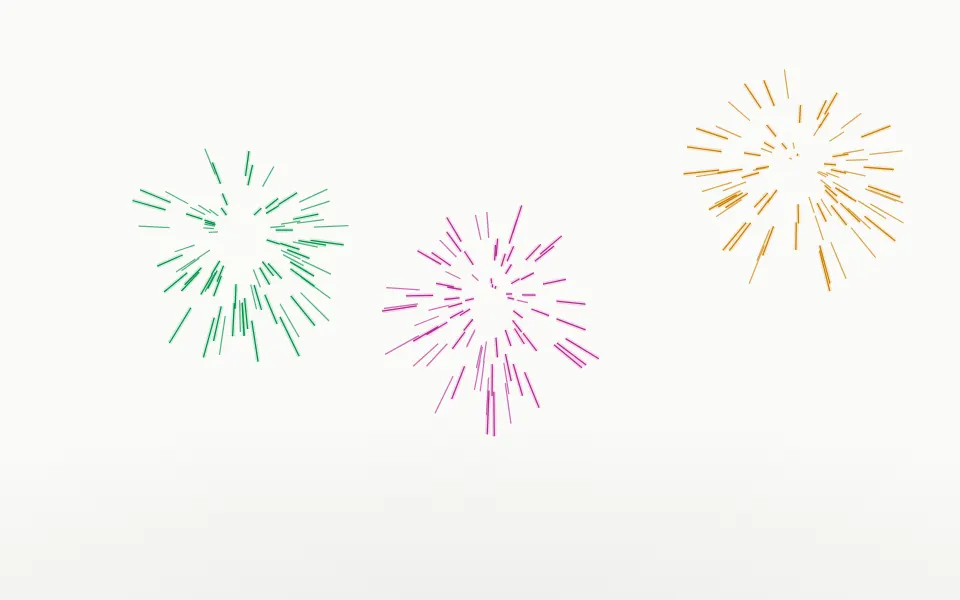
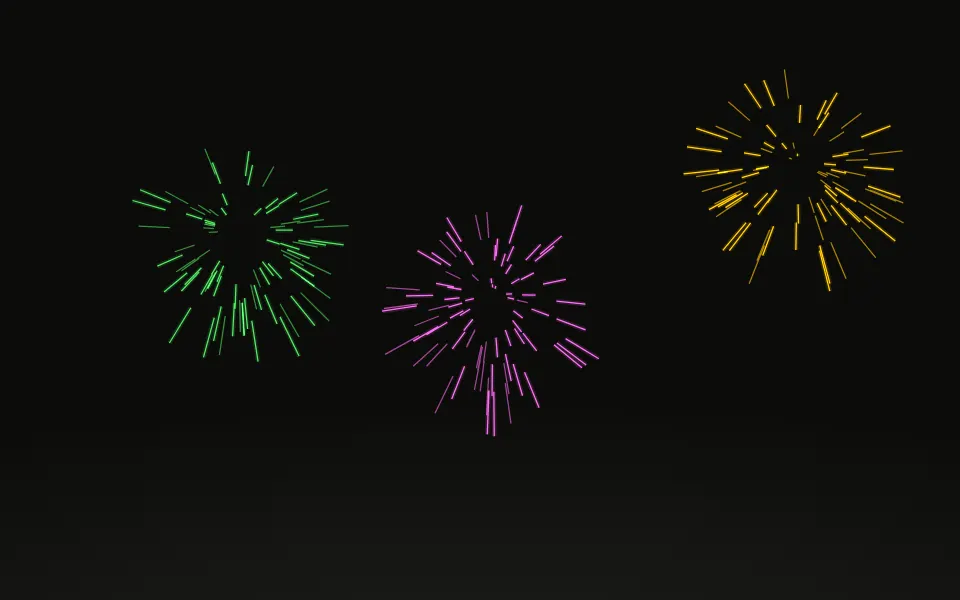
Fireworks open in the upper part of the box: a rocket climbs, bursts into a ball of sparks that fly out, slow in the air, droop under gravity and burn out, each leaving a short tail and glittering as it dies. It's a GLSL scene on WebGL2 with no dependency. On a dark surface the sparks are light, white-hot as they open; on a light one they're drawn in deeper tones of the same colors, like ink. A press launches a rocket to that point.
Use it behind a launch, an anniversary or a goal reached, with the copy in the lower half of the box, under the bursts. The show never opens more than two bursts a second and a press adds one at most, at any frequency and speed. For paper that tumbles down, use Confetti; for glints that twinkle in place, Sparkles; for one burst of rays that shimmers, Supernova. With reduced motion it holds one burst in mid-air.
Installation
Usage
<script lang="ts">
import { Fireworks } from "@/components/ui/fireworks";
</script>
<Fireworks class="flex min-h-[32rem] flex-col items-center justify-end pb-14">
  <h1 class="text-5xl font-semibold">Ten years of Harbor</h1>
</Fireworks>
Fireworks is a container: whatever you put inside sits on top of the sparks, in normal flow. It fills its own box, so give it a height or content. For a backdrop behind the whole page, render it empty with className="fixed inset-0 -z-10".
Presets
<Fireworks /><Fireworks
frequency={1.2}
glow={1}
height={0.8}
lineWidth={1.25}
rockets={0}
size={140}
sparks={64}
trails={0.3}
/><Fireworks
colors={["#ff7b00", "#ff3d00", "#ffd000"]}
frequency={0.6}
gravity={2}
height={0.85}
rockets={0}
speed={0.6}
trails={0.8}
twinkle={1}
/><Fireworks frequency={1.5} rockets={1} size={220} sparks={120} /><Fireworks
colors={["var(--foreground)", "var(--muted-foreground)"]}
glow={0.2}
twinkle={0.2}
/><Fireworks
colors={["#00f5d4", "#f15bb5", "#9b5de5", "#ff9f1c"]}
glow={1}
lineWidth={3.5}
sparks={56}
trails={0.25}
/><Fireworks
colors={["#ffd166", "#ffb703", "#fff3c4"]}
frequency={0.5}
gravity={1.8}
size={340}
sparks={128}
trails={1}
twinkle={1}
/>Each preset is a set of props, so copy one and keep tuning. Gala is the default. Willow throws more sparks, in gold, with long tails that droop; Distant keeps small bursts along the top of the box, with no rockets; and Mono takes its two colors from your theme, so it draws in ink on a light page and in white on a dark one.
Examples
Hero
The copy sits at the bottom of the box and the bursts open above it: height is 0.72 by default, so they open about a quarter of the way down, and most sparks have burned out by the time they fall to the headline. A rocket lights up part of the way into its climb, above where the copy sits. The demo sets no props.
Finale
frequency={1.5} opens a burst about every 0.67 seconds, close to the most the show allows. size={220} keeps them from covering each other, with sparks={120} and the rockets at full strength (rockets={1}), on a dark surface.
In a card
A burst never opens wider than 60% of the box's shorter side, so the same component fits a card. Here frequency={1} keeps about three in the air, and fade="bottom" thins the falling sparks out toward the two lines of copy.
Customization
Every color is a CSS color, so a theme variable works and follows a theme switch: colors={["var(--chart-1)", "var(--chart-2)"]}. Each burst takes one color from the list, and some add the next one for their inner sparks, so two colors already give three kinds of burst.
The surface is the root's own background, bg-background by default; give the root another class (bg-slate-950) and the sparks adapt. They add light to a dark surface, white at first and then their own color, and on a light one they're drawn in a deeper tone with no white. fade masks an edge, opacity turns the whole effect down, and grain adds film grain.
<Fireworks
  class="min-h-[32rem] bg-slate-950"
  colors={["var(--chart-1)", "var(--chart-2)", "var(--chart-4)"]}
  fade="bottom"
  frequency={1}
/>
Performance
It's one WebGL2 canvas and one fragment shader, with no noise, no ray marching and no stored particles: a spark's place is worked out from the age of its burst. A pixel goes through at most 15 bursts (the first one, ten slots of the show and four presses), skips the ones that are over or out of reach, and inside a live burst measures its distance to 12 sparks, the ones in the three slices of the turn around it, so sparks doesn't change the cost. It draws only while it's on screen and the tab is visible, shares one frame loop with every other background on the page, and lowers its own resolution if frames run long. quality sets the render scale yourself, and paused holds the frame.
Accessibility
The fireworks are decoration: they're hidden from assistive tech and let every click through to your content. With reduced motion it draws one burst in mid-air and stops; a press launches nothing.
The show's clock runs in real seconds, whatever speed is. It opens one burst in each slot of time, a slot is never shorter than 0.6 seconds, and a burst never falls in the last 0.55 seconds of its slot, so two bursts are at least 0.55 seconds apart and no second holds more than two. A press launches one only if no other press came in the second before it. That's three bursts a second at most. Each is one rise and fall of light the size of the burst, and a dying spark glitters about twice a second, out of step with the others.
Keep copy under the bursts, in the lower half of the box, and use the foreground color (text-foreground) for it. A spark is a line about 2.5 pixels wide, so it covers little of a letter, but on a dark surface it's white as it opens: white text over it has no contrast along that line. Lower height moves the show; intensity and glow turn it down.
FAQ
How do I change the colors?
Pass two to eight CSS colors to colors. Each burst takes one, and some bursts add the next color in the list for their inner sparks. Hex, oklch() and theme variables such as var(--primary) all work, and a variable follows your theme when it changes. On a dark surface every burst opens white-hot whatever its color.
Does it work on a light page?
Yes, with no prop to set. The scene reads the color behind it: on a dark surface the sparks add light, and on a light one they're drawn in a deeper tone of the same colors, with a faint tint where a burst opens, so the show reads as ink on paper. Set the surface with a class on the component, such as bg-slate-950.
Can visitors launch one?
Yes. A press on the background sends a rocket up to that point, where it bursts 0.45 seconds later at speed={1}. Presses on links, buttons and fields inside the background launch nothing, and neither does touch, so scrolling on a phone isn't disturbed. A press that comes less than a second after another one launches nothing either. interactive={false} turns presses off.
How many bursts a second can it show?
Three at most: two from the show and one from a press. frequency goes up to 1.5 bursts a second, and the show keeps at least 0.55 seconds between two of its own bursts even when speed is raised, because it counts in real seconds. Past that point a higher speed makes each burst open and fall faster but doesn't add bursts.
How do I put it behind the whole page?
Render it empty with className="fixed inset-0 -z-10". A press still launches one there, since it listens on the window. To put it behind one section, wrap that section's content in it and give it a height, such as min-h-svh.
Will it slow my page down?
It's a light shader: for most pixels a handful of distance checks, and 12 sparks to measure inside a live burst, on the GPU, with the same cost at 24 sparks as at 160. Nothing runs while it's off screen or the tab is hidden. If a device can't keep up, it renders fewer pixels by itself, and quality={0.75} does that from the start.
Does it work with Next.js and server components?
Yes. Import it into a server component and it renders its box and your content on the server; the canvas starts in the browser and fades in over the surface. It needs WebGL2, which every current browser has. Without it the box keeps its background, or the fallback you pass.
What happens with reduced motion?
It draws one frame and stops: a single burst in mid-air, a little under a second after it opened, with its sparks spread and their tails behind them. No rocket climbs, nothing falls and a press launches nothing. The frame is the same one every time, so the page looks the same on each visit.
API Reference
Fireworks
data-slot="fireworks"
colors?string[]
Two to eight CSS colors: each burst takes one, and some add the next
one in the list for their inner sparks. Theme variables such as
var(--primary) follow your theme.
- Default
["#ff4d6d", "#ffb703", "#4cc9f0", "#b388ff"]
fade?"none" | "radial" | "top" | "bottom" | "left" | "right"
Which edges fade out to the surface: radial keeps the middle, the
others name the side that fades.
- Type
"none" | "radial" | "top" | "bottom" | "left" | "right"- Default
"none"
fallback?string
What shows until the first frame and in browsers without WebGL2: a CSS
background value that looks like the scene.
frequency?number
About how many bursts open each second, from 0.1 to 1.5. Whatever the
value and the speed, two bursts are never less than 0.55 seconds
apart.
- Default
0.8
glow?number
How much soft light each burst and each spark throws around itself, from 0 to 1.
- Default
0.6
grain?number
Film grain over the scene, from 0 to 1.
- Default
0
gravity?number
How fast the sparks fall once they have slowed, from 0 (they hang in the air) to 2.
- Default
1
height?number
How high the bursts open, from 0 (the bottom of the box) to 1 (the top). Each one opens a little above or below it.
- Default
0.72
intensity?number
How bright the sparks are.
- Default
1
interactive?boolean
Whether the scene follows the pointer and answers a press. Touch never moves it, so scrolling a page on a phone isn't disturbed.
- Default
true
lineWidth?number
The thickness of a spark at its head, in pixels, from 1 to 4.
- Default
2.5
opacity?number
How strongly the scene shows over the surface, from 0 to 1.
- Default
1
paused?boolean
Holds the current frame.
- Default
false
quality?number
Render scale, from 0.25 to 1, of the screen's pixels (capped at 2×). Lower is cheaper and softer.
- Default
1
rockets?number
How strongly the rockets show as they climb to where they burst, from 0 (no rockets) to 1.
- Default
0.6
seed?number
Another show of the same look, from 0 to 20.
- Default
0
size?number
How wide the largest bursts open, in pixels, from 120 to 480. A burst never opens wider than 60% of the box's shorter side.
- Default
280
sparks?number
How many sparks a burst throws, from 24 to 160.
- Default
96
speed?number
Animation speed: 1 is normal, 0 holds the frame.
- Default
1
time?number
A fixed moment, in seconds: draws it and doesn't animate.
trails?number
How long a tail each spark leaves, from 0 (dots) to 1.
- Default
0.6
twinkle?number
How much the sparks glitter as they die, from 0 to 1.
- Default
0.5