shadcn.io is an independent project built on shadcn/ui
Installation
Overview
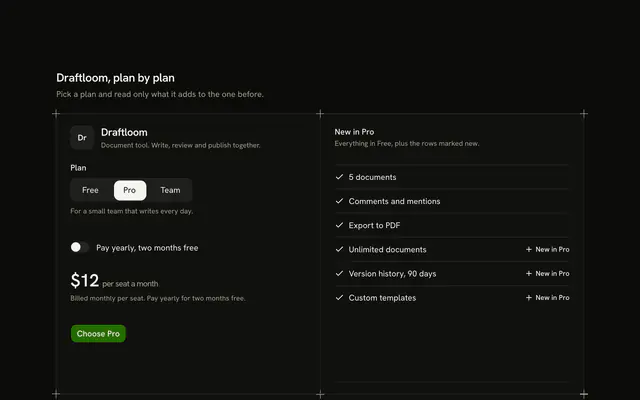
Show a pass that fills in as you choose its length with this membership card for React with React Aria. A hairline frame holds a drawn pass first: a name, a stripe pattern at its end that gets closer and darker with the level, and a line such as "Valid 12 months from the first visit". A Toggle Group for Day, Month and Year changes the pass face and the price, and a list of perks shows only what that level adds ("Everything in Month, plus"), three rows each so nothing moves. The year price also reads per month, worked out from the cents. One Shine Button says "Get the pass" and the status line says it is held in this demo. For gyms, clubs, museums and any pass sold by length.
FAQ
How do I change the passes and perks?
Edit LEVELS: a name, a price in cents, a length in months (0 for a single day), the validity sentence and three perks that level adds. The line "Everything in Month, plus" comes from the level before it.
How is the monthly price worked out?
For passes longer than one month, the price in cents is divided by the months and rounded once, so $780 over 12 months reads "About $65 a month". The price itself is exact.
How is the pass drawn?
With CSS only: a bordered card and a repeating gradient in foreground tones on its end third. Each level has its own gradient. Replace the card with an image or an SVG of your own pass if you have one.
What stays local, and how do I wire it for real?
The level is page state. Nothing is bought, issued or stored. Replace the body of hold with a call to your checkout and read the levels from your membership system.