shadcn.io is an independent project built on shadcn/ui
Installation
Overview
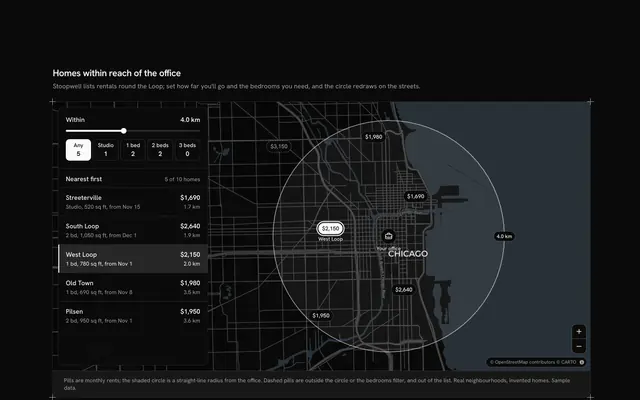
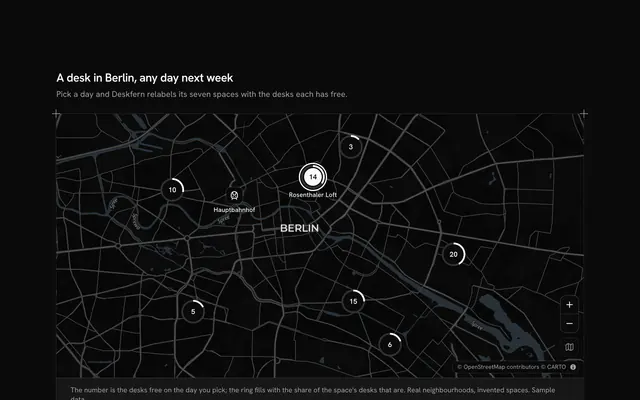
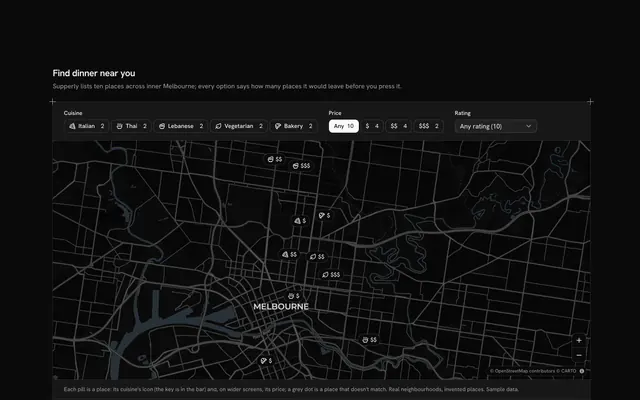
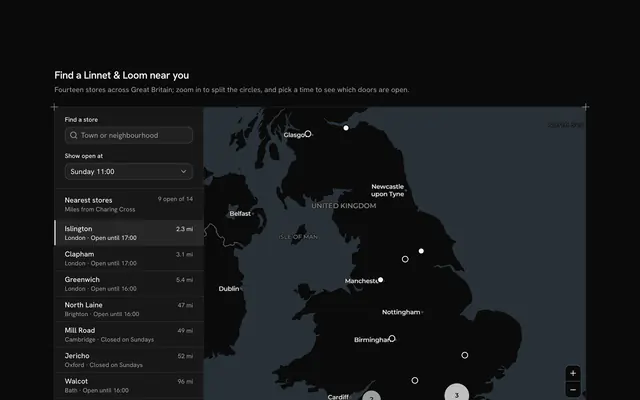
Let travellers search the part of the city they are looking at, with this hotel finder map for React with Base UI. Lodgewell, a hotel search, shows twelve hotels in real Lisbon neighbourhoods, from Alfama and Chiado out to Belém and Parque das Nações, as price pills on a live Map that follows your theme. The list under the map holds the hotels in the area last searched, at first the old centre. Pan or zoom the map and a "Search this area" Button appears over it; pressing it reads the map's own bounds and lists the hotels inside them, while the pills outside fade. A nights Number Input from 1 to 7 turns each night into a total with a typed city tax, a Native Select sorts the list by price, rating or nearness to the middle of the area, and choosing a hotel, by its pill or its row, marks both. An area with no hotels shows an empty state in the same box. Built from Map, Number Input, Native Select, Button, Empty and Guides. For hotel search, travel planners and booking sites.
FAQ
How does Search this area work?
The block keeps two camera positions: where the map is, from onViewportChangeEnd, and where it was when the list was last searched. When they differ, the button appears. A small SearchHere part inside the map reads its bounds with useMap() and getBounds(), and the list becomes the hotels whose place is inside them; the pills outside fade, and the button goes away until the map moves again.
How is the total worked out?
Each hotel has a price for a night in whole euros; the total adds the typed city tax for each night (CITY_TAX) and multiplies by the nights, from 1 to 7. Prices, ratings and the tax are invented sample data: in your app, ask your rates service for the dates and the room.
What is real, and what stays local?
The neighbourhoods are real; the hotels, their names, prices and ratings are invented, each placed at a point inside its neighbourhood rather than at an address. Nothing is searched over the network or booked: the only thing loaded is the map's tiles, and every search reads the map you are looking at.
Can I use it without a mouse?
Yes. The nights field takes the arrow keys and typing, the sort is a native select, and every hotel in the list is a button. Focus the map and the arrow keys pan it and plus and minus zoom it; the Search this area button then comes into the tab order over the map. A polite message says when the list is out of date and what a search found.