shadcn.io is an independent project built on shadcn/ui
Installation
Overview
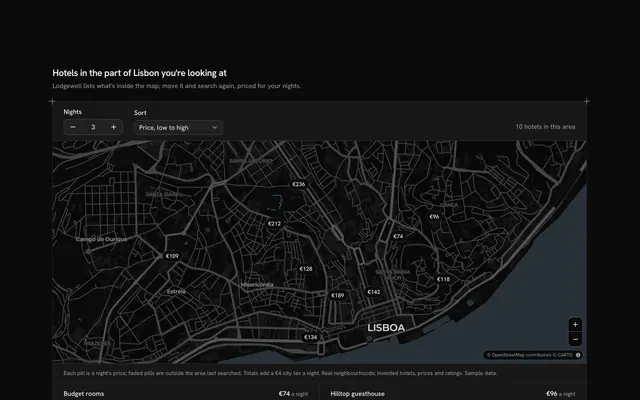
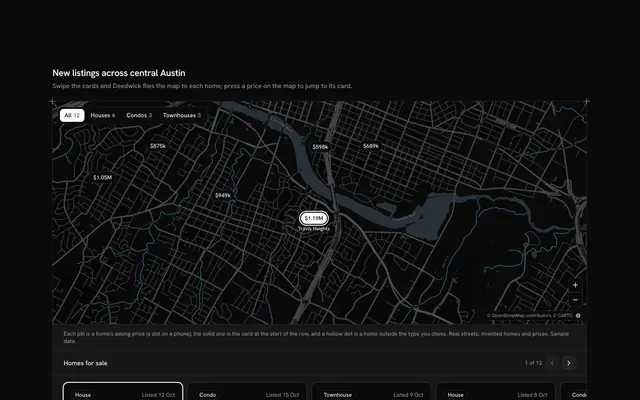
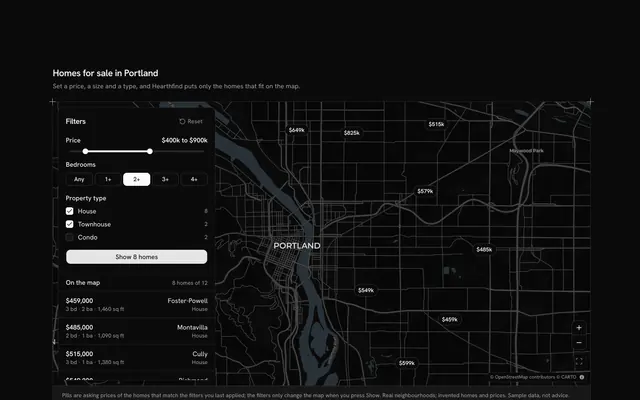
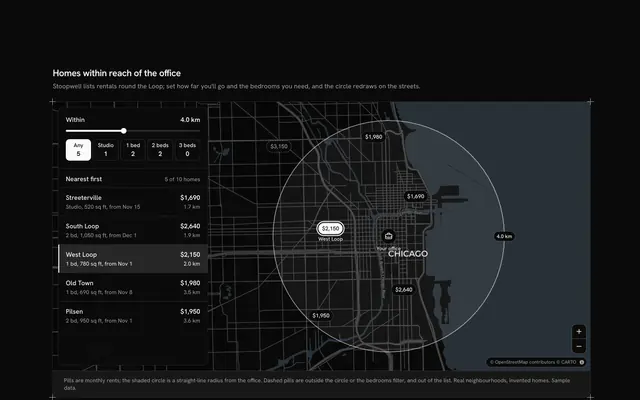
Let the map decide what the list shows, with this search-as-you-move map for React with Base UI. Quaylet, a short-stay rentals site, puts fourteen Lisbon stays on a live Map as price pills beside their list. With "Search as I move the map" ticked (a Checkbox), every pan or zoom re-runs the search when the map comes to rest: the list keeps only the stays inside the view and says how many, from "10 stays in this area" to an empty state that asks you to zoom out. Untick it and the list holds still while you look around; a "Search this area" button floats over the map once it has moved, and pressing it searches the new view. Hovering or focusing a row lifts its pill on the map, and choosing a stay, from its row or its pill, opens its card there with the beds, guests and price a night. On a phone a List and Map switch (Toggle Group) shows one at a time. Built from Map, Checkbox, Toggle Group, Button, Empty and Guides. For rentals, hotels, real estate and any directory people browse by place.
FAQ
How does the list follow the map?
A small ViewWatcher inside the map reads the map's corners (west, south, east and north) when it comes to rest after a pan or a zoom, and once at the start. With the box ticked those corners become the search; unticked they are only remembered, and the Search this area button appears when they differ from the last search. A stay is in the area when its longitude and latitude fall inside the corners.
Where do the stays come from, and what stays local?
The fourteen stays are typed into LINES at the top of the file: a name, a real Lisbon neighbourhood, its coordinates, a price a night, beds and guests. Quaylet and every stay are invented. Nothing is fetched or saved except the map's tiles; in your app, send the corners to your search endpoint instead of filtering the typed list.
What happens when I choose a stay?
Its pill turns solid and its card opens over the map with a close button; Escape or a click on the map closes it. The chosen row is marked in the list and scrolled into the list's own view, never the page's. Choosing it again closes the card.
Can I use it without a mouse?
Yes. Each stay in the list is a button; focusing one lifts its pill on the map just as hovering does, and pressing it opens its card. The checkbox, the Search this area button and the zoom buttons are all in the tab order, and the map takes the arrow keys and plus and minus once focused. A polite message gives the new count after each search.