shadcn.io is an independent project built on shadcn/ui
Installation
Overview
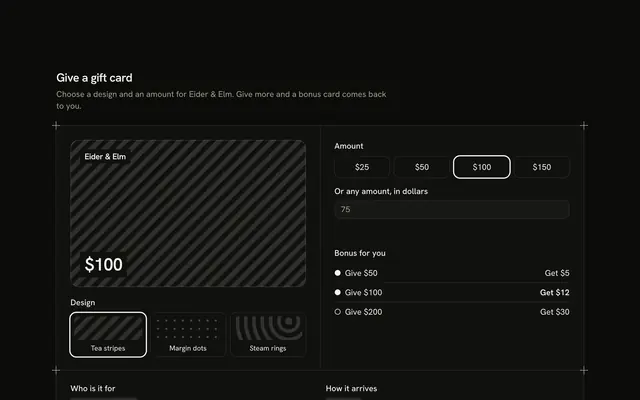
Sell a gift card that shows what it will say with this gift card product card for React with Radix UI. A drawn card face sits in its own corner-marked frame at the start; at the end are amount chips for $25, $50 and $100, an Other chip that enables a box for a whole amount from $10 to $500, an optional first name and an Email or Print choice. The face reads "$50", "For Mira" and "By email" as you type, and the single Shine Button says the amount and turns into "Added" with an Undo. A refused amount is explained in words under the box. There is no delivery date, address or card form. Guides mark the frame. For stores selling gift cards on a product page.
FAQ
How does the face update?
It is plain markup reading three pieces of state: the amount, the name and the way. It is hidden from assistive tech, and a visually hidden caption gives the same sentence so nothing is only drawn.
What does Other accept?
A whole number from 10 to 500 (LEAST, MOST). Anything else is refused in words under the box and when you press Add; the chips always work. The box is always present and disabled for the presets, so nothing moves.
What stays local, and how do I wire it for real?
The choices and the bag are page state; no email or print page is made. Nothing is stored, charged or sent. Send the amount, the first name and the delivery way to your gift-card API, then collect the recipient's address and date on the next step.