shadcn.io is an independent project built on shadcn/ui
Installation
Overview
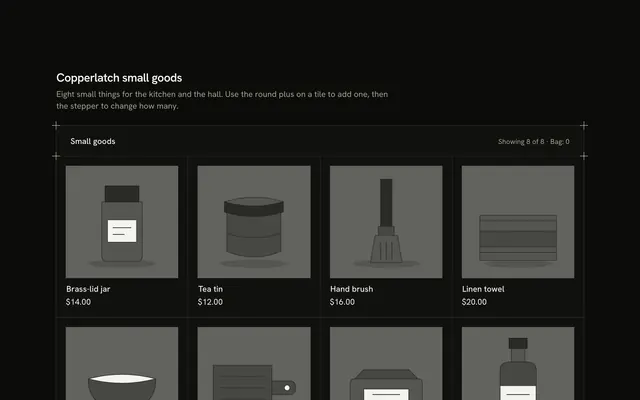
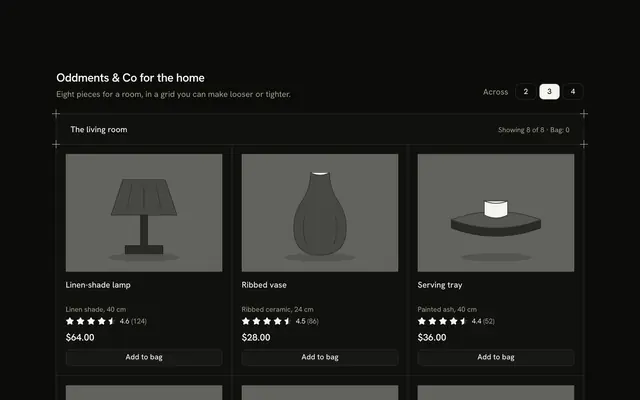
Show how a piece sells down with this stock product card for Solid with Ark UI. Four tiles of one range sit between shared hairlines, each with a drawn greyscale picture, a name, a price and a stock line in words with a dot and a ten-segment meter: "In stock", "Low: 3 left", "Last one" or "Sold out". Pressing Button "Add to bag" on a tile counts it down in place, so the Tumbler goes from 3 to 2, to "Last one", to "Sold out" without the tile changing height. A sold-out tile swaps Add for an Input and a "Notify me" button, with the restock date from a typed list. "Reset" puts the typed stock back, and one polite line says what changed. Nothing is stored or sent. For shops that want their low-stock and sold-out wording to be clear and calm.
FAQ
How do I change the stock?
Edit PIECES. Each piece has a left count and a backOn date. The words, the dot and the meter are all worked out from left by stateOf, dotOf and litOf, so changing one number changes the whole tile. "Low" is five or fewer; change the limit in stateOf.
What does the meter show?
Ten segments, lit up to the number left (ten or more lights all of them). It is decoration; the stock line beside it says the same thing in words, and the meter is hidden from screen readers.
Does Notify me send anything?
No. It checks that the text looks like an email, marks the tile "Noted" with an Undo, and says so in the status line. In a real shop post the address to your back-in-stock list from the notify function.
What stays local, and how do I wire it for real?
The stock counts, the bag and the notify list are page state; nothing is stored or sent. Replace the bodies of add and notify with calls to your cart and your waiting list, and read left from your inventory. The pictures are typed shapes: swap Picture for an img.