shadcn.io is an independent project built on shadcn/ui
Installation
Overview
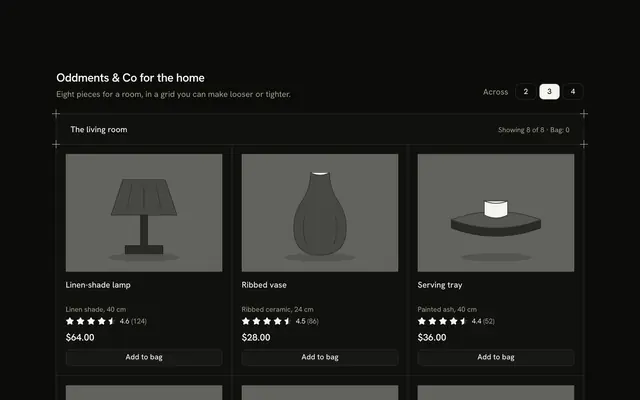
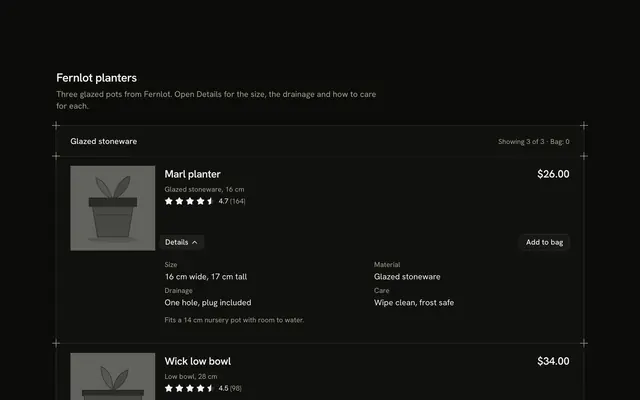
Match plants to the room with this plant product card for Vue with Ark UI. A Toggle Group at the end of the header sets "Your light" to Low, Medium or Bright, and three drawn plants each show a Badge with a glyph and a word (Thrives, Fine or Struggles) from a typed table, so the plants answer differently in each light and none is dimmed. Every tile also shows its watering rhythm, a pet-safe word and a price in dollars. On a phone the tiles are a row you swipe with the next one showing. Add turns into "Added" with an Undo, the "Bag" count follows and a polite status line says how every plant does in the chosen light. Nothing is stored or bought. Guides mark the corners. For plants, seeds and anything whose fit depends on a condition.
FAQ
How do I change the plants and the verdicts?
Edit PLANTS: each has a name, a meta line, a price in cents, a verdict for low, medium and bright (thrives, fine or struggles), a watering line, a pet-safe flag and the shapes of its drawing.
Why a glyph and a word?
So the verdict does not rely on colour: a tick for Thrives, a dash for Fine and a cross for Struggles, each beside its word. Nothing is dimmed or greyed out.
How is pet-safe decided?
It is a typed flag for the demo. Check each plant against a trusted list before you publish one.
What stays local, and how do I wire it for real?
The light and the bag are page state; nothing is stored, charged or sent. Replace the body of add and undo with calls to your cart and save the light with the customer's profile.