shadcn.io is an independent project built on shadcn/ui
Installation
Overview
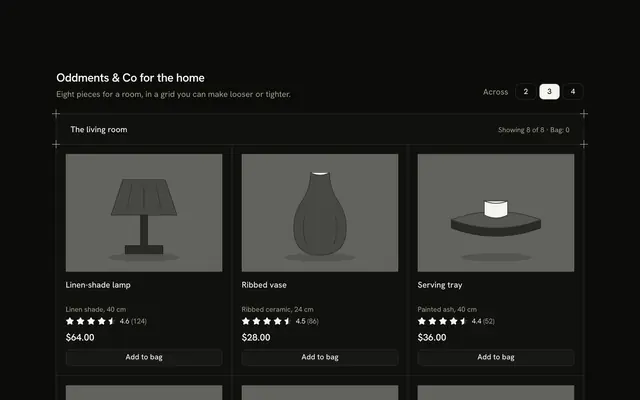
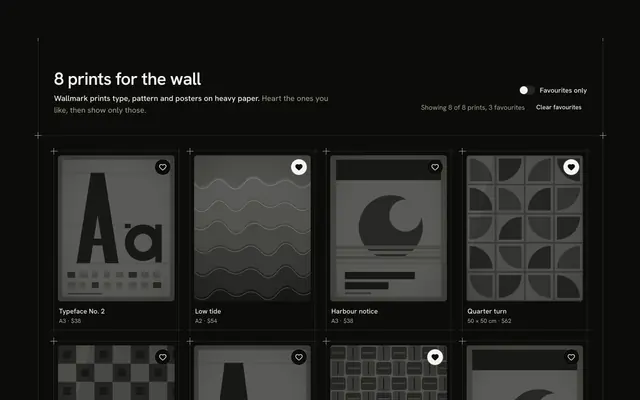
Let shoppers keep a piece and watch its price with this wishlist product card for Vue with Ark UI. A hairline frame with a plus mark on each corner holds six rugs and throws in a grid of cells, three across and two on a phone. Each tile has a drawn pattern, a name, a fact and the price, with a heart Toggle over the picture. Saving a piece opens that tile's own alert row: a Switch that says "Tell me when under" and a Number Input for a target between half and 95 percent of the price. The row's space is reserved on every tile, so saving never moves the grid. Type a target, then press Tab. The heading row counts "Saved" and "Bag", Add to bag is an outline Button that turns into "Added" with an Undo, and a polite status line says that alerts are set here only. Nothing is stored or bought. Guides rule the bands. For catalogues where a heart should lead somewhere useful.
FAQ
How do I change the products and the alert range?
Edit RUGS for the pieces and their prices in cents. The lowest and highest targets come from lowestOf and highestOf (half and 95 percent of the price, in whole dollars), and startOf sets the first target at 80 percent. Change those three helpers to change the range.
Why do I press Tab after typing a target?
Some number inputs commit a value when the field loses focus rather than on every keystroke. The block ignores values outside the range, and the arrow buttons and keys step the target by one dollar.
Does an alert watch the price?
No. The alert is set in this demo only: nothing watches a price and nothing is sent. The status line says so each time one is set.
What stays local, and how do I wire it for real?
The saved pieces, the alerts, the targets and the bag are page state; nothing is stored, charged or sent. Replace save, alert and retarget with calls to your wishlist and price-alert service, and keep the status line for the result. The pictures are typed shapes: swap Picture for an img.
How does it look on a phone?
Two tiles across, with names clamped to two lines and prices that never wrap. The alert row sits under the price in each saved tile and stacks its switch above its field.
Is it accessible?
The heart is a toggle button named "Save" plus the product name that reports its pressed state, filled in the text colour rather than a hue. An unsaved tile's alert row is inert, so it cannot be focused, and the switch and field are named for their product. Every change is announced by the polite status line.