Empty State Examples
22 empty states: empty inboxes, folders and tables, no search or filter results, an empty chart, and placeholders with one, two or stacked actions, a link or an input. Each on React, Vue, Svelte and Solid, with Base UI, React Aria, Ark UI or Radix UI on React.
Every empty state example
22 examples.
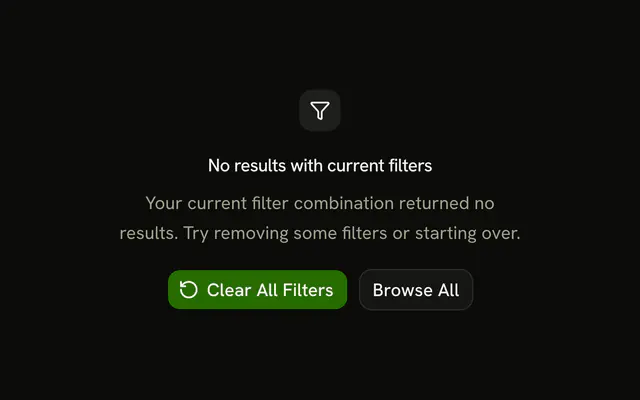
- Clear Filters SuggestionSearchAn empty filter state titled No results with current filters, with Clear All Filters and Browse All.
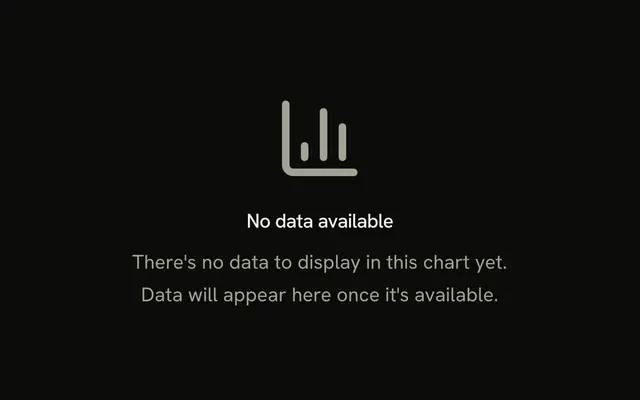
- Empty ChartDataAn empty chart titled No data available, with a large bar chart icon and no action button.
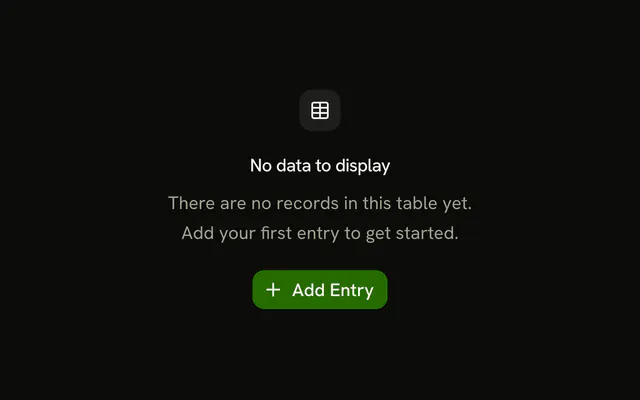
- Empty TableDataAn empty table state titled No data to display, with a table icon and an Add Entry button.
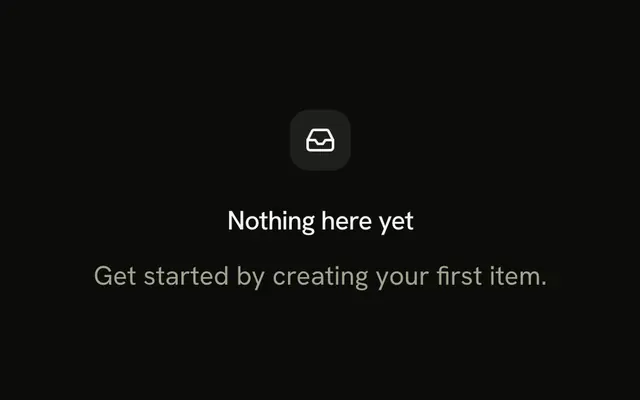
- Empty with DescriptionStandardAn empty state with an inbox icon, the title Nothing here yet, and one sentence about creating an item.
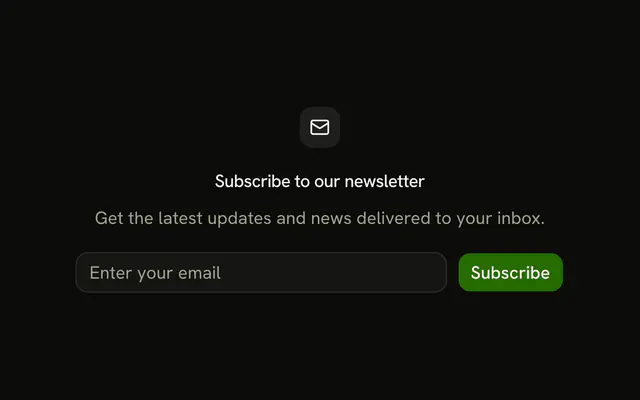
- Empty with Input ActionActionsAn empty newsletter state with a mail icon, an email field, and a Subscribe button under the text.
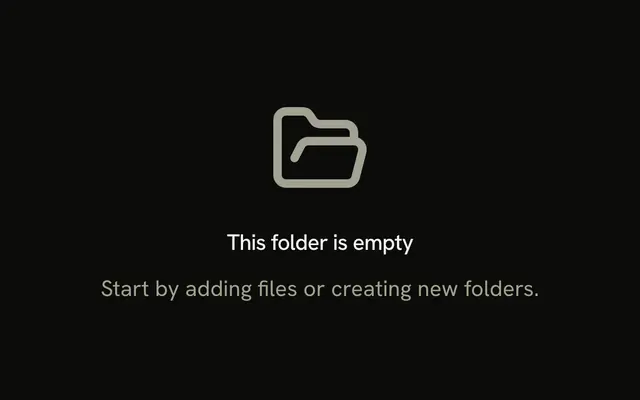
- Empty with Large IconStandardAn empty folder titled This folder is empty, with a large open-folder icon and no action button.
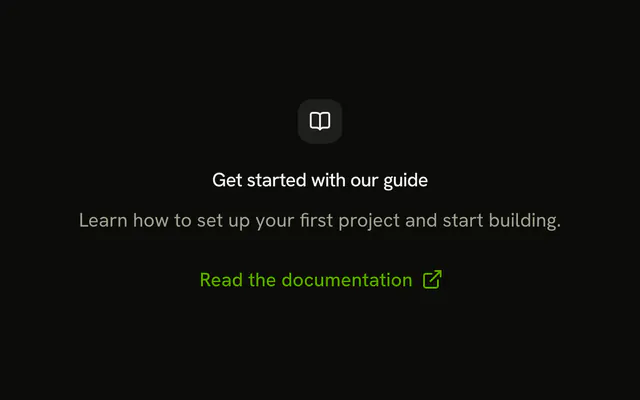
- Empty with Link ActionActionsAn empty getting-started state with a book icon and a Read the documentation link under the text.
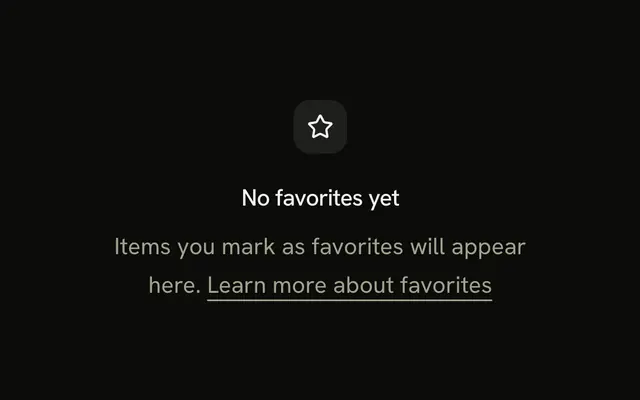
- Empty with Link in DescriptionStandardAn empty favorites state titled No favorites yet, with a star icon and a Learn more link in the description.
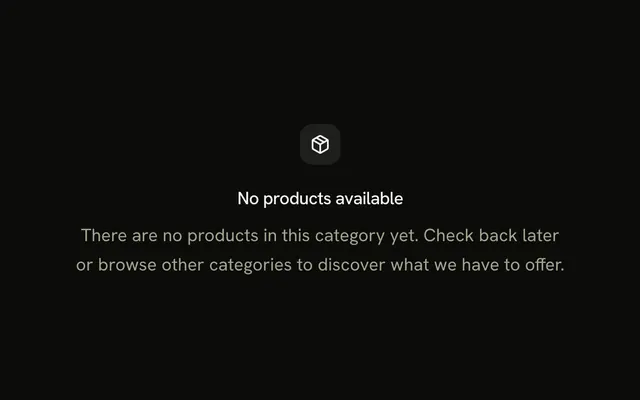
- Empty with Long DescriptionStandardAn empty product list titled No products available, with a package icon and a two-sentence explanation.
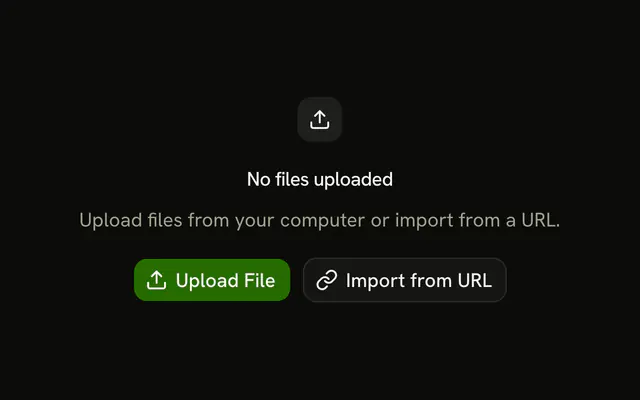
- Empty with Multiple ActionsActionsAn empty upload state titled No files uploaded, with Upload File and Import from URL side by side.
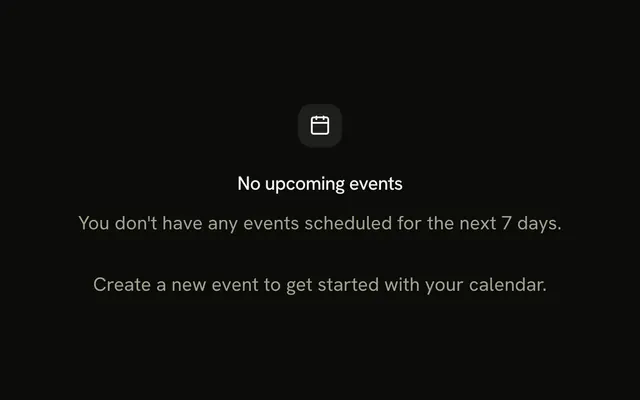
- Empty with Multiple ParagraphsStandardAn empty calendar titled No upcoming events, with the description split into two short paragraphs.
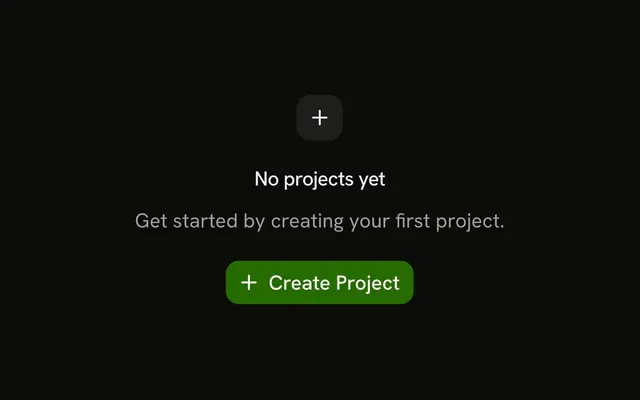
- Empty with Single ActionActionsAn empty projects state titled No projects yet, with a plus icon and a Create Project button.
Or describe it. With Pro, your AI agent installs the empty state example you describe, on your framework and UI library.
Get ProGalleries
More component examples
8 related galleries, free: open one for its live examples and their code.








Pricing
Empty State examples MCP, with Pro
Your AI agent installs any of the 1364 examples, and every component, block and icon, with every Pro plan.
4.9/5 out of 5 · 150+ reviewsfrom 150+ founders and developers.
- Secure checkout via Stripe
- Code lives in your repo
- Keep what you've shipped if you cancel
- License terms
FAQ
Frequently asked questions
shadcn.io's Empty is the block you show when there is nothing to list: an empty inbox, a search with no results, a new account with no projects. It is made of parts: EmptyHeader holds an optional EmptyMedia (an icon, in a tile or on its own), EmptyTitle and EmptyDescription, and EmptyContent holds actions such as buttons, a link or an input. Each example in this gallery is one small file built from those parts.
Yes. Every example is free to use in personal and commercial projects, with no attribution required. Seeing the code and installing an example takes a free shadcn.io account.
A blank area looks like something failed. An empty state says what is missing and, when the reader can fix it, how: create the first project, clear the filters, try other keywords. New accounts see it first, so it often decides whether people take their first step.
A skeleton or a spinner while the data is loading; an empty state once it has loaded and there is nothing. Keep loading and empty as separate states, so readers never see No results while the request is still running.
The search variants. No matches found repeats the query and offers View All Items, the filter ones offer Clear Filters, and Try different keywords suggests other words and browsing categories. Show the state once the search has settled, not on every keystroke.
When the reader can fill the space in one step: Create Project, Upload Files, New Message. Leave it out when there is nothing to do, as in No notifications, or when the data arrives on its own, as in the empty chart. Use two buttons when there are two real ways in, and stack them in narrow panels.
EmptyMedia with the icon variant draws a small tile and sizes the icon for you; it suits lists, panels and widgets. Without the variant, the icon is drawn as you size it, like the size-16 folder and chart icons, for empty states that fill a page. The text-only example has no media at all.
Sign in with a free account, open the example and run the install command under Installation. The CLI adds the example's file to your project along with the Empty component, and Button or Input when the example uses them.
Check the data where you render the list: render the list when it has items and the Empty block when it doesn't. Keep the same container, so the layout doesn't jump when the first item arrives.
Render the button only for people allowed to act, and give the others a description instead, such as Ask an admin to create the first project.
shadcn.io's Empty, with Button and Input where an example has actions, styled with Tailwind CSS and Lucide icons. In React the Button and Input are built on Base UI, React Aria, Ark UI or Radix UI, whichever your project uses; the Vue, Svelte and Solid versions are built on Ark UI.
Yes. The title and description are plain text read in order, the icons are hidden from screen readers because the title already says what is missing, and actions are real buttons and links. When the state appears after a search, announce it with a polite live region around the results.
Yes. Empty states are static markup with no state of their own, so they render on the server. Wire the buttons to your own handlers or links.
4.9 out of 5 from 150+ developers


Every empty state example. One prompt away.
Every empty state example is free with an account. With Pro, your AI agent installs them from a prompt.
Get Pro