shadcn.io is an independent project built on shadcn/ui
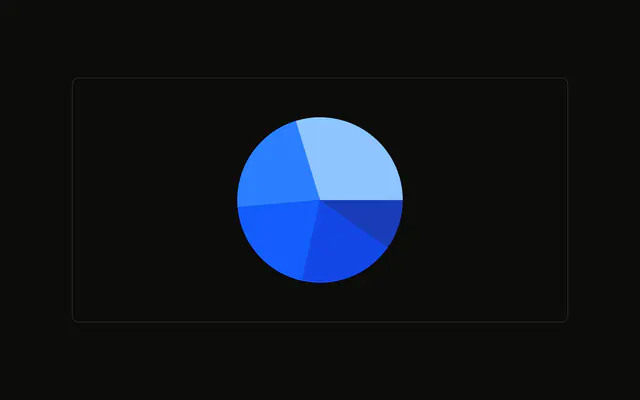
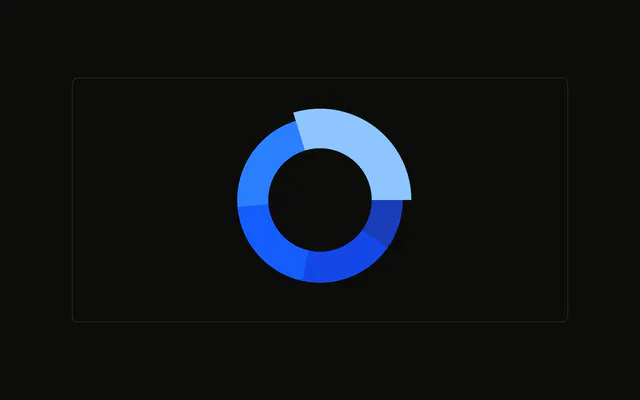
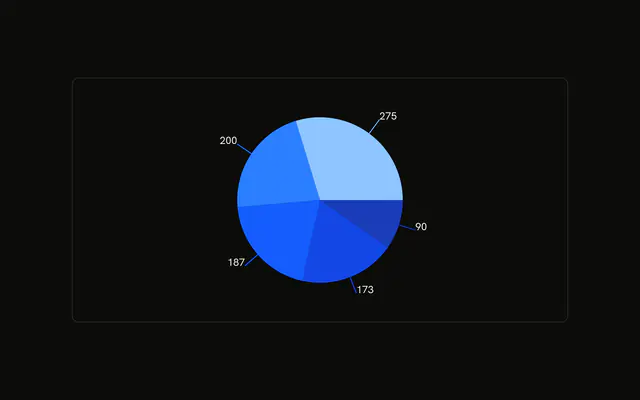
The same browser split as a pie, with a hole in the middle. Slice colors come from the data. The tooltip names the browser and its count. The hole is empty.
Use a donut when you want the split and room in the center for a total. This demo leaves the hole blank. Put the total there, or list the rows in a Table. In React, Base UI does not open the hole. You set the inner radius, and you pass the rows.
Installation
Anatomy

Usage
<div className="w-full max-w-xl rounded-md border bg-background p-4">
  <ChartContainer
    className="mx-auto aspect-square max-h-[250px]"
    config={chartConfig}
  >
    <PieChart>
      <ChartTooltip
        content={<ChartTooltipContent hideLabel />}
        cursor={false}
      />
      <Pie
        data={chartData}
        dataKey="visitors"
        innerRadius={60}
        nameKey="browser"
      />
    </PieChart>
  </ChartContainer>
</div>
FAQ
How is the center hole made?
Pie sets innerRadius to 60. dataKey is visitors and nameKey is browser, so each slice is one browser's visitor count.
How does each slice get its color?
Each row sets fill to a variable such as var(--color-chrome). config maps chrome, safari, firefox, edge, and other to --chart-1 through --chart-5, with labels Chrome, Safari, Firefox, Edge, and Other.
What does the tooltip show?
ChartTooltipContent sets hideLabel, and cursor is false. The slice name comes from nameKey browser, looked up in config, and the value is visitors.
Why is the chart square?
ChartContainer uses mx-auto aspect-square max-h-[250px], so the donut stays square and caps at 250px tall. The outer frame is w-full max-w-xl.
API Reference
Chart
Sets config={chartConfig} and hideLabel. The rest is on the Chart page.