shadcn.io is an independent project built on shadcn/ui
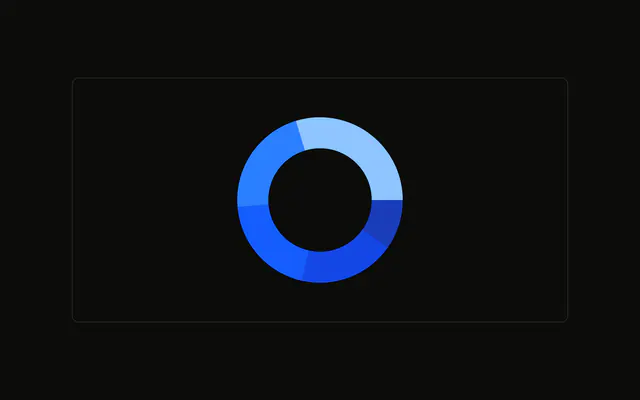
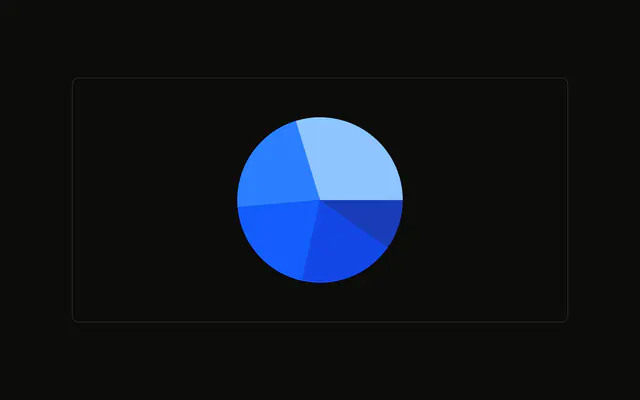
Two rings, both split by month. Desktop is the inner pie and mobile is the ring around it. The same month uses the same color on both.
Use two rings to compare two series over the same categories. A stacked bar is easier once there are many months. A Table keeps both numbers side by side. In React, Base UI does not nest the rings. You size them, and you pass both series.
Installation
Anatomy

Usage
<div className="w-full max-w-xl rounded-md border bg-background p-4">
  <ChartContainer
    className="mx-auto aspect-square max-h-[250px]"
    config={chartConfig}
  >
    <PieChart>
      <ChartTooltip
        content={
          <ChartTooltipContent
            indicator="line"
            labelFormatter={formatRingLabel}
            labelKey="visitors"
            nameKey="month"
          />
        }
      />
      <Pie data={desktopData} dataKey="desktop" outerRadius={60} />
      <Pie
        data={mobileData}
        dataKey="mobile"
        innerRadius={70}
        outerRadius={90}
      />
    </PieChart>
  </ChartContainer>
</div>
FAQ
How are the two rings sized?
The inner Pie uses desktopData, dataKey desktop, and outerRadius 60. The outer Pie uses mobileData, dataKey mobile, innerRadius 70, and outerRadius 90. The outer ring starts 10px past the inner ring.
How do the rings share colors?
Both arrays set fill to var(--color-january) and the same pattern for February through May. config gives each month a color from --chart-1 through --chart-5 and a label such as January. A month uses that color on both rings.
How does the tooltip name the ring?
ChartTooltipContent sets indicator to line, labelKey to visitors, and nameKey to month. labelFormatter is formatRingLabel, which reads the hovered dataKey and returns the Desktop or Mobile label from config.
What does nameKey month put on the row?
nameKey is month, and each row's month is a key such as january. config labels that key January. The title from formatRingLabel says which ring you are on, Desktop or Mobile.
API Reference
Chart
Sets config={chartConfig}, indicator="line", labelFormatter={formatRingLabel}, labelKey="visitors" and nameKey="month". The rest is on the Chart page.