shadcn.io is an independent project built on shadcn/ui
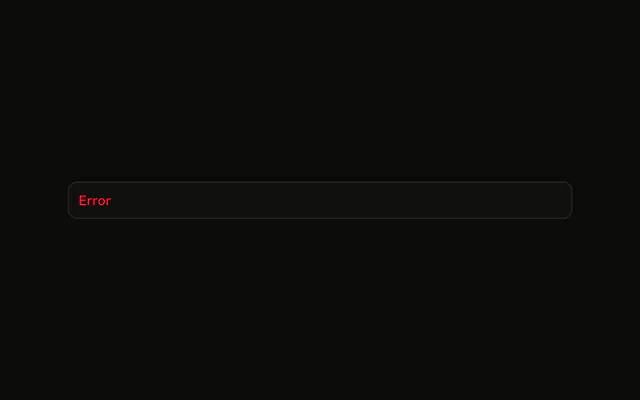
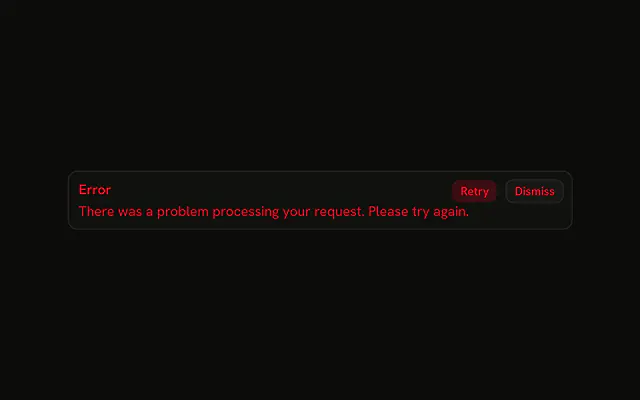
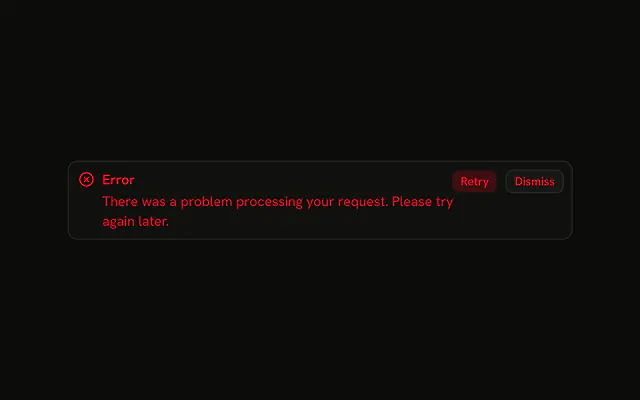
The title Error and one sentence: the request failed, so try again. The alert is destructive. There is no icon and no button.
Use it when the failure needs a reason and there is nothing to click. Mark a single bad input on the Field instead of a banner. In React, Base UI leaves the alert up until you remove it.
Installation
Anatomy

Usage
<Alert className="max-w-lg" variant="destructive">
  <AlertTitle>Error</AlertTitle>
  <AlertDescription>
    There was a problem processing your request. Please try again.
  </AlertDescription>
</Alert>
FAQ
When should I add a description to this error alert?
When the title is only the word Error, as it is here. AlertDescription holds the sentence: "There was a problem processing your request. Please try again."
Which parts does this demo use?
Alert with variant="destructive" and className="max-w-lg", then AlertTitle and AlertDescription. There is no icon and no AlertAction.
How is the description styled in the destructive variant?
The destructive variant colors the description too, a little softer than the title, so the two read as one message with the title on top. You don't add color classes: the variant sets both from the theme's --destructive token.
How do the title and description line up?
Alert is a grid with a small row gap. AlertTitle is the first row and AlertDescription follows it, using the full width inside the padding.
Does a longer description wrap?
Yes. AlertDescription wraps, and max-w-lg caps the alert. This demo is one sentence.
Do screen readers distinguish between title and description?
They read both as part of the alert: Alert has role="alert", so its whole text is announced when it appears, title first. The title and description are plain elements, not headings, so keep the title short and let the description carry the rest.
API Reference
Alert
Sets variant="destructive". The rest is on the Alert page.